Latest Scam Trends

Scam Alert: Phishing Websites Impersonating UOB Kay Hian
uobkhs.com
The Singapore Police Force observes a trend of phishing scams involving fake websites impersonating UOB Kay Hian. These scam sites, such as 'uobkhs.com', are designed to trick victims into revealing their personal and login information, often for investment or trading accounts.
How to recognise these scams:
- Check the URL carefully: Scammers create websites with URLs that are very similar to the official UOB Kay Hian website, often with slight misspellings or extra characters. Always verify the full URL in your browser's address bar.
- Be wary of unsolicited links: Exercise caution with links received via SMS, email, or social media that claim to be from UOB Kay Hian, especially if they prompt you to log in or update your details. Always access official websites by typing the URL directly into your browser.
What to do if you are affected:
If you suspect you have entered your details on a scam website:
- Immediately change your passwords for your UOB Kay Hian account and any other online accounts that share the same password.
- Contact UOB Kay Hian directly through their official customer service channels to report the incident and seek assistance. Do not use contact details provided on the suspicious website.
- Report the incident to the police.
Unsure if something is a scam? Check by calling the 24/7 ScamShield Helpline at 1799.
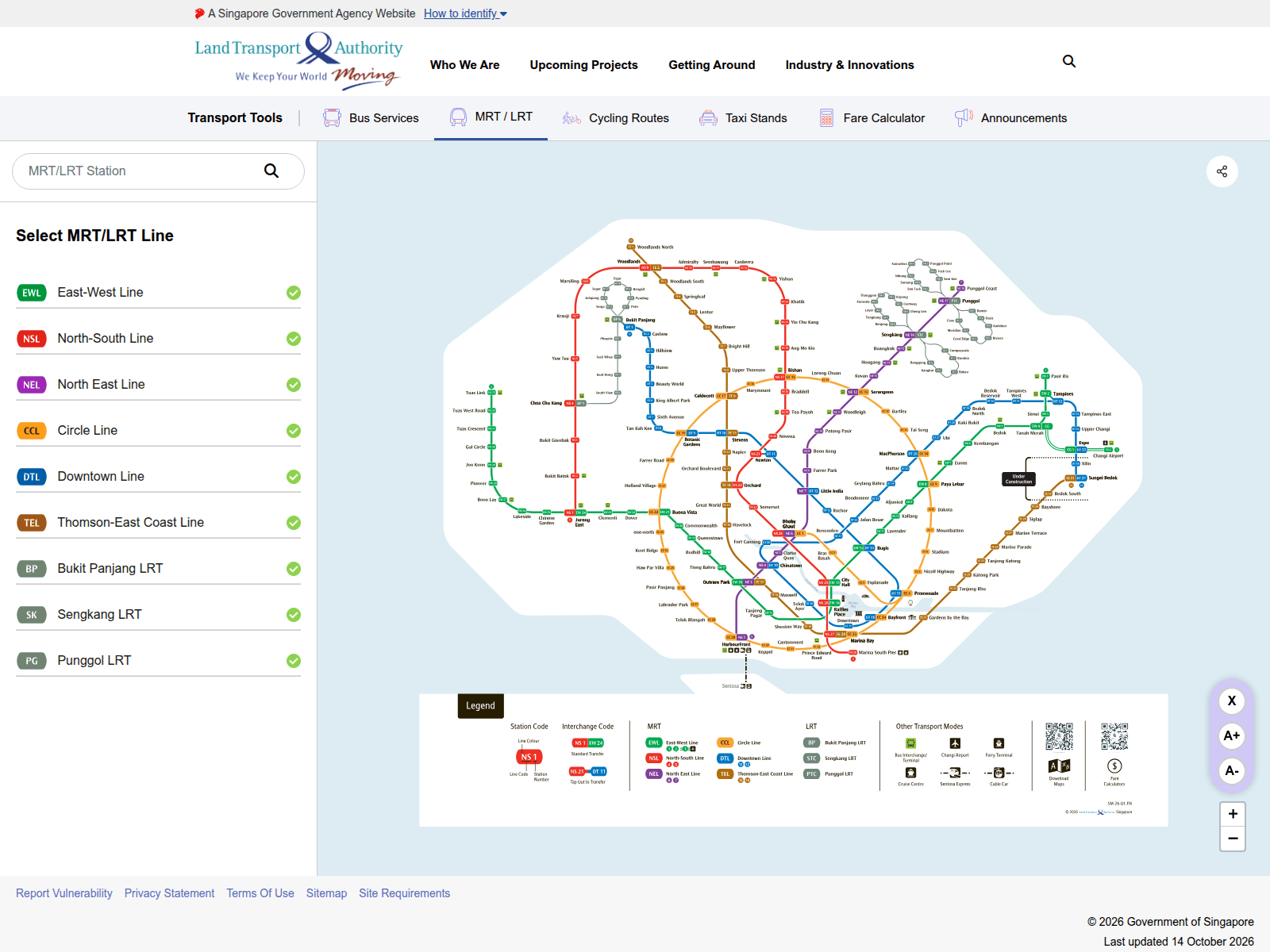
Advisory: Beware of Fake LTA Websites Impersonating Land Transport Authority
pajy.apppy.cc
The Singapore Police Force has observed a trend of scam websites impersonating the Land Transport Authority (LTA). These scam sites aim to trick you into revealing personal information or making fraudulent payments, often by mimicking official LTA services or notifications.
How to recognise these scams:
- Check the website address (URL): Always verify the URL. Official Land Transport Authority (LTA) websites consistently end with
lta.gov.sg. Scam sites often use suspicious or unfamiliar domains likepajy.apppy.ccor similar non-official addresses. - Be wary of unexpected messages: Exercise caution with unexpected SMS messages or emails purporting to be from LTA, especially if they ask for urgent action, personal details, or payments and include links. Always verify such requests through official LTA channels.
What to do if you were affected:
- Add security features: Immediately change your passwords for online banking, email, and any other accounts that might have been compromised. Enable Two-Factor Authentication (2FA) for added security.
- Contact your bank: Inform your bank immediately about the incident to monitor for any unauthorised transactions and take necessary steps to secure your accounts.
- Tell the authorities: Report the scam to the police.
Unsure if something is a scam? Check by calling the 24/7 ScamShield Helpline at 1799.
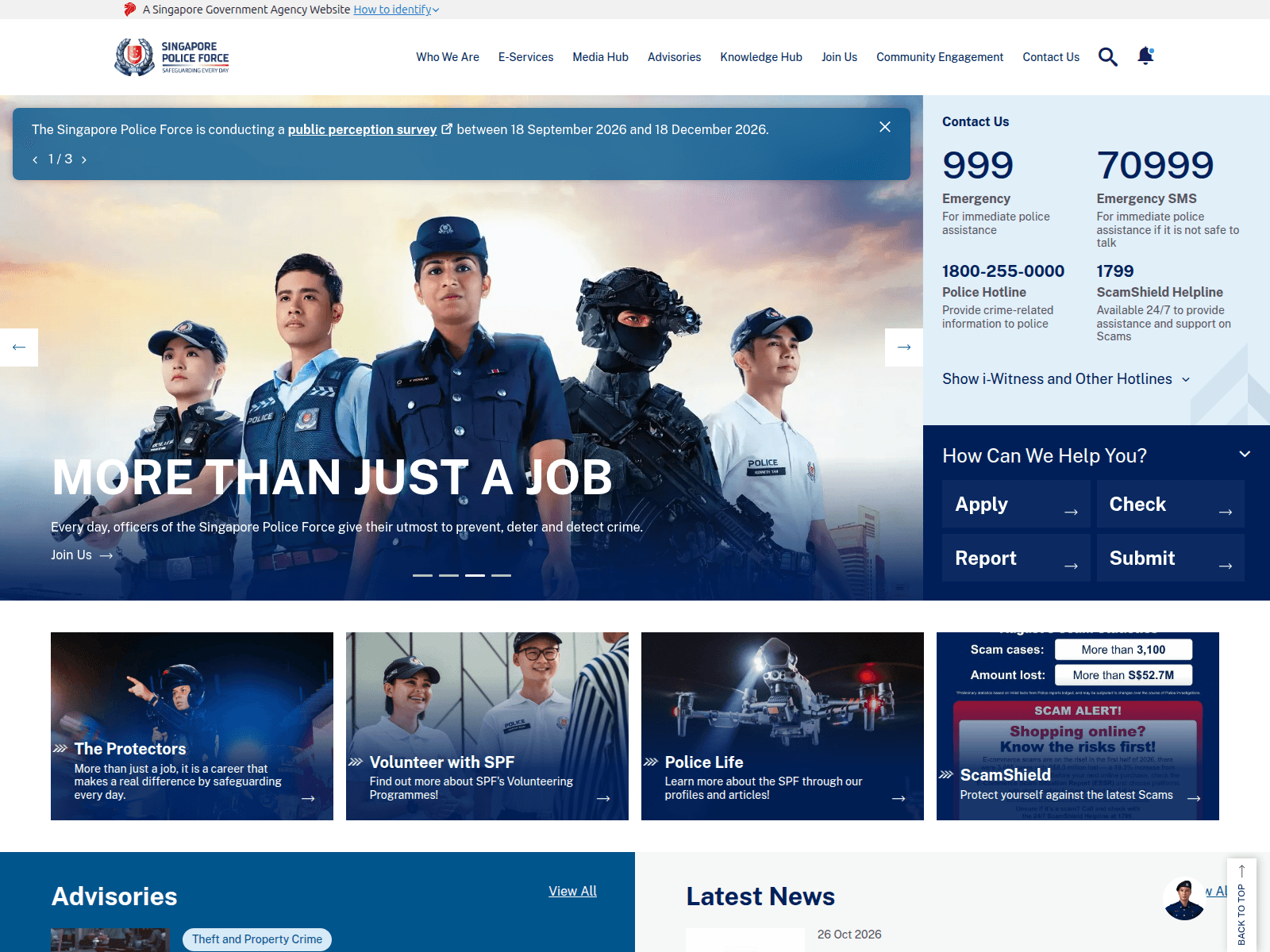
Alert: Fake SPF Websites Impersonating the Police
hare-fan8702.workers.dev
The Singapore Police Force has observed a trend of scam websites impersonating our official channels. These fraudulent sites, which have been reported over 110 times, aim to deceive members of the public into revealing personal information or making payments.
Here’s how to recognise these scams:
- Check the website address carefully. Official SPF websites will always use the domain
police.gov.sg(e.g.,www.police.gov.sg). Scammers use unofficial or slightly altered URLs, often with generic-sounding words or numbers, likehare-fan8702.workers.dev. - Be suspicious of unexpected messages or pop-ups claiming to be from SPF that demand immediate action, personal details, or payment for fines or investigations. SPF will never ask for your banking details or demand money transfers through unofficial means.
If you encounter such a website or suspect you’ve been affected:
- Add security features: Change your online banking and email passwords immediately. Enable Two-Factor Authentication (2FA) for all your accounts.
- Check for scam signs: Always verify any suspicious requests. Do not use contact details provided by the suspicious website.
- Tell authorities, family and friends: Report the incident to the Police at
www.police.gov.sg/iwitnessor call the Police Hotline at 1800-255-0000. Inform your bank immediately if you have provided any banking details or made a transaction.
Unsure if something is a scam? Check by calling the 24/7 ScamShield Helpline at 1799.

Advisory: Beware of Investment Scams Impersonating CNA
zenvaroe.com
avernovat.com
databaiouzuma.com
brenthevalepo.com
venoqai.com
shopboyarskiy.com
morniingowelecigom.com
arvenuklameza.com
freslivetirupigika.com
The Singapore Police Force has observed a recent surge in investment scams impersonating CNA. Scammers are using fake websites and advertisements bearing the CNA brand to trick victims into believing they are legitimate investment platforms. These fraudulent schemes often promise high returns with little to no risk, luring individuals into depositing money.
Here's how to recognise such scams:
- Suspicious Websites: Be cautious of investment opportunities promoted under the CNA brand on websites with unfamiliar or slightly altered URLs (e.g., zenvaroe.com, avernovat.com) that do not belong to CNA's official domains.
- Unsolicited Offers: Be wary of unsolicited messages, social media ads, or online posts promoting investment schemes that claim association with CNA, especially if they promise unusually high returns. Always verify the legitimacy of such offers directly with official CNA channels.
If you suspect you have encountered such a scam, or have already provided your personal or financial details:
- Stop All Communication: Cease all contact with the scammers immediately.
- Check and Verify: Before making any investment decisions, always verify the authenticity of investment opportunities with official sources. For CNA, check their official website or social media channels directly.
- Report to Authorities: Report the incident to the police immediately. If you have made any financial transactions, inform your bank to take necessary actions.
- Tell Others: Inform your family and friends about these scams to protect them.
Unsure if something is a scam? Check by calling the 24/7 ScamShield Helpline at 1799.
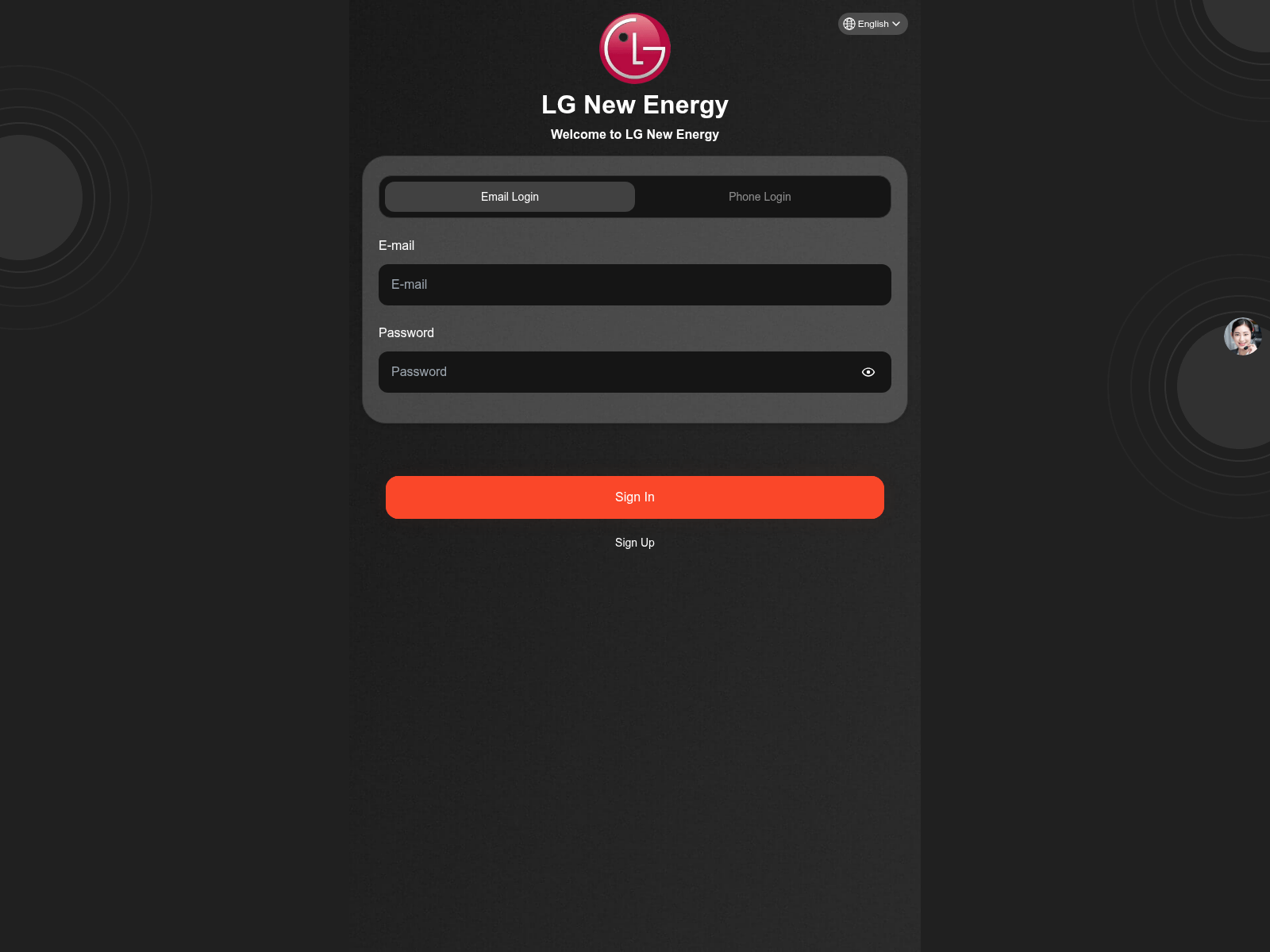
Advisory: Beware of Fake Investment Scams Impersonating LG
lgnewenergy.com
The Singapore Police Force has observed a trend of fake investment websites impersonating LG. These sites aim to trick individuals into believing they are investing in genuine opportunities, often promising high returns. One such reported site uses the URL lgnewenergy.com.
Here's how to recognise such scams:
- Scammers create fake investment websites or apps using names of reputable companies like LG, often with slightly altered or unofficial URLs (e.g.,
lgnewenergy.cominstead of official LG domains). - These scams promise unusually high returns in a short period with little to no risk, which is a common tactic to entice victims.
If you have provided your personal details, made payments, or suspect you have fallen victim to such a scam:
- Immediately stop all communication with the scammer and cease making any further payments.
- Notify your bank promptly to halt any transactions and secure your accounts.
- Report the incident to the police.
Unsure if something is a scam? Check by calling the 24/7 ScamShield Helpline at 1799.
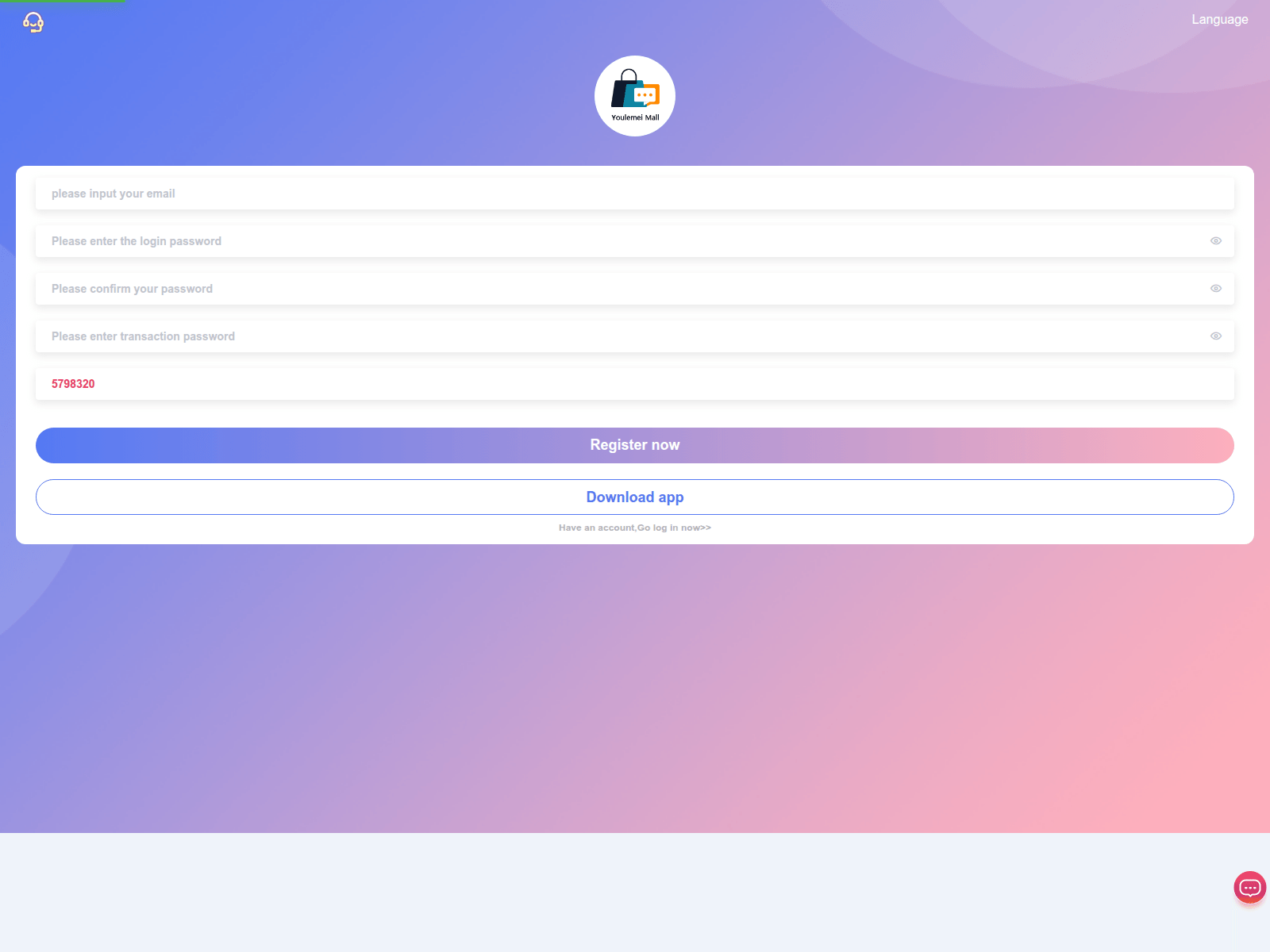
Public Advisory: Beware of Job Scams Impersonating 'Youlemei Mall'
youlemeimall.vip
The Singapore Police Force observes a recent trend of job scams, with several reports involving websites impersonating 'Youlemei Mall'. Scammers use these deceptive sites to trick individuals into fraudulent job opportunities.
Here's how to recognise these scams:
- You receive unsolicited job offers, often via messaging apps or social media, promising high commissions or easy money for simple tasks, such as 'boosting' sales or performing online reviews for 'Youlemei Mall'.
- These scam sites or messages may ask for your personal particulars, bank details, or require you to make upfront payments or 'investments' to secure the job or 'release' your earnings.
If you encounter such a scam or have been affected:
- Do not proceed with any payments or provide your personal banking information.
- Block the sender immediately and report the incident to the Police.
- Inform your bank immediately if you have provided any banking details or made any transfers.
Unsure if something is a scam? Check by calling the 24/7 ScamShield Helpline at 1799.
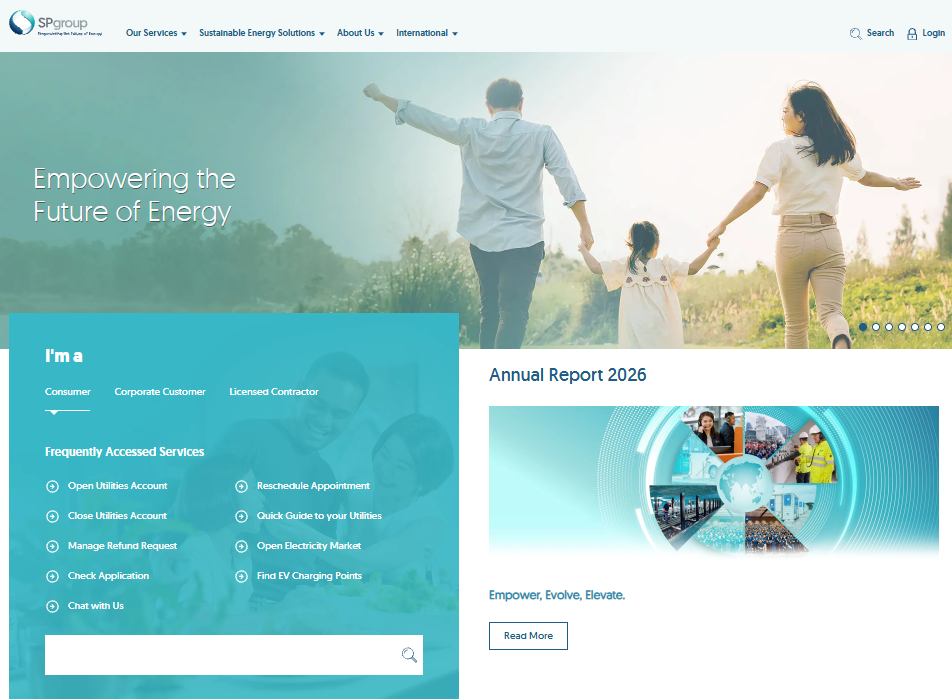
Beware of Phishing Scams Impersonating SP Group
samgirasg.com
The Singapore Police Force has observed a trend of phishing scams impersonating SP Group. Scammers create fake websites and send malicious messages (SMS or email) to trick the public into revealing their personal and banking information.
Here's how to recognise such scams:
- Be wary of messages claiming to be from SP Group that contain suspicious links, especially if they ask you to update account details, pay bills, or claim refunds.
- Always check the website address carefully. Official SP Group websites will use their legitimate domain (e.g.,
spgroup.com.sg), not variations or misspellings likesamgirasg.com.
If you suspect you have provided your personal or banking details on a scam website:
- Immediately contact your bank to report any unauthorised transactions and block your card or account.
- Change passwords for all affected online accounts.
- Report the incident to the Police.
Remember to ACT against scams:
- Add security features like two-factor authentication (2FA) for your online accounts.
- Check for scam signs and verify information with official SP Group sources directly.
- Tell authorities, family, and friends about scams to help protect them.
Unsure if something is a scam? Check by calling the 24/7 ScamShield Helpline at 1799.
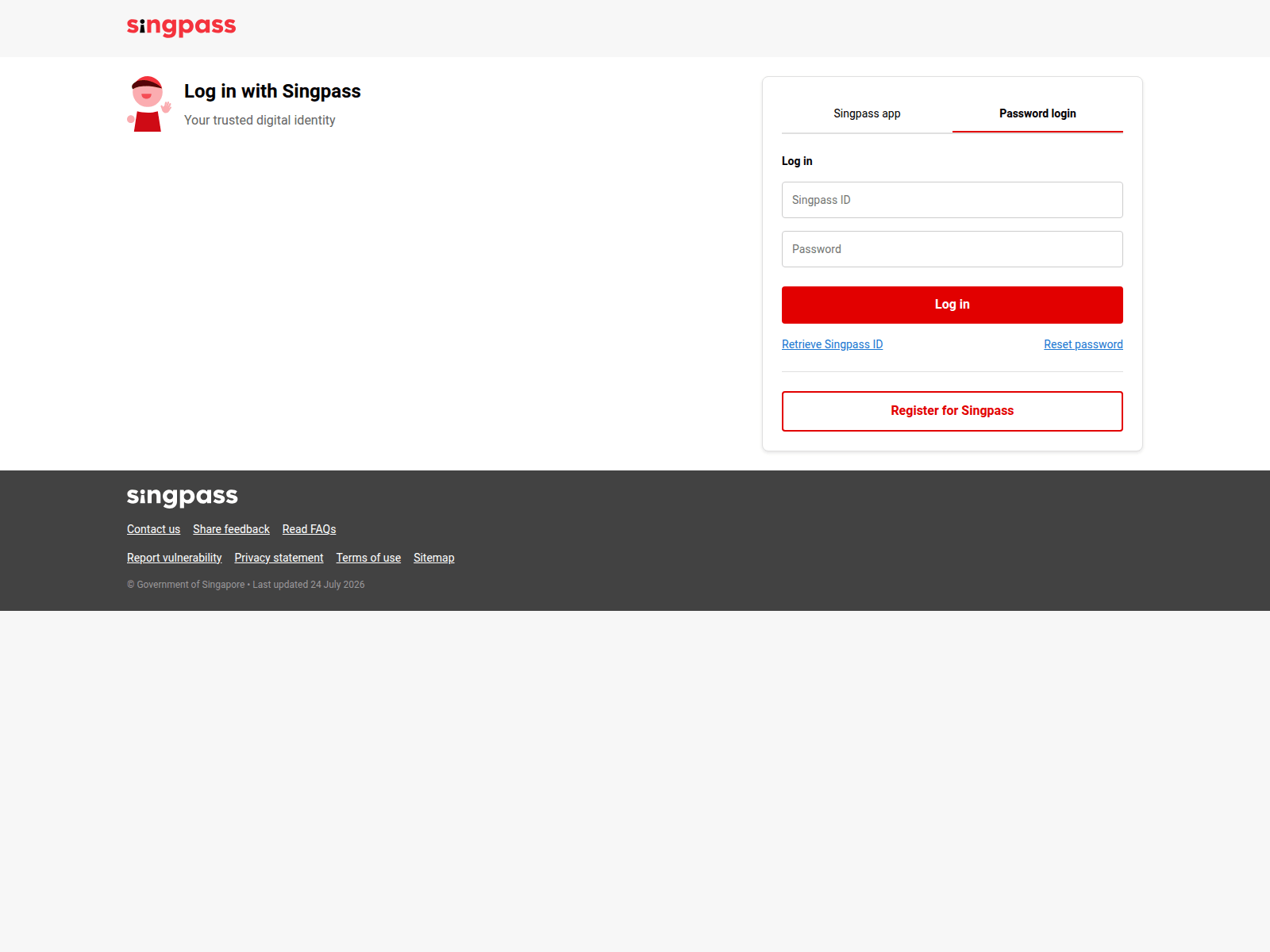
Advisory: Alert on Phishing Scams Impersonating Singpass
carolineporcellane.it
The Singapore Police Force has observed a recent trend of phishing websites impersonating Singpass. These fraudulent sites aim to trick you into revealing your Singpass login credentials.
Here's how to recognise such scams:
- Always check the website address carefully. Official Singpass services are hosted on domains ending with
.gov.sg(e.g.,singpass.gov.sg,mylife.gov.sg). Any other domain, likecarolineporcellane.it, is fake. - Be wary of unsolicited messages (SMS, email) or pop-ups that direct you to a link and ask for your Singpass login details. Singpass will never send you unsolicited links asking for your credentials.
If you have entered your Singpass ID and password on a suspicious website:
- Immediately change your Singpass password via the official Singpass website or app.
- Report the incident to the Police.
- Inform your family and friends about this scam to help them stay vigilant.
- Strengthen your Singpass security by enabling Singpass Face Verification and Two-Factor Authentication (2FA) if you haven't already.
Unsure if something is a scam? Check by calling the 24/7 ScamShield Helpline at 1799.


Advisory: Beware of Investment Scams Impersonating CNA
datahunge.top
easyspark.company
The Singapore Police Force has observed a trend of investment scams impersonating CNA. Scammers are creating fake websites that mimic CNA's branding to promote fraudulent investment schemes, as seen with URLs like datahunge.top and easyspark.company.
Here's how to recognise such scams:
- Check the website address carefully: Scammers use slight variations or unusual domain extensions (like
.topor.company) that do not belong to official CNA websites. Always verify the authenticity of investment platforms. - Be wary of promises of high returns: Investment scams often lure victims with attractive, too-good-to-be-true returns in a short period with little to no risk.
If you suspect you have fallen victim to such a scam:
- Tell authorities and your bank immediately: Report the incident to the Police and contact your bank to halt any transactions or freeze compromised accounts.
- Secure your digital accounts: Change passwords for any online accounts that may have been affected or compromised.
Unsure if something is a scam? Check by calling the 24/7 ScamShield Helpline at 1799.
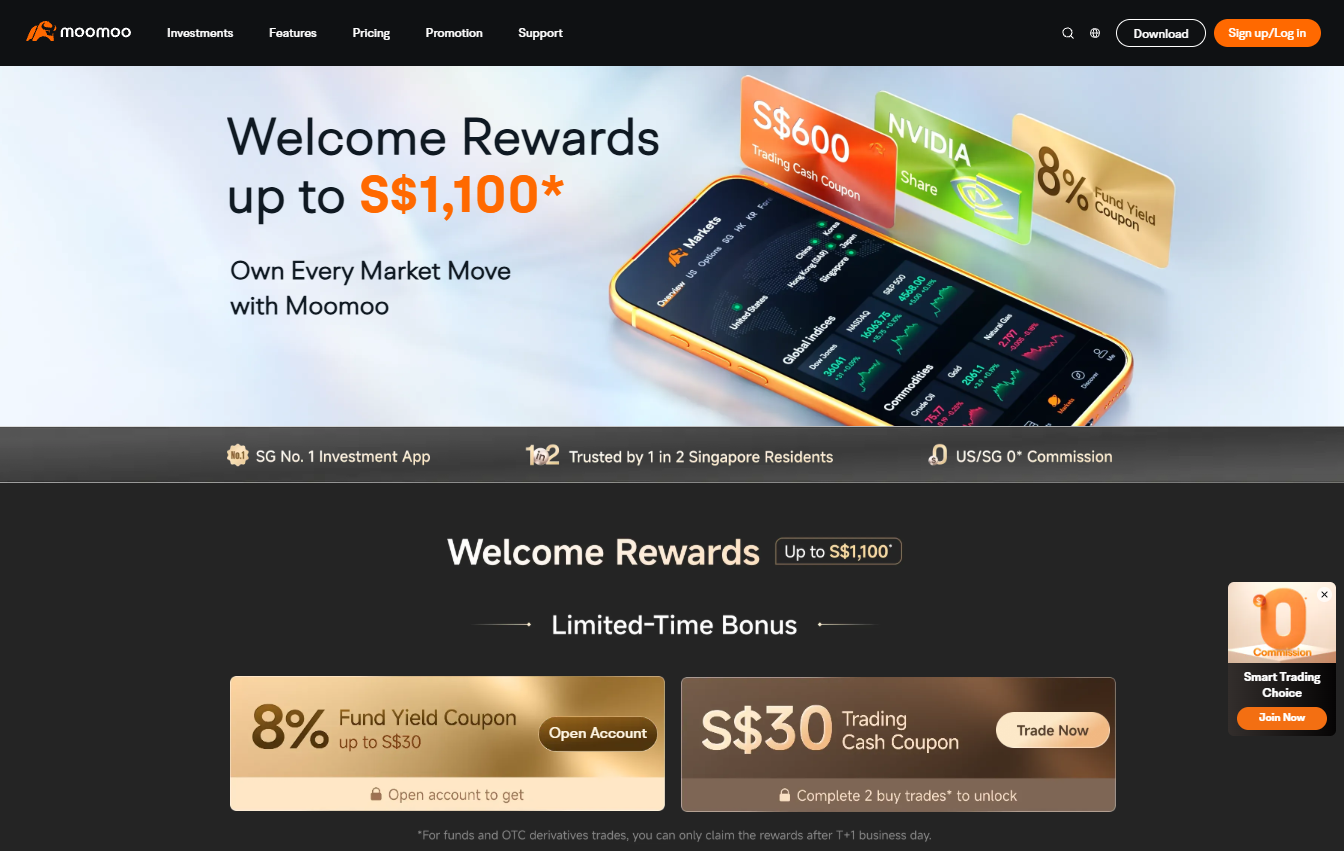
Advisory: Phishing Scams Impersonating MooMoo
p3w8f1y6j0t9h4d2ka.live
8h2n7y4k1p9w0f5jcd.live
n5r0x7c2q8v1m9z4gb.live
The Singapore Police Force has observed a trend of phishing scams impersonating the investment platform MooMoo. Scammers are creating fake websites to trick individuals into revealing their login credentials and personal information.
How to recognise this scam:
- Look out for suspicious web links that appear random or use unusual domain names (e.g., ending with ".live"), even if they feature the MooMoo brand logo or colours.
- These fake websites are designed to look like the official MooMoo platform and will prompt you to enter your login details or other sensitive personal information.
What to do if you are affected:
- If you have entered your login credentials or other personal information on a suspected scam site, immediately change your password for your official MooMoo account and any other accounts using the same password.
- If you have made any financial transactions through a scam site or suspect unauthorised access to your account, contact MooMoo's official customer support and your bank immediately to report the incident.
- Report the scam website to the Police.
Unsure if something is a scam? Check by calling the 24/7 ScamShield Helpline at 1799.
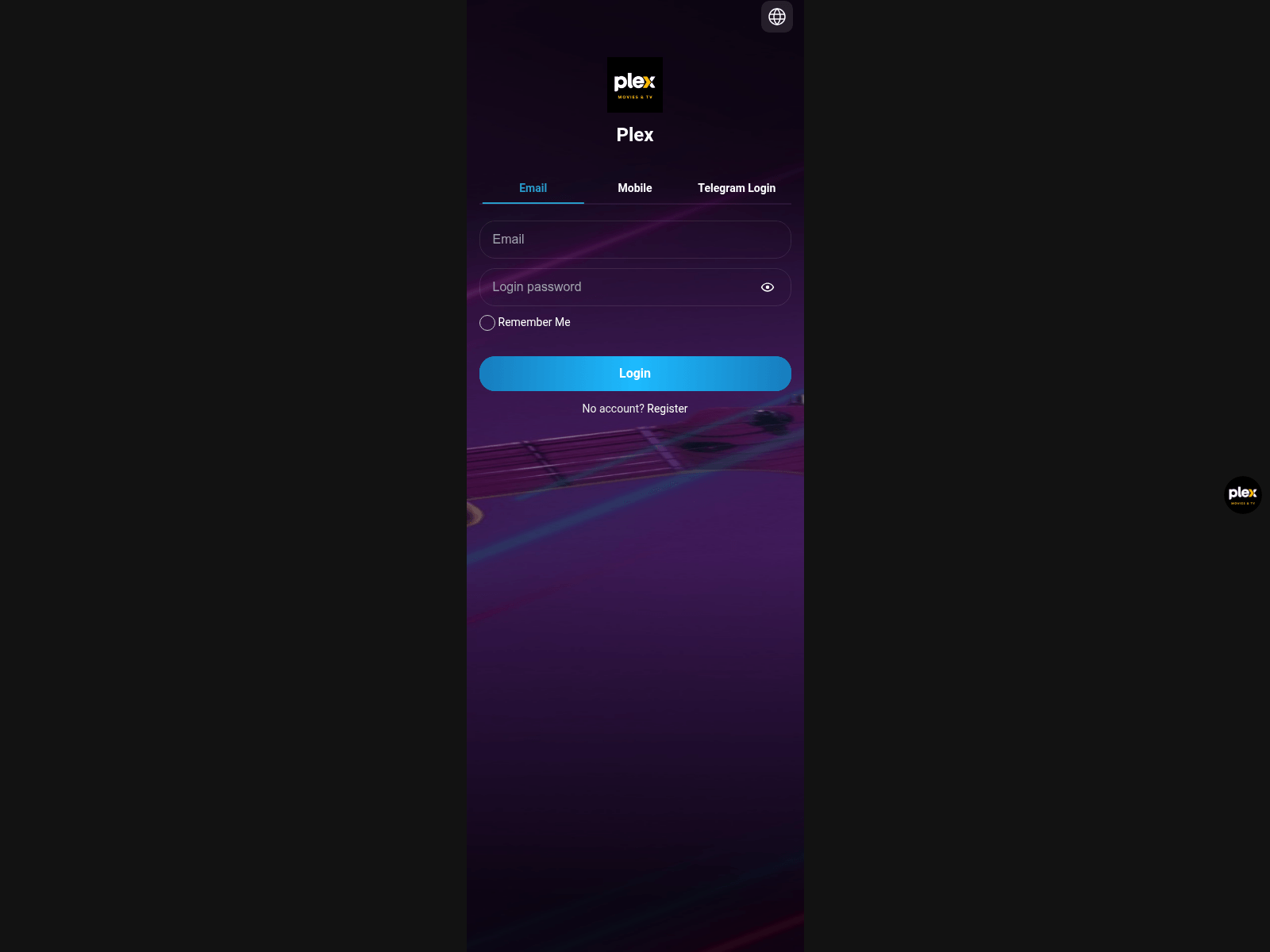
Advisory: Beware of Investment Scams Impersonating PETROBRAS
peshiyou.top
The Singapore Police Force has observed a trend of investment scams that impersonate established brands, including PETROBRAS. These scams create fake investment opportunities, often promising high returns to trick individuals into parting with their money.
Here's how to recognise such scams:
- Unusual Web Addresses: Scammers create fake websites (e.g.,
peshiyou.top) or social media pages that mimic official brand platforms. Always check the web address carefully; official company websites usually have professional and recognizable domain names. - Unrealistic Promises: Scams often feature offers of unusually high returns with little to no risk, pressuring you to invest quickly. Legitimate investments always carry risks, and returns are rarely guaranteed, especially not at unrealistic rates.
If you encounter or suspect you have fallen victim to such a scam:
- Tell authorities, family, and friends: Stop all communication with the scammer immediately and do not transfer any more money. Report the incident to the police.
- Inform your bank immediately to attempt to halt any suspicious transactions if you have already transferred funds.
- Check for scam signs: Always verify any investment opportunity directly with the official company or a trusted financial advisor. Never click on suspicious links or provide personal details on unverified websites.
Unsure if something is a scam? Check by calling the 24/7 ScamShield Helpline at 1799.
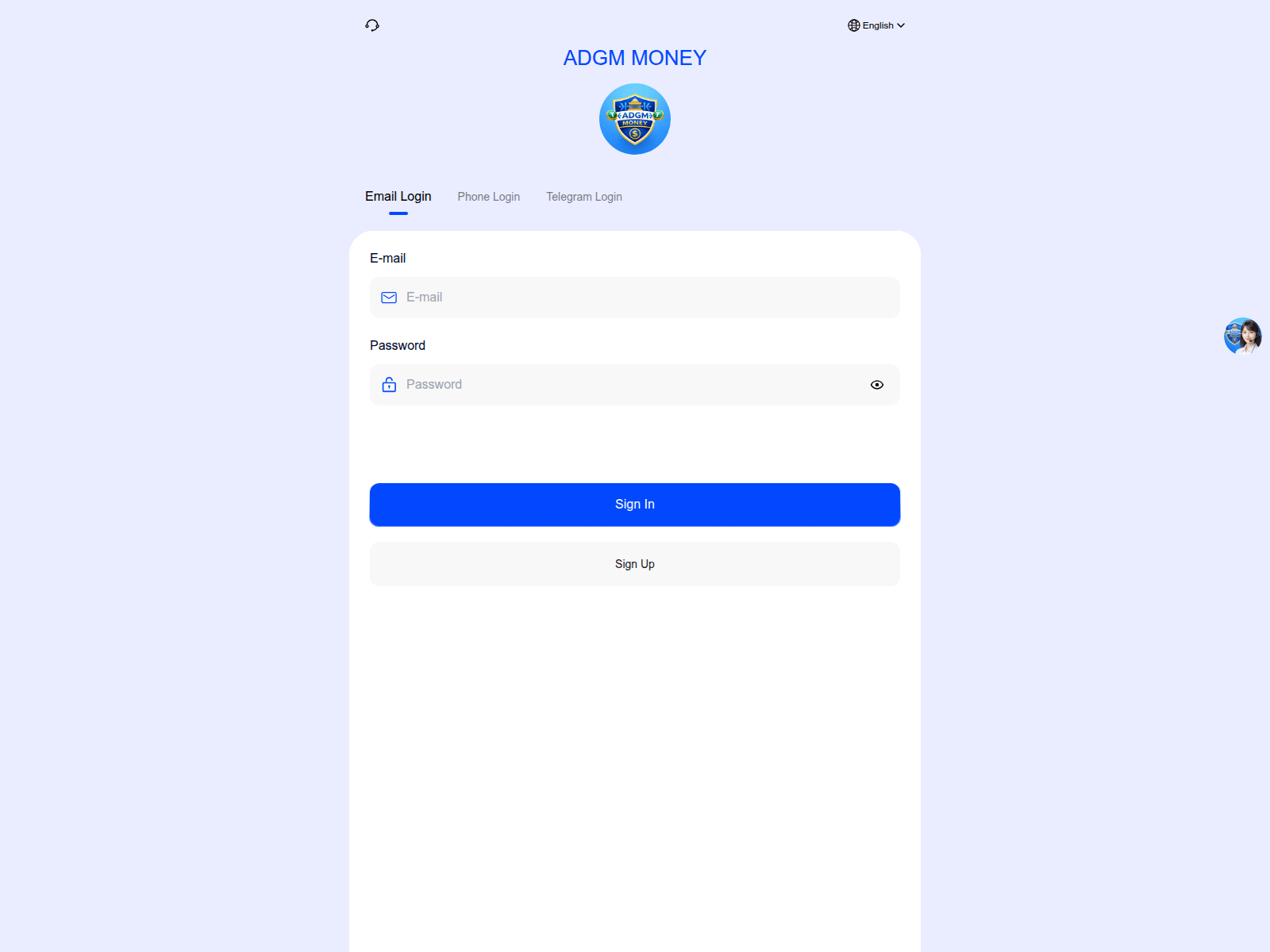
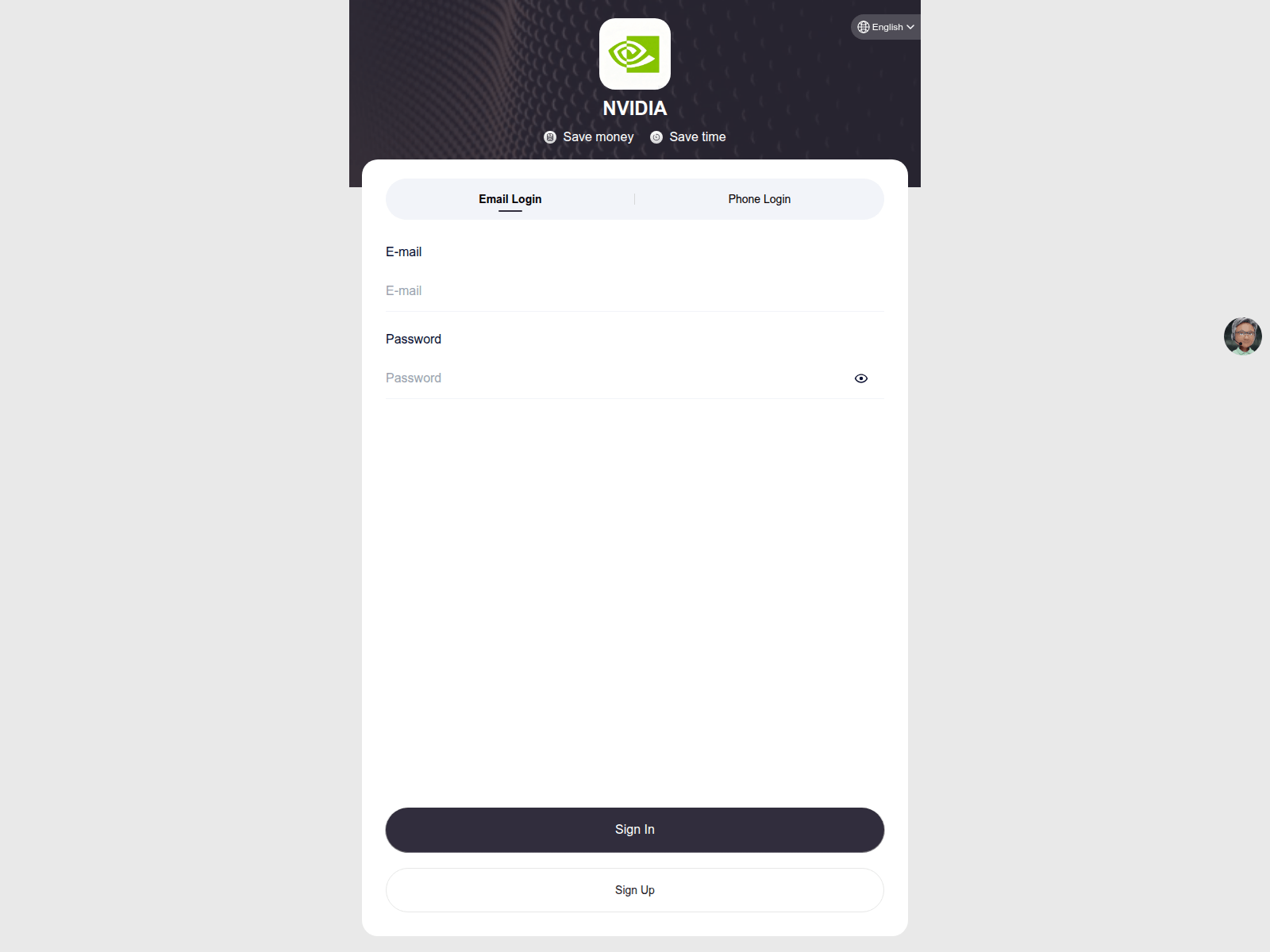
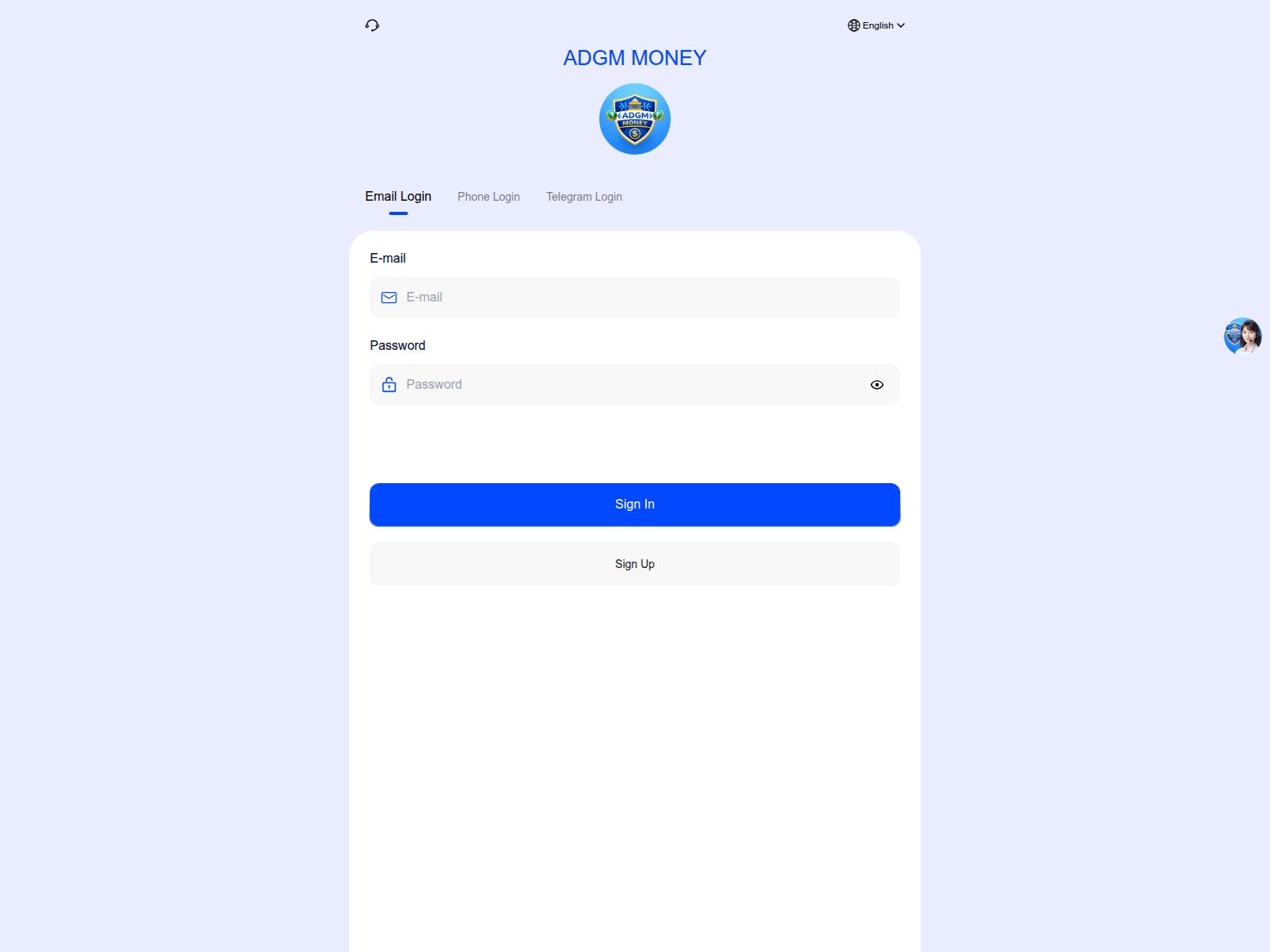
Beware of Fake 'ADGM MONEY' Investment Scams
make-moneyeasily.net
gold-vip.icu
The Singapore Police Force has observed a recent trend of investment scams using fake websites and impersonating financial entities, often using names similar to 'ADGM MONEY'. These fraudulent schemes promise quick and high returns on investments. We urge the public to be vigilant.
Here's how to recognise these scams:
- Unrealistic Promises: Scammers lure victims with promises of exceptionally high or guaranteed returns on investments, often claiming little to no risk. If an offer seems too good to be true, it likely is.
- Suspicious Websites: They direct victims to dubious websites (e.g.,
make-moneyeasily.net,gold-vip.icu) that appear professional but are fake. Always check the URL for unusual characters, misspellings, or unverified security certificates.
If you suspect you have fallen victim to such a scam:
- Stop all communication and transactions immediately. Do not transfer any more money.
- Report the incident to the police via the SPF hotline at 1800-255-0000 or submit an online report at www.police.gov.sg/iwitness.
- Inform your bank immediately to halt any further transactions and seek advice.
Remember, legitimate investment opportunities do not pressure you into making quick decisions or promise returns that are too good to be true. Always exercise caution and verify any investment offers through official channels.
Unsure if something is a scam? Check by calling the 24/7 ScamShield Helpline at 1799.
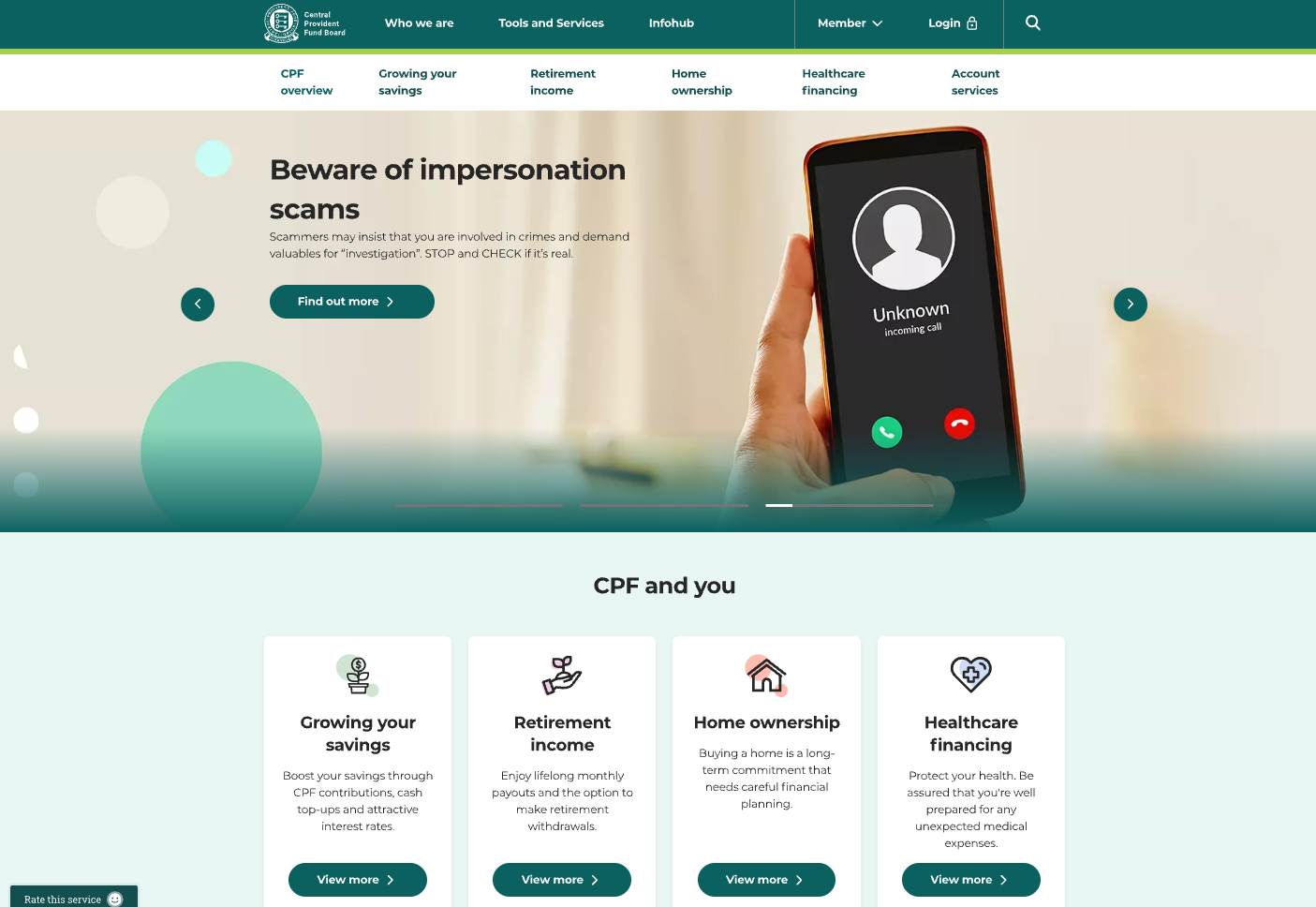
Beware of Phishing Scams Impersonating CPF Board
managelist.com
The Singapore Police Force has observed a trend of phishing scams impersonating the Central Provident Fund (CPF) Board. Scammers create fake websites to trick you into revealing your personal and financial information, often by mimicking official CPF services or communications.
Here's how you can check for scam signs:
- Unusual URLs: Always verify the website address. Official CPF Board websites always end with
cpf.gov.sg. Be cautious of links in messages or emails that direct you to unfamiliar domains. - Requests for sensitive information: The CPF Board will never ask for your Singpass credentials, bank account details, or NRIC through unsolicited SMS, email links, or third-party websites.
What to do if you encounter or are affected by such a scam:
Addsecurity features: If you have provided your Singpass details or other personal information on a suspicious website, change your Singpass password immediately. Also, enable two-factor authentication (2FA) for your Singpass and other important accounts to add an extra layer of security.Tellauthorities, family and friends: Report any suspicious messages or calls to the police and inform your family and friends about these scams. You can also contact the CPF Board directly through their official channels to verify any communications.
Unsure if something is a scam? Check by calling the 24/7 ScamShield Helpline at 1799.
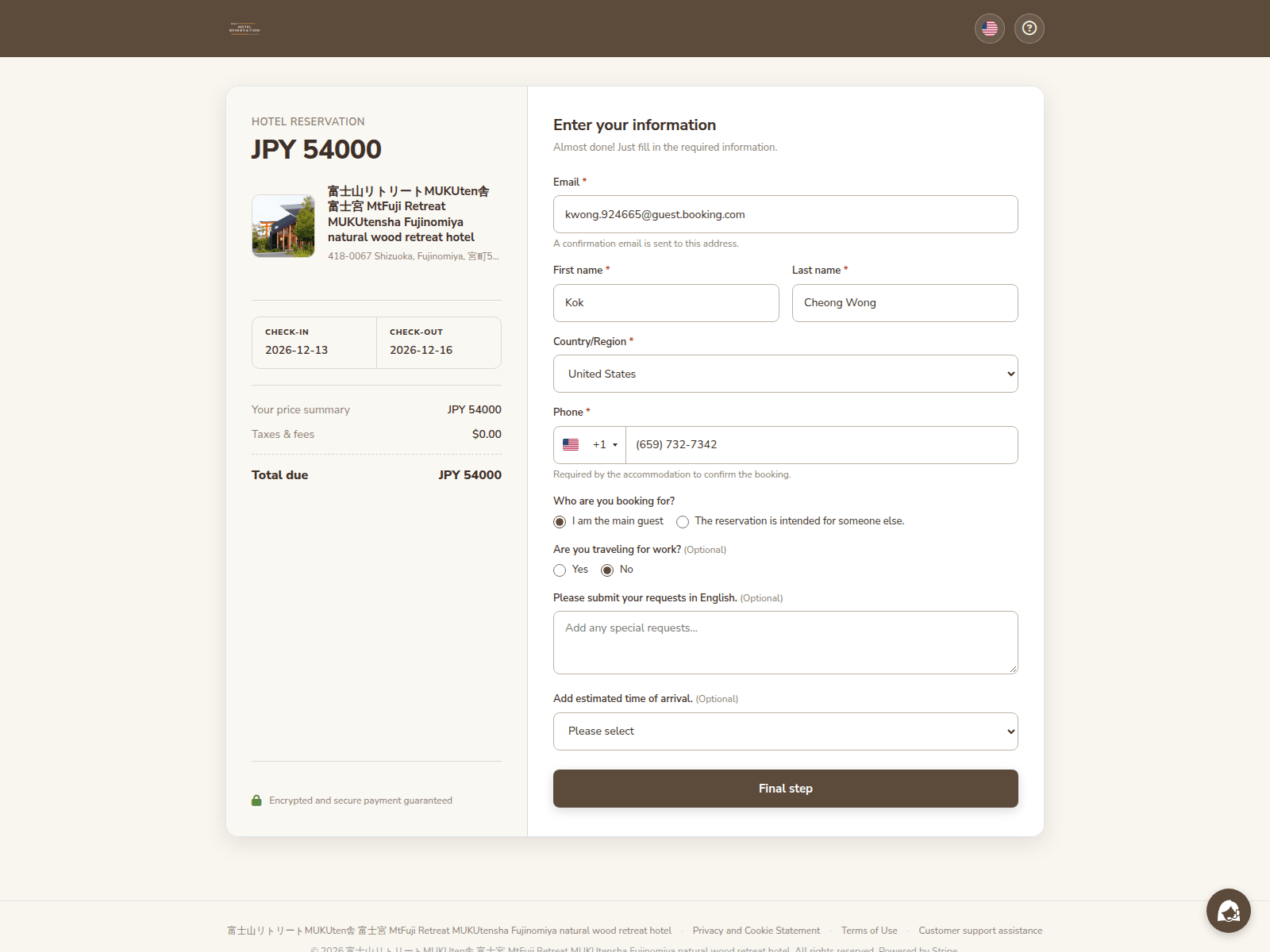
Beware of Phishing Scams Impersonating Hotel Reservation Services
gardes-holdenjp.com
The Singapore Police Force has observed an increase in phishing scams related to hotel reservation services.
Scammers are creating fake websites and messages to trick individuals into believing they are booking hotels or accessing special deals. These fraudulent sites aim to steal your personal and financial information.
How to recognise this scam:
- Look out for suspicious website addresses that do not match the official hotel or booking platform, especially when encountering unsolicited offers. For example, a site like
gardes-holdenjp.comis unlikely to be a legitimate hotel reservation portal. - Be wary of deals that seem too good to be true or requests for personal or payment details outside of secure, trusted platforms.
What to do if you were affected:
If you suspect you have provided your personal or payment details to a fake hotel reservation site:
- Immediately contact your bank to report any unauthorised transactions and monitor your accounts closely for suspicious activity.
- Report the incident to the Police. Inform your family and friends about these scams to protect them from falling victim.
Unsure if something is a scam? Check by calling the 24/7 ScamShield Helpline at 1799.
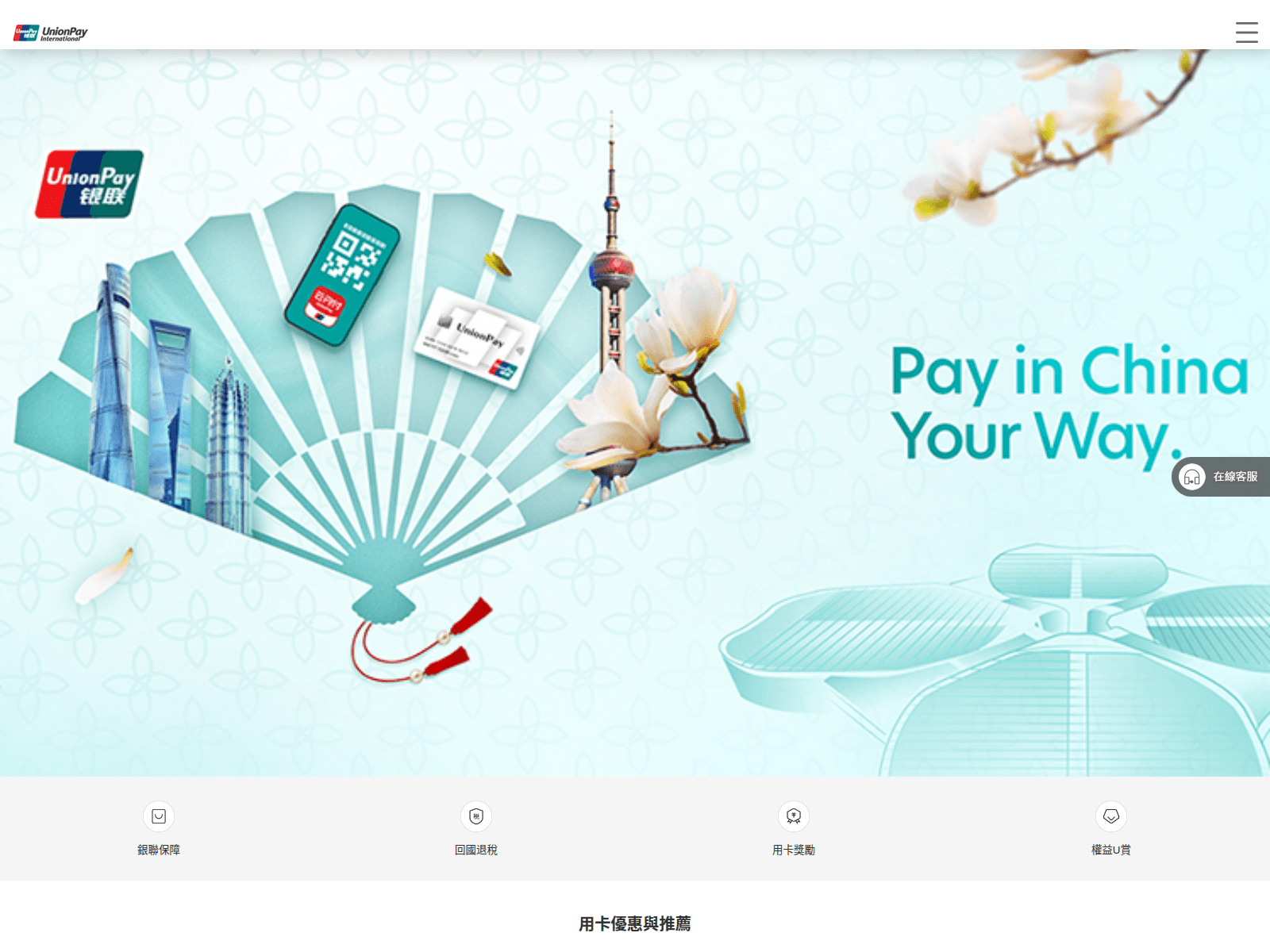
Advisory: Beware of Scam Websites Impersonating UnionPay
lumivo.cfd
calqiro.cfd
The Singapore Police Force has observed recent reports of scam websites impersonating UnionPay. These sites aim to trick users into revealing their personal and banking information.
Here’s how you can recognise such scams and protect yourself:
- Check for scam signs: Always scrutinise the website address. Legitimate UnionPay websites will have official domains, not suspicious ones like
lumivo.cfdorcalqiro.cfd. Look for inconsistencies or unusual layouts. - Verify unexpected requests: Be wary of unsolicited messages (e.g., SMS, emails) that direct you to a website asking for your UnionPay details. UnionPay will typically not ask for sensitive information through unverified links.
What to do if you suspect you've been affected:
- Tell authorities and your bank: Immediately contact your bank or UnionPay to report any unauthorised transactions and secure your accounts.
- Add security: Change any compromised passwords for your online accounts, including your banking or UnionPay accounts, as well as email and other platforms if you use the same password.
- Report to the Police: Submit a report via www.police.gov.sg/iwitness or call 999.
Unsure if something is a scam? Check by calling the 24/7 ScamShield Helpline at 1799.
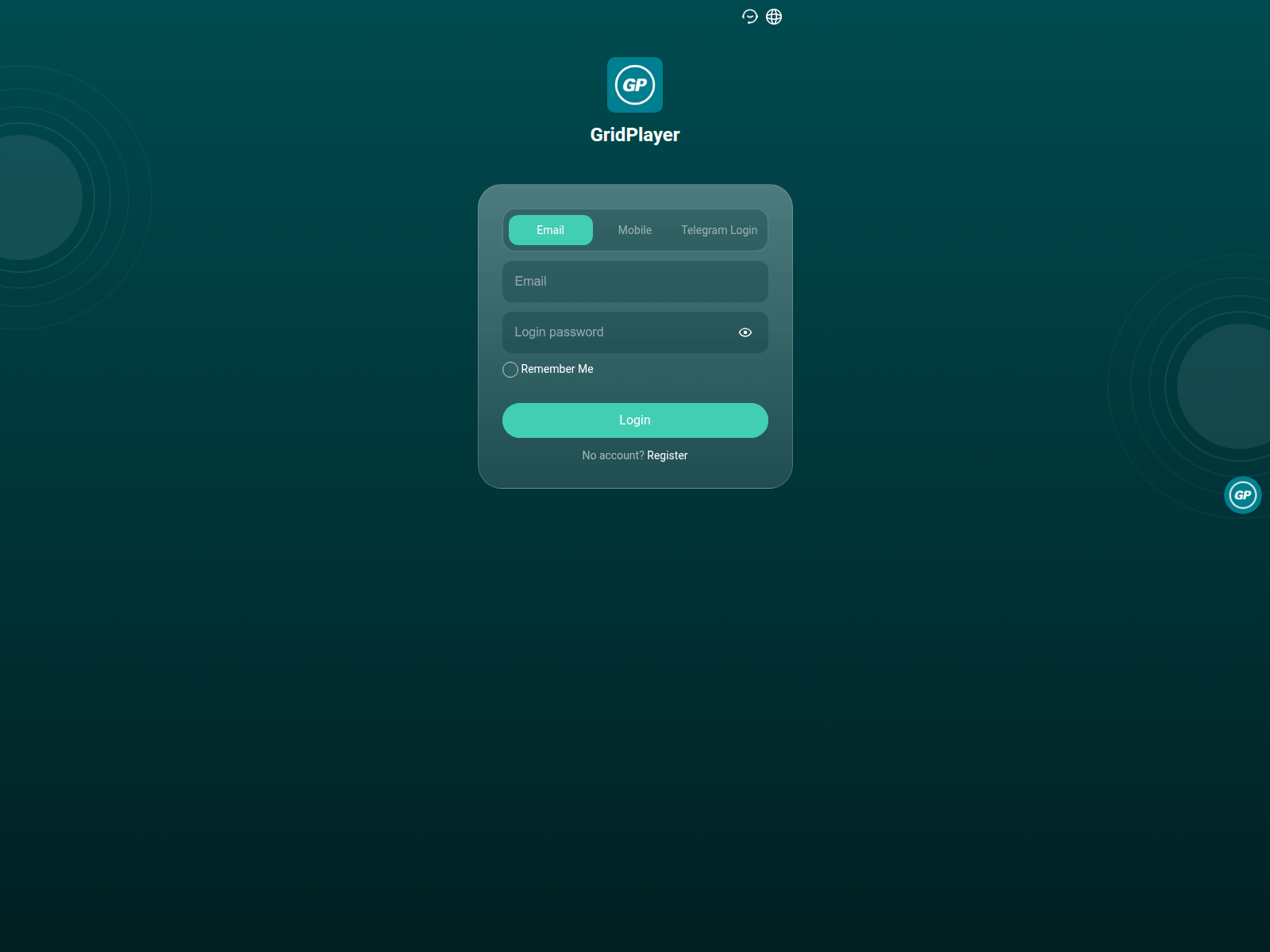
Advisory: Investment Scams Using Fake Websites and Unofficial Links
goudann.top
The Singapore Police Force has observed a trend of investment scams that use fake websites and links. These scams often promise unusually high returns and may impersonate or claim affiliations with reputable technology platforms, even using unfamiliar domains like 'goudann.top' to lure victims.
How to recognise this scam:
- Be cautious of unsolicited messages, ads, or social media posts promoting investment opportunities, especially if they promise exceptionally high returns or claim a connection to well-known tech platforms like GitHub, but direct you to external, unofficial links.
- Always scrutinise the website's address. Legitimate platforms will use their official domain (e.g.,
github.com), not suspicious or unfamiliar URLs such asgoudann.top.
What to do if you encounter or are affected by this scam:
- Do not click on suspicious links or download any files from unverified sources.
- If you have provided personal details, banking information, or invested money, immediately change your passwords for all online accounts (especially banking and email) and notify your bank.
- Report the incident to the police immediately.
Unsure if something is a scam? Check by calling the 24/7 ScamShield Helpline at 1799.
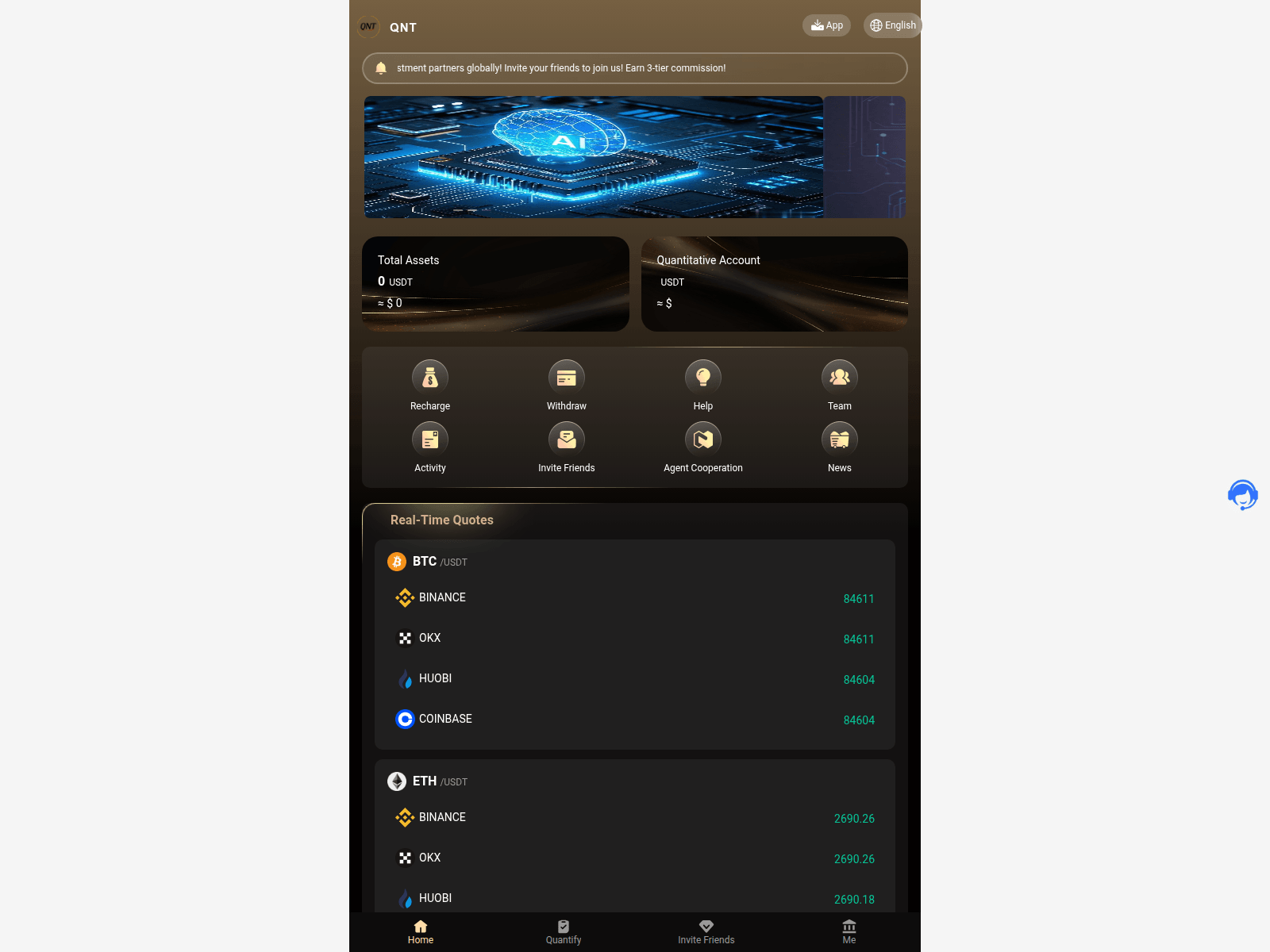
Advisory: Beware of Fake QNT Investment Platforms
qntai.top
The Singapore Police Force has observed a trend of investment scams involving platforms impersonating QNT, such as websites like qntai.top. These scams often lure victims with promises of high returns in a short period. We urge the public to be vigilant and remember to ACT against scams.
Recognising the Scam:
- Be cautious of unsolicited investment opportunities, especially those promising guaranteed high returns that seem too good to be true. Legitimate investments always carry risks.
- Always check the website address carefully. Scammers use fake or slightly altered URLs (e.g.,
qntai.top) to mimic official platforms. Verify the legitimacy of investment platforms through official company websites or trusted financial advisors.
What to do if you have been affected: If you suspect you have fallen victim to such a scam or have provided personal or financial information:
- Contact your bank immediately to secure your accounts and report any unauthorised transactions.
- Report the incident to the Police. You can do this online at www.police.gov.sg/iwitness.
- Inform your family and friends about these scams to prevent them from falling victim.
Unsure if something is a scam? Check by calling the 24/7 ScamShield Helpline at 1799.
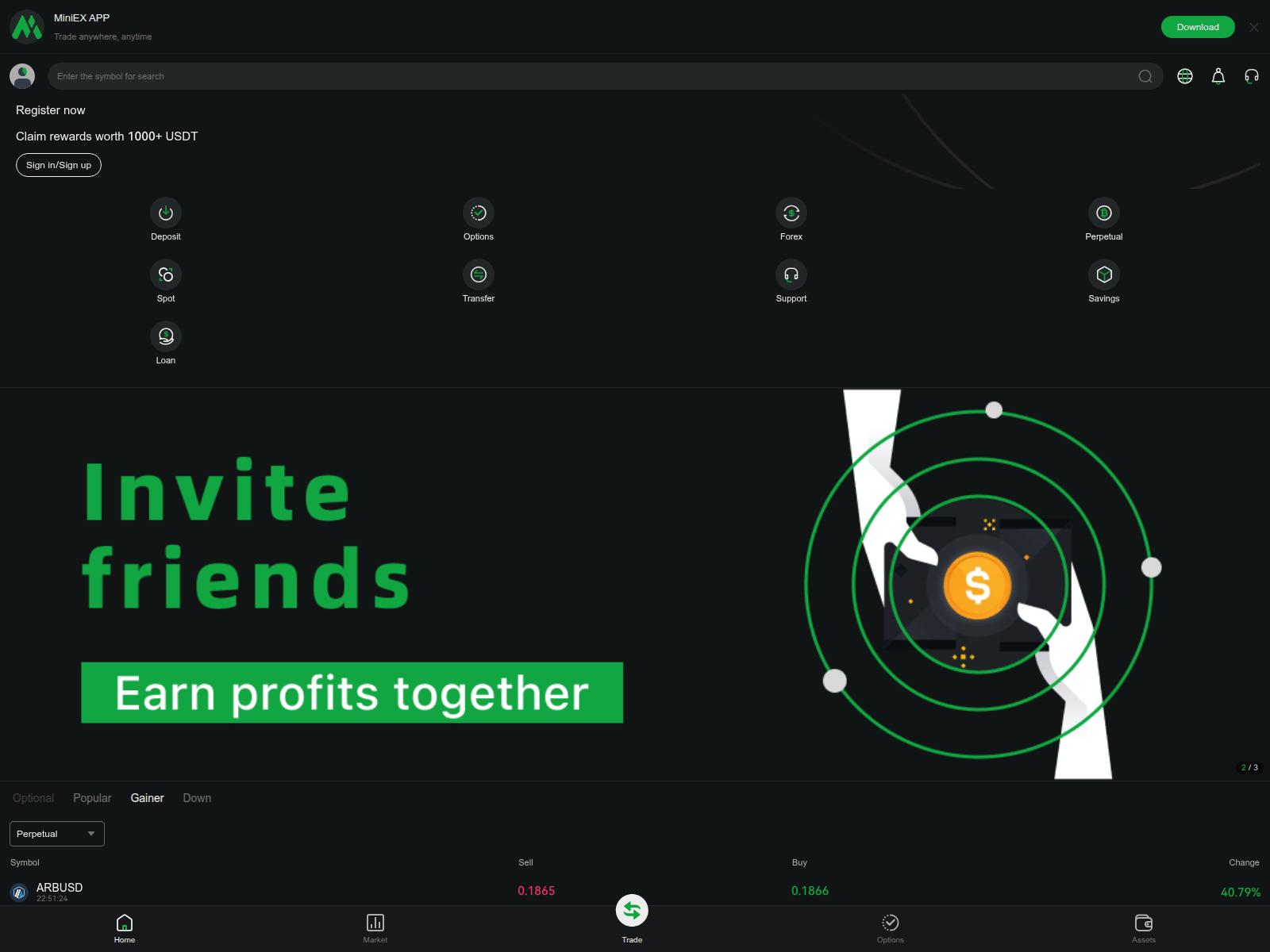
Advisory: Beware of Miniex Investment Scams
miniexi.com
The Singapore Police Force (SPF) has observed a trend of investment scams involving the brand "Miniex" and suspicious websites such as miniexi.com. These scammers typically target individuals with promises of attractive, high-yield investment returns.
How to recognise this scam:
- Be cautious of unsolicited messages, calls, or online advertisements promoting investment opportunities, especially those promising guaranteed high returns in a short period.
- Scammers often direct victims to fraudulent websites like
miniexi.comor apps, claiming to be official "Miniex" investment platforms, to trick them into transferring money or providing personal details.
What to do if you encounter this scam or have been affected:
- Stop: Immediately cease all communication with the alleged investment "agents" or platforms.
- Do not transfer: Do not make any further payments or provide any more personal information.
- Report: Lodge a police report as soon as possible.
- Notify: Inform your bank or financial institution immediately if you have transferred money, to see if transactions can be halted or reversed.
Unsure if something is a scam? Check by calling the 24/7 ScamShield Helpline at 1799.
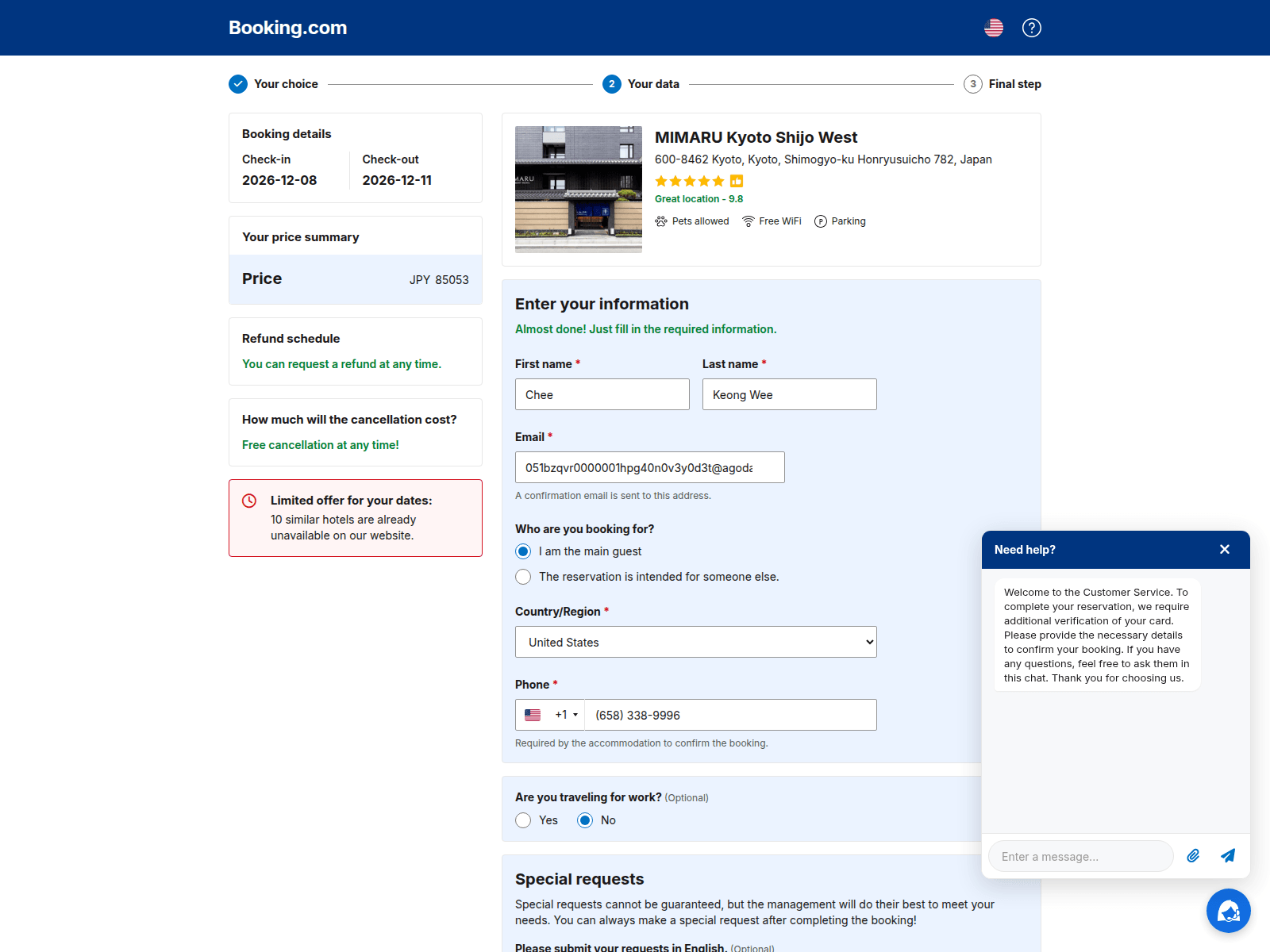
Advisory: Phishing Scams Impersonating Booking.com
reserv-advanced67745303.com
The Singapore Police Force (SPF) has observed a trend of phishing scams impersonating popular booking platforms, such as Booking.com. Scammers create fake websites that mimic the official platform to trick users into revealing their personal information, login credentials, or payment details.
Here's how to recognise such scams:
- Always check the website address (URL) carefully. Official Booking.com websites will start with
booking.com, not suspicious variations likereserv-advanced67745303.com. - Be wary of unexpected messages, emails, or links asking you to log in or provide personal information related to your bookings.
If you suspect you have encountered such a scam or have provided your details on a fake site:
- Change your password immediately for your Booking.com account and any other online accounts where you use the same password.
- Monitor your bank and credit card statements closely for any unauthorised transactions. If you spot anything suspicious, report it to your bank immediately.
- Report the incident to Booking.com through their official channels and to the police via the SPF hotline at 1800-255-0000 or submit an online report at www.police.gov.sg/iwitness.
Remember, you can "ACT" against scams:
- Add security features like Two-Factor Authentication (2FA) for your online accounts.
- Check for scam signs, especially suspicious URLs and unexpected requests for personal information, and verify with official sources.
- Tell authorities, family, and friends about scams.
Unsure if something is a scam? Check by calling the 24/7 ScamShield Helpline at 1799.
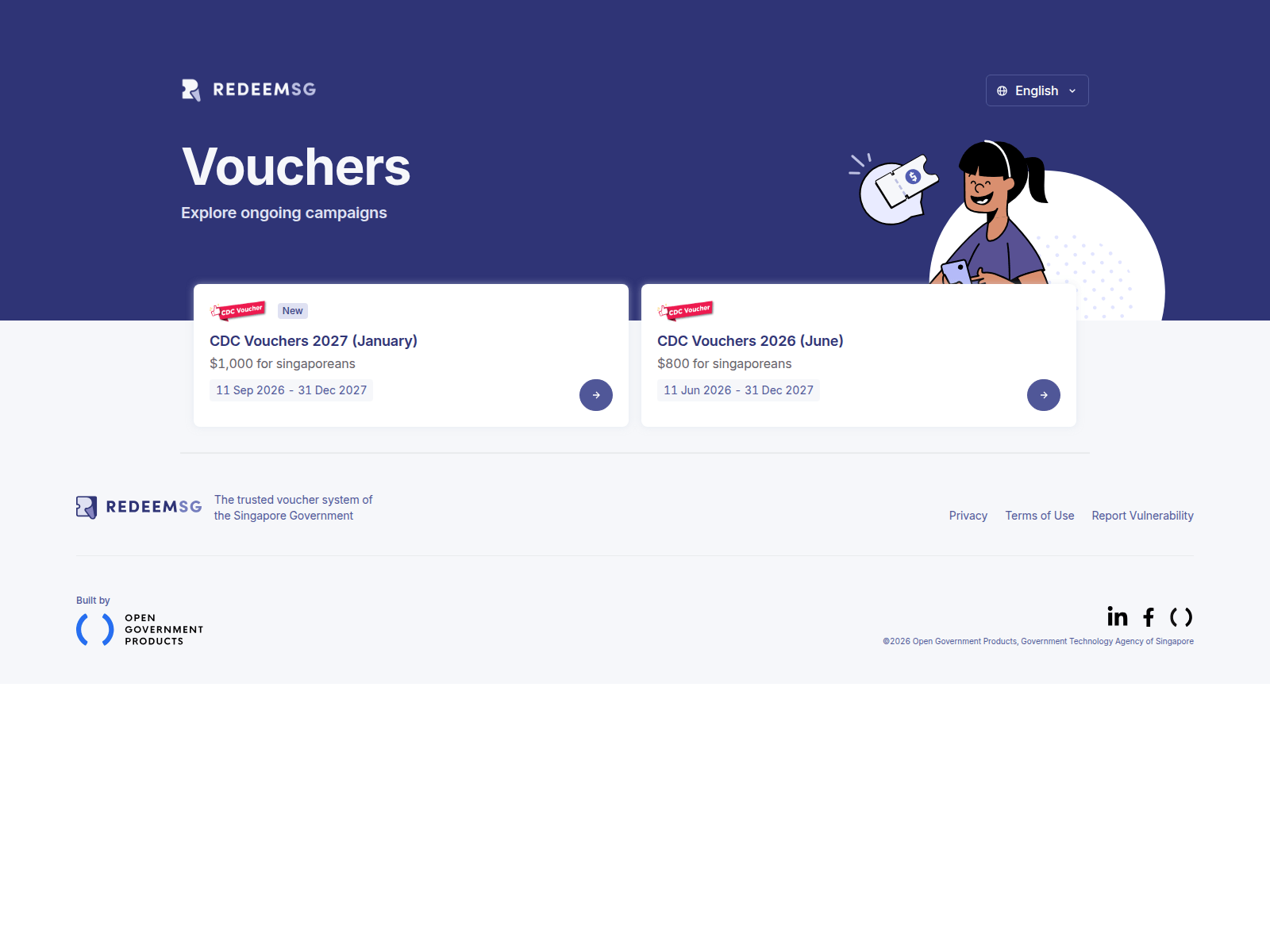
Advisory on Impersonation Scams Involving CDC Vouchers
ptvs-fcf5-eb3ff9d649f5.herokuapp.com
The Singapore Police Force has observed a trend of impersonation scams leveraging on the "CDC Vouchers" scheme.
How to recognise this scam:
- Scammers send messages or direct victims to fake websites related to "CDC Vouchers", prompting them to click on suspicious links to claim vouchers or provide personal/banking details.
- Official communications regarding CDC Vouchers will not ask for sensitive personal or banking information via unverified links.
What to do if you were affected:
If you have clicked on a suspicious link or provided your personal/banking details:
- Immediately contact your bank to secure your accounts and monitor for unauthorised transactions.
- Change passwords for any online accounts that might have been compromised.
- Report the incident to the Police.
Remember, you can ACT against scams:
- Add security features like Two-Factor Authentication (2FA) for your online accounts.
- Check for scam signs and verify information with official sources (e.g., the official CDC Vouchers website or relevant government portals).
- Tell authorities, family, and friends about scams to protect others.
Unsure if something is a scam? Check by calling the 24/7 ScamShield Helpline at 1799.
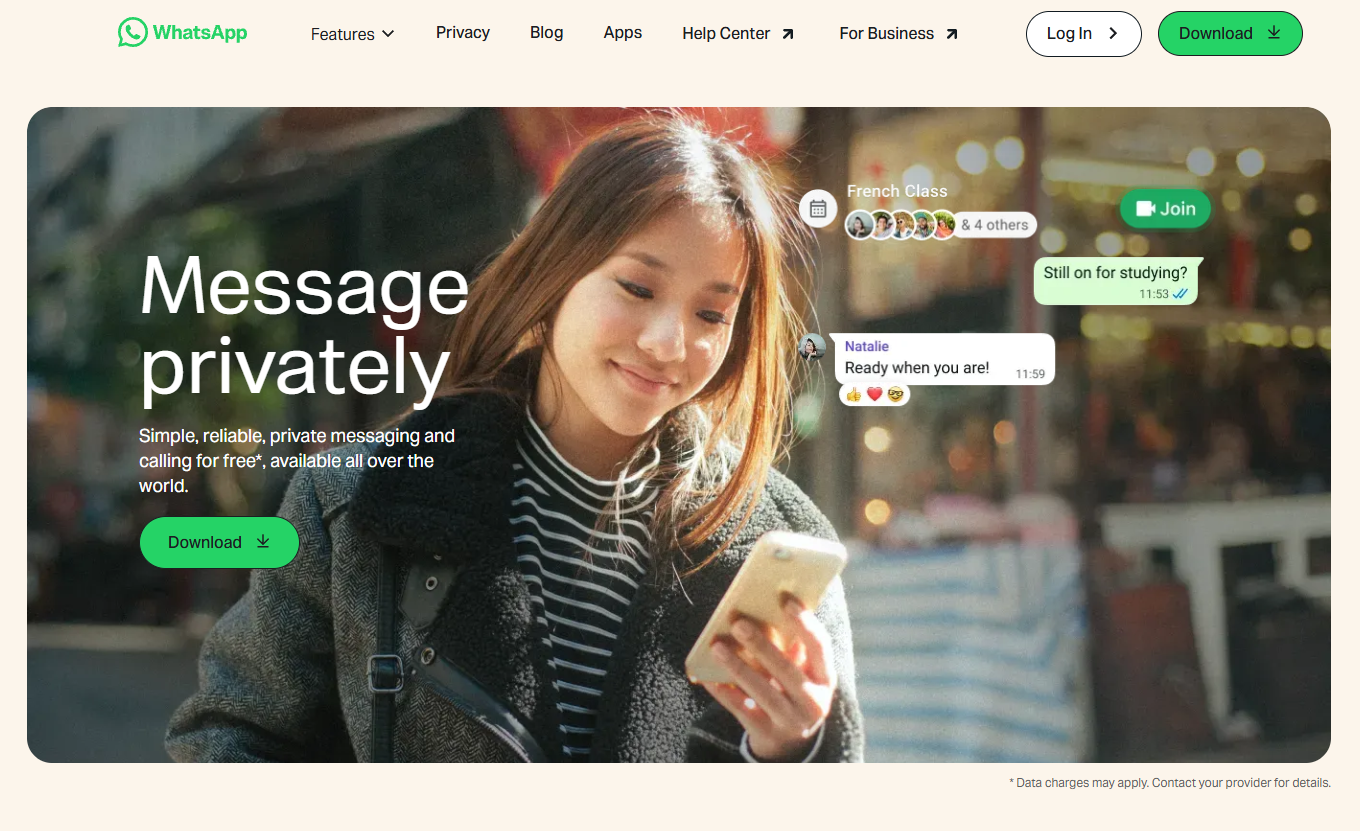

Advisory: Impersonation Scams Using Fake WhatsApp Websites
whasgapp.com
The Singapore Police Force has observed a trend of scam websites impersonating WhatsApp. These fraudulent sites aim to trick users into revealing personal information or downloading malicious software.
How to recognise these scams:
- Always scrutinise the website address. Genuine WhatsApp websites will always be
whatsapp.com. Scammers often use subtle misspellings or additional words in the URL (e.g.,whasgapp.com,whatsapp-update.com). - Be wary of unsolicited messages or pop-ups asking you to click a link to "verify" your account, "update" your app, or claim a prize. WhatsApp will not ask for sensitive information or updates through random links.
What to do if you encounter or are affected by such scams:
- Do not click on suspicious links. If you receive a message with a suspicious link, delete it immediately.
- If you have clicked a suspicious link and entered personal details (e.g., WhatsApp login details, banking information, or One-Time Passwords):
- "Adding" security features: Immediately change your passwords for WhatsApp and any other accounts that share the same password. Enable Two-Factor Authentication (2FA) on all your accounts for an extra layer of security.
- "Telling" authorities: Report the incident to the police. Contact your bank immediately if you have provided banking details or noticed any unauthorised transactions.
- Inform your family and friends about this scam to prevent them from falling victim.
Unsure if something is a scam? Check by calling the 24/7 ScamShield Helpline at 1799.
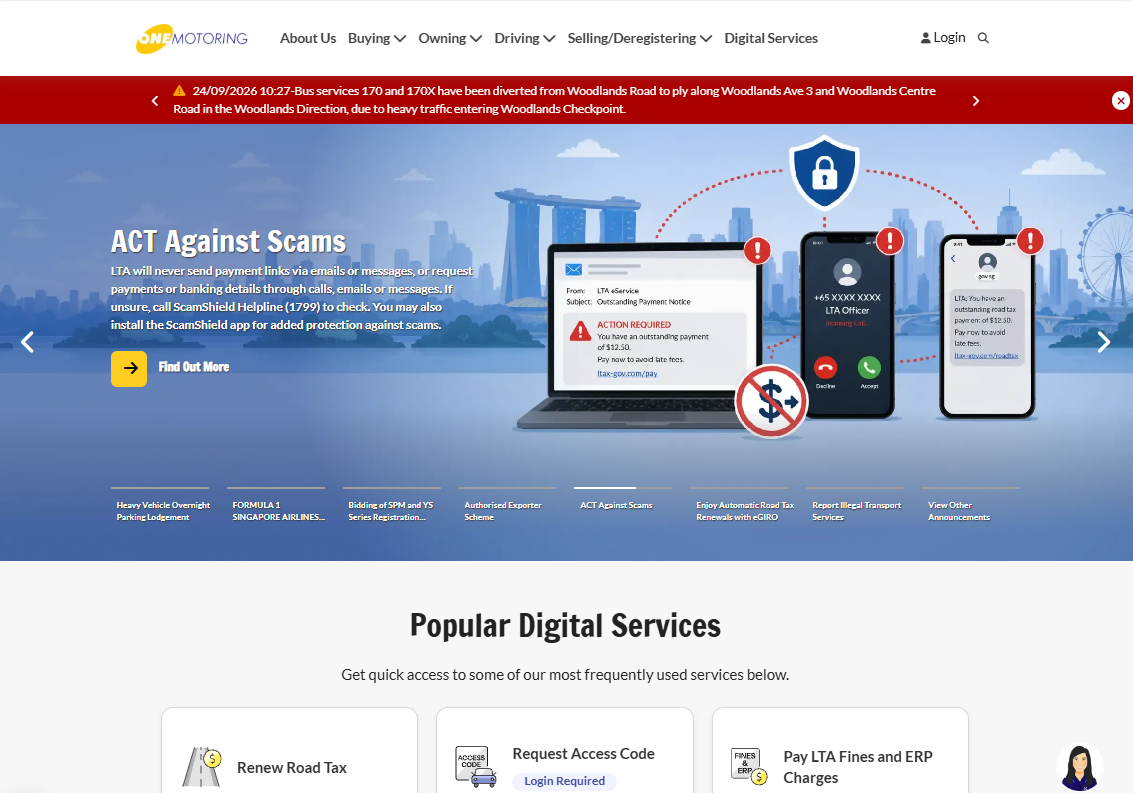
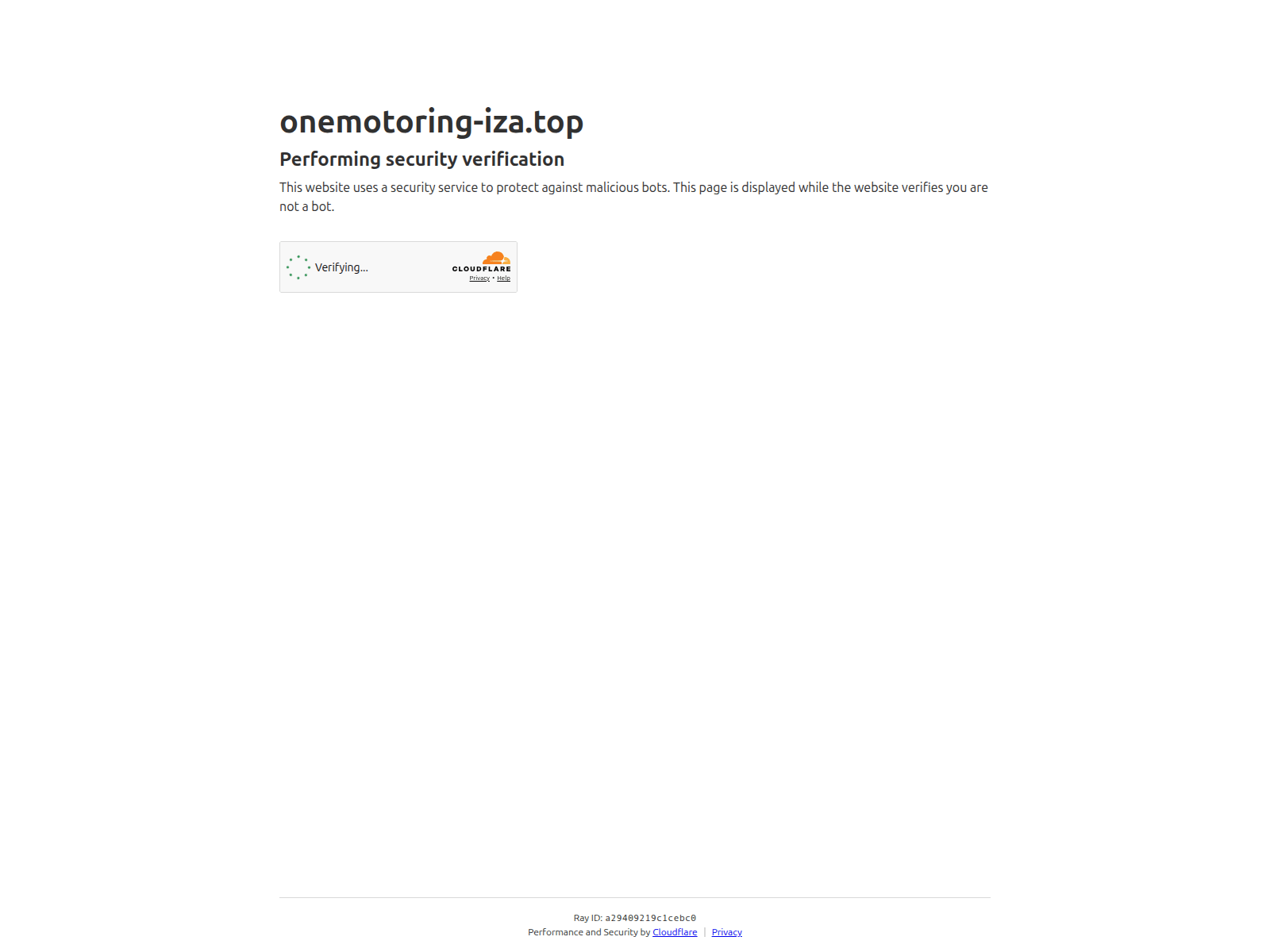
Advisory: Beware of Phishing Scams Impersonating LTA's OneMotoring
onemotoring-iza.top
The Singapore Police Force would like to alert members of the public to a recurring phishing scam impersonating the Land Transport Authority (LTA)'s OneMotoring portal. We have observed scam sites such as "onemotoring-iza.top" attempting to trick users into revealing their personal information.
How to recognise these scams:
- You receive unexpected messages or encounter websites with unofficial URLs (e.g., "onemotoring-iza.top") asking for your personal or banking details. Official LTA OneMotoring services are found at
www.onemotoring.lta.gov.sg. - These fake websites may look similar to the official OneMotoring portal but are designed to steal your information, especially if they ask for sensitive details like your Singpass login or banking credentials.
What to do if you encounter or are affected by such a scam:
- Do not click on suspicious links. Always verify the authenticity of websites by typing the official URL directly into your browser. For LTA services, this is
www.lta.gov.sgorwww.onemotoring.lta.gov.sg. - If you have provided your banking details, contact your bank immediately to freeze your accounts and report the fraudulent transaction.
- Change your passwords for all online accounts that may have been compromised, especially if you used the same password on multiple platforms.
- Report the incident to the police.
Remember, you can ACT against scams:
- Add security features like Two-Factor Authentication (2FA) for your online accounts, and enable security notifications.
- Check for scam signs, such as unofficial URLs, unusual requests for personal information, or suspicious messages. Always verify information with official sources.
- Tell authorities, family, and friends about scams to protect yourself and your community. Share information about these scam tactics to raise awareness.
Unsure if something is a scam? Check by calling the 24/7 ScamShield Helpline at 1799.
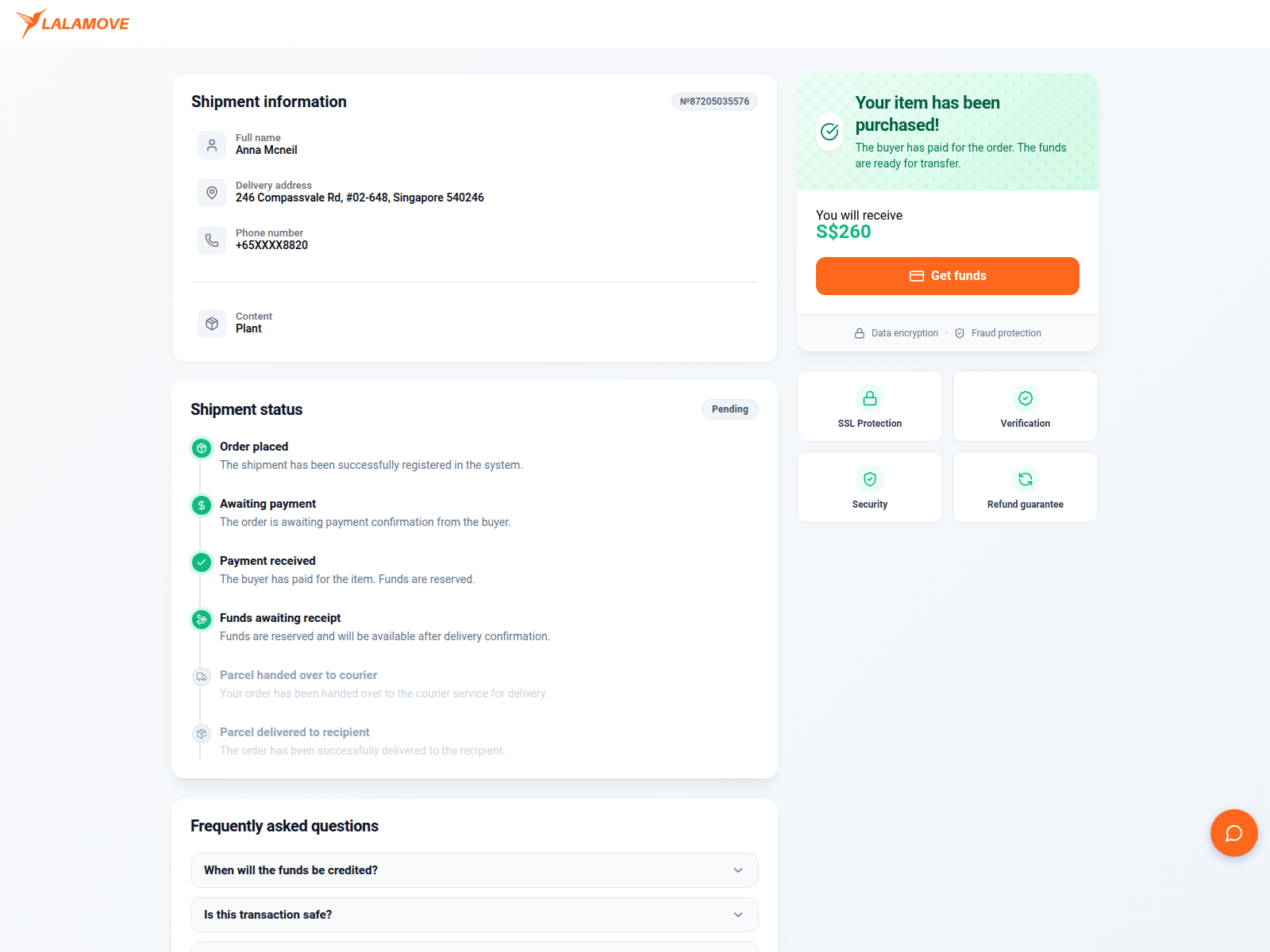
Advisory: Protect Yourself from Fake Lalamove Phishing Sites
fload.buzz
The Singapore Police Force would like to alert the public to phishing scams impersonating Lalamove. Scammers are creating fake websites and sending deceptive messages to trick users into revealing their personal information or login credentials.
Here's how to recognise these scams:
- Always check the website address. Official Lalamove websites will always start with
lalamove.com. Be suspicious of unfamiliar or slightly altered URLs (e.g.,fload.buzz). - Be cautious of unexpected messages (SMS, email, or social media) claiming to be from Lalamove, especially if they ask you to click on a link to verify account details, track a parcel, or make a payment.
What to do if you encounter such a scam or have fallen victim:
- Do not click on suspicious links. If you receive an unexpected message from Lalamove, verify its authenticity through the official Lalamove app or website.
- If you have entered your Lalamove login details or personal information on a suspicious website, change your Lalamove password immediately. If you have used the same password for other accounts, change those too.
- If you have provided banking or credit card details, contact your bank immediately to monitor your accounts for unauthorised transactions and take necessary actions.
- Report the scam to the police. You can do this by calling the Police Hotline at 1800-255-0000 or submitting an online report at www.police.gov.sg/iwitness.
Unsure if something is a scam? Check by calling the 24/7 ScamShield Helpline at 1799.
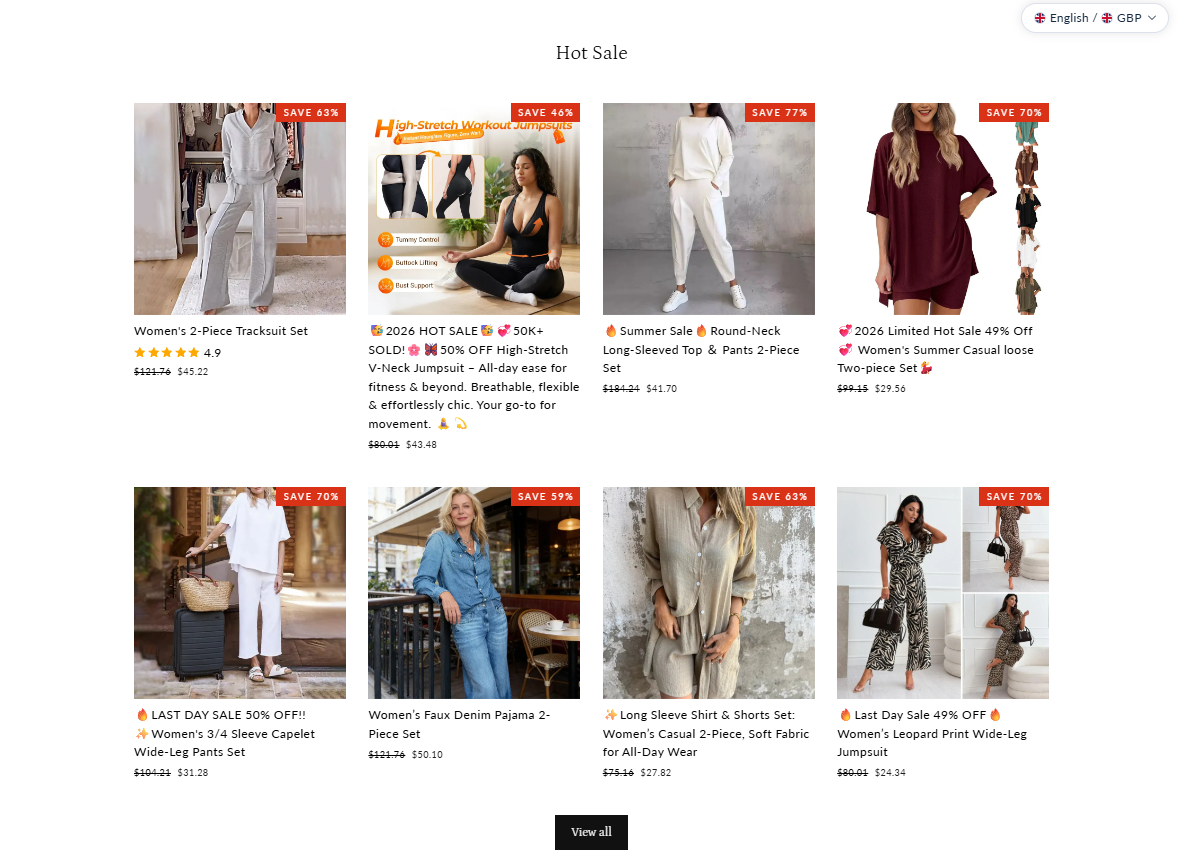
Advisory: Watch Out for Fake Online Shopping Deals (E-Commerce Scams)
zhaitwfo.com
behene.com
The Singapore Police Force has observed a trend of fake e-commerce websites designed to deceive shoppers with irresistible deals. These scam sites often mimic legitimate online stores and are designed to steal your money or personal information.
How to recognise these scams:
- Websites offering unbelievably low prices or exclusive deals that seem too good to be true.
- Generic or newly created websites with unusual URLs (e.g., zhaitwfo.com, behene.com) that do not match the brand they claim to represent.
What to do if you encounter or are affected by such scams:
- Add security features: Do not save your credit card details on unfamiliar websites. Use strong, unique passwords and enable two-factor authentication for all your online shopping accounts where available.
- Check for scam signs: Always verify the legitimacy of online stores, especially those with tempting offers. Look for secure payment gateways, genuine contact information, and positive reviews from trusted sources. Double-check the website's URL for irregularities or misspellings.
- Tell authorities, family, and friends: If you suspect you've been scammed or have made a purchase on a fake website, immediately contact your bank to report the fraudulent transaction and monitor your bank statements for any unauthorised activities. Report the incident to the police. Warn your loved ones about such scam tactics to protect them.
Unsure if something is a scam? Check by calling the 24/7 ScamShield Helpline at 1799.
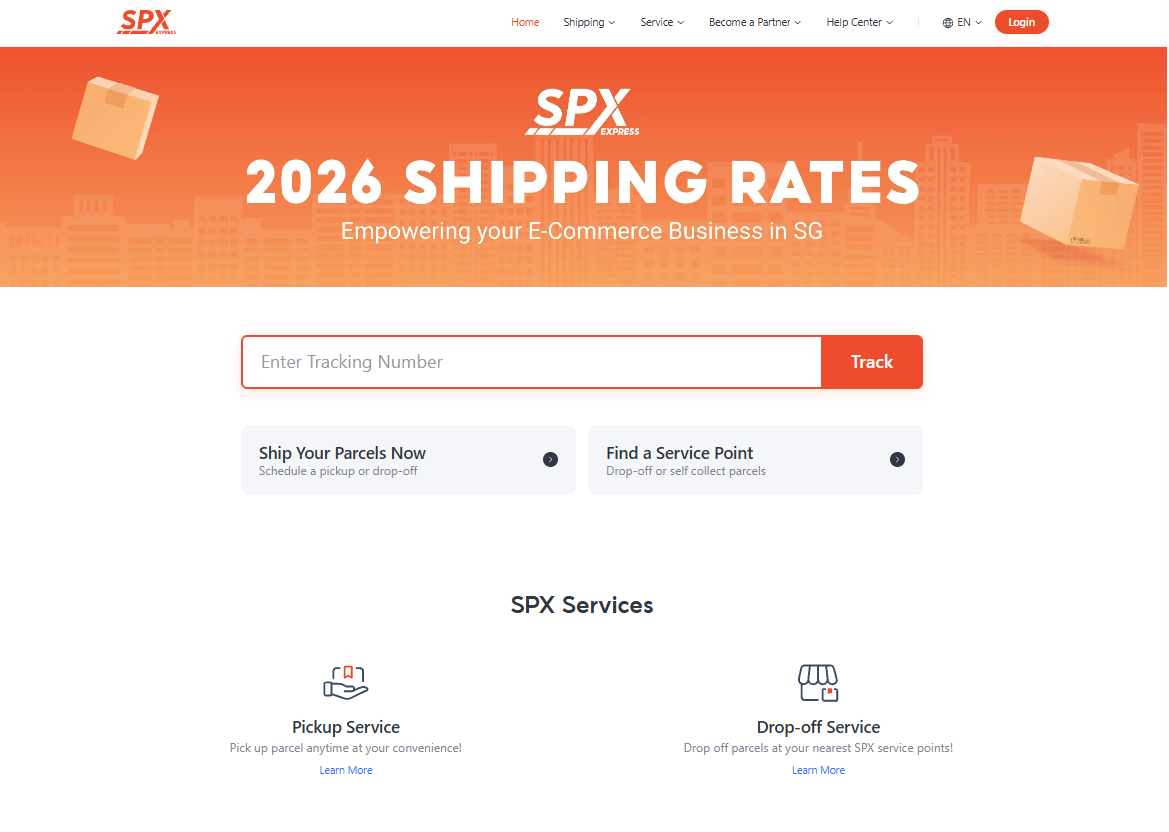
Advisory: Beware of Phishing Scams Impersonating SPX
llkw.top
The Singapore Police Force has observed a trend of phishing scam sites impersonating SPX. These sites often aim to trick you into revealing personal information or making payments related to parcel deliveries.
Here’s how you can recognise such scams:
- Unusual website addresses: Always check the URL. Official SPX websites will use their legitimate domain (e.g.,
spx.sg) and not generic or unfamiliar web addresses likellkw.top. - Unsolicited messages: Be cautious of unexpected SMS messages or emails claiming to be from SPX, especially if they ask you to click on links, provide personal details, or make payments for delivery fees or parcel tracking.
What to do if you encounter or are affected by such a scam:
- Do not click on suspicious links. If you have, immediately change passwords for any accounts that may have been compromised (e.g., email, banking apps).
- Monitor your bank accounts for unauthorised transactions. If you made any payment or noticed suspicious activity, contact your bank immediately to report the incident.
- Report the scam to the Police via the online form at www.police.gov.sg/iwitness or call 999.
Unsure if something is a scam? Check by calling the 24/7 ScamShield Helpline at 1799.
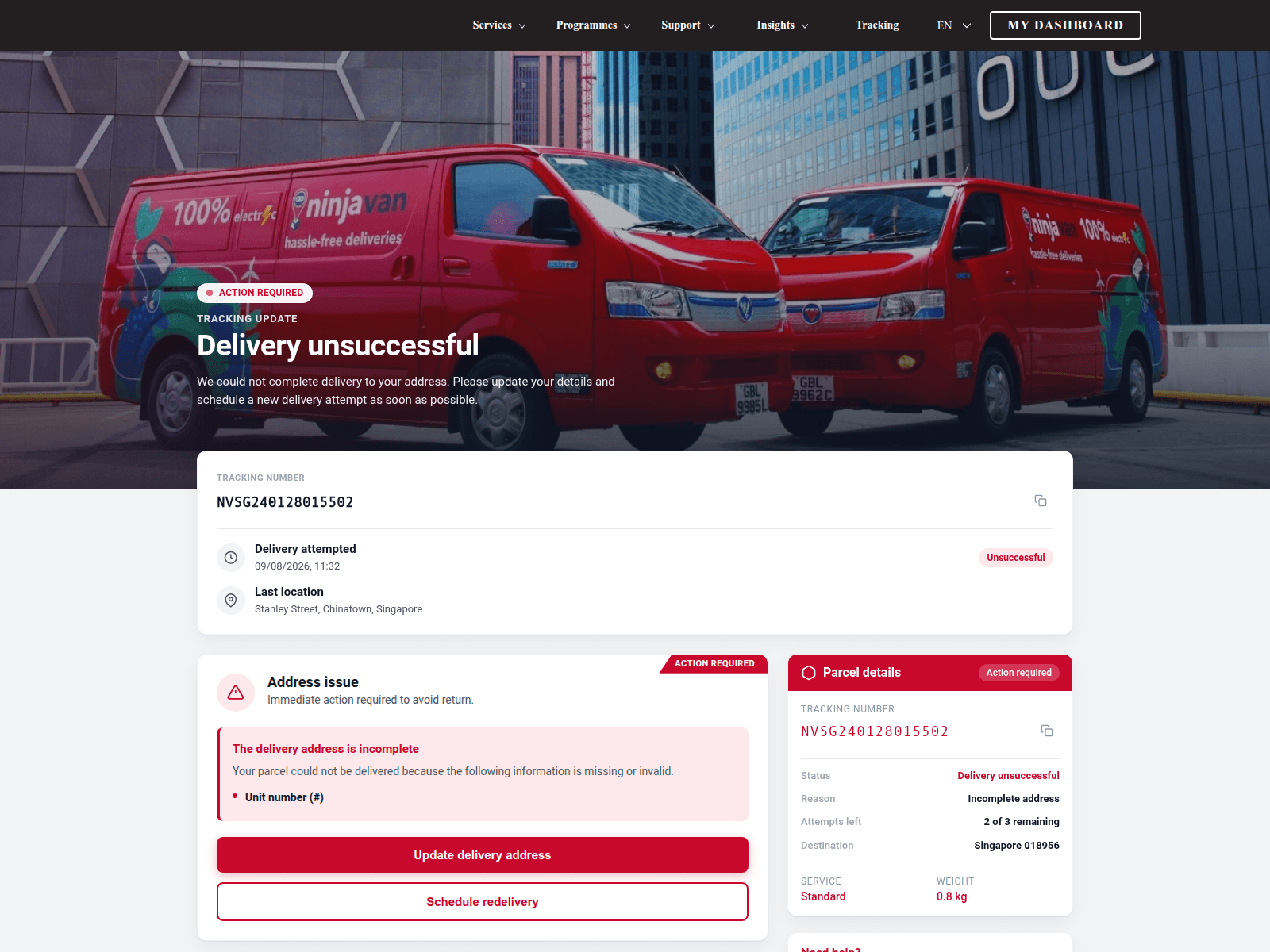
Alert: Phishing Scams Impersonating Ninjavan
ykrv.club
The Singapore Police Force has observed a trend of phishing scams impersonating Ninjavan. Scammers use fake websites and messages to trick individuals into revealing personal or financial information, often by claiming there are issues with parcel delivery or requiring payment for redelivery. An example of a detected scam site is ykrv.club.
Here's how to recognise these scams:
- Suspicious Website Addresses: Always check the website URL. Official Ninjavan websites typically end with
ninjavan.coorninjavan.sg, not unusual domains likeykrv.clubor other unfamiliar addresses. - Unexpected Requests for Information or Payment: Be wary of messages asking for personal details, banking information, or payment for parcel redelivery, especially if you were not expecting a parcel or if the request comes unexpectedly.
If you believe you have been affected:
- If you clicked on a suspicious link, do not enter any personal details. If you have already done so, immediately change passwords for any online accounts (e.g., email, banking, social media) that use the same or similar credentials.
- Monitor your bank accounts and credit card statements for any unauthorised transactions.
- Report the incident to the police immediately.
You can ACT against scams:
- Add security features: Enable Two-Factor Authentication (2FA) for your online accounts and use strong, unique passwords.
- Check for scam signs: Always verify the legitimacy of messages by going to Ninjavan's official website or app, or by contacting their customer service directly through official channels. Do not use contact details provided in suspicious messages or emails.
- Tell authorities, family and friends: Report scam attempts to the police and share this advisory with your loved ones to protect them.
Unsure if something is a scam? Check by calling the 24/7 ScamShield Helpline at 1799.
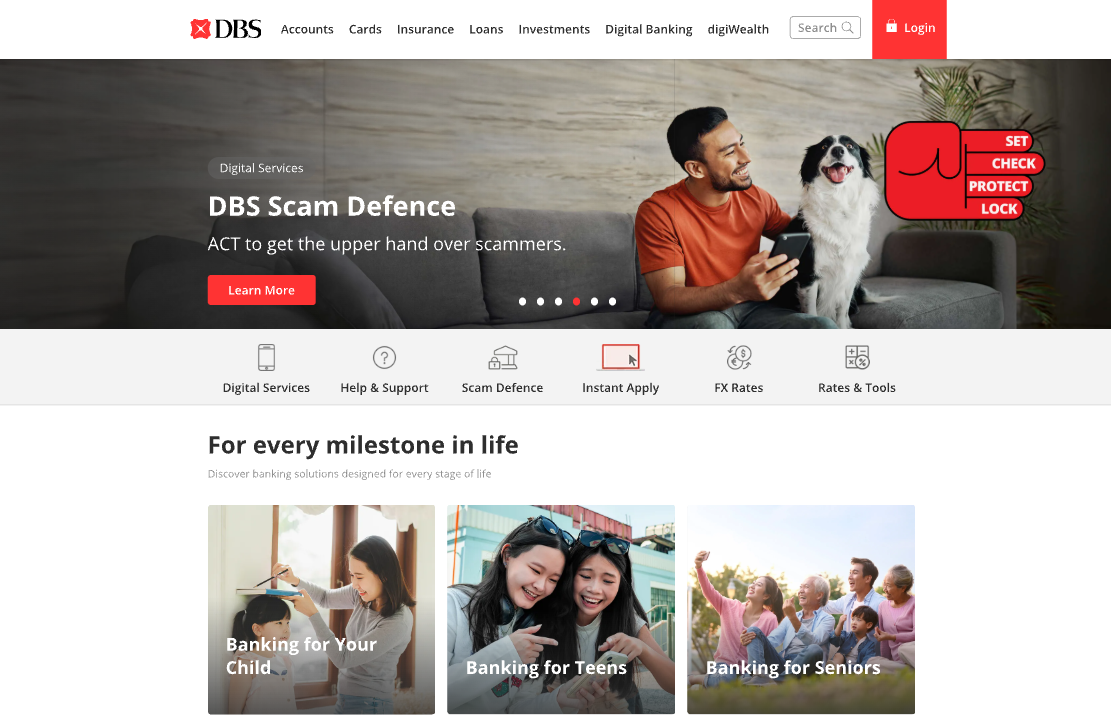
Advisory: Beware of Fake DBS Banking Websites
dbsi-banking.com
The Singapore Police Force has observed an increase in phishing websites impersonating banks, including DBS. These fake websites aim to trick you into revealing your banking credentials and personal information.
How to recognise this scam:
- Always scrutinise the website address. Official DBS websites use
dbs.comorposb.com. Be wary of URLs that are slightly different, likedbsi-banking.comor other variations. - Be suspicious of unexpected messages, emails, or pop-ups asking you to click a link to log into your internet banking account. It's best to always type the official bank URL directly into your browser.
What to do if you think you've been affected:
- If you have entered your banking details onto a suspicious website, immediately contact DBS/POSB through their official fraud hotline or customer service number.
- Change your internet banking password for all your accounts.
- Monitor your bank accounts closely for any unauthorised transactions.
Unsure if something is a scam? Check by calling the 24/7 ScamShield Helpline at 1799.
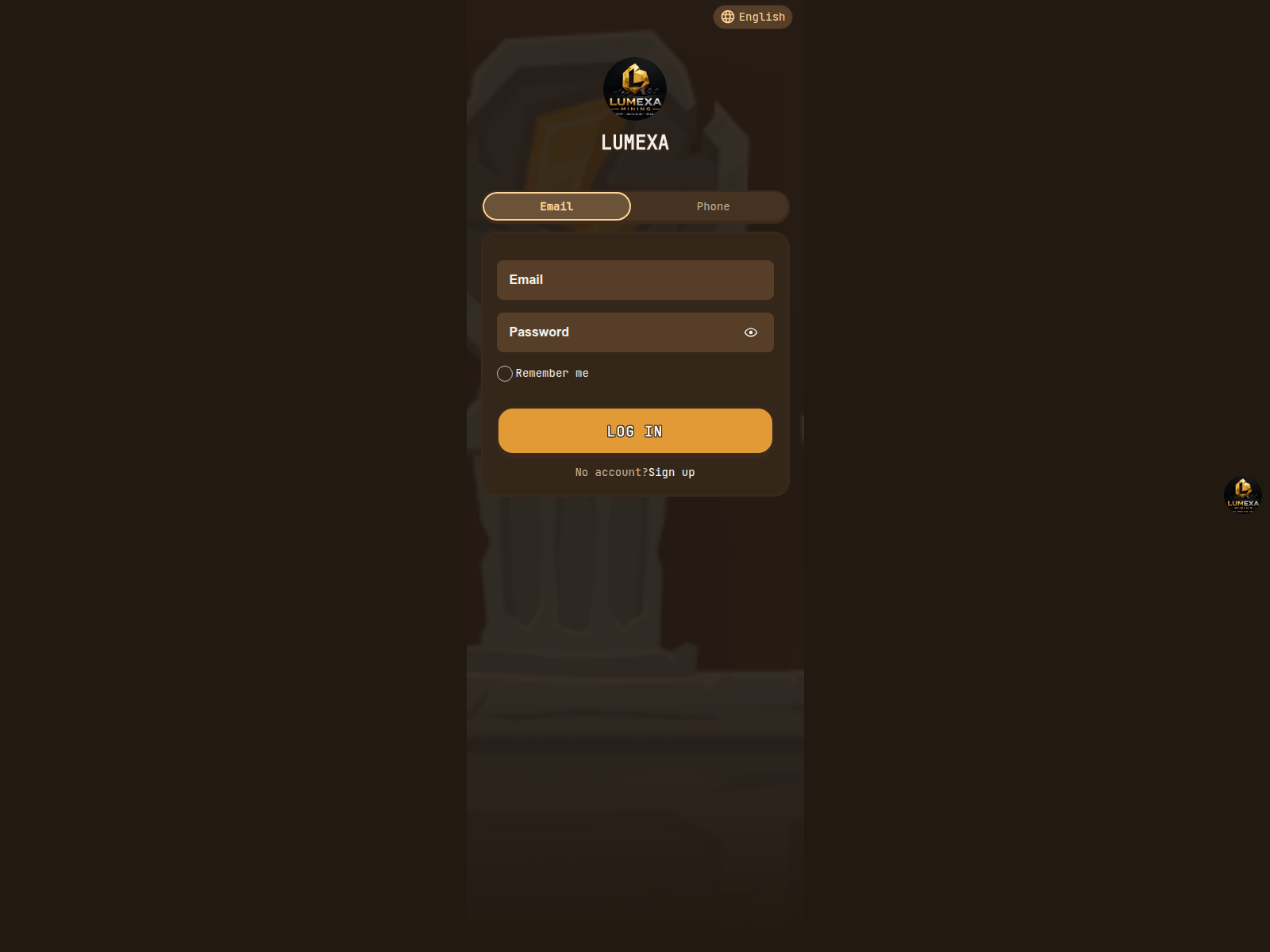
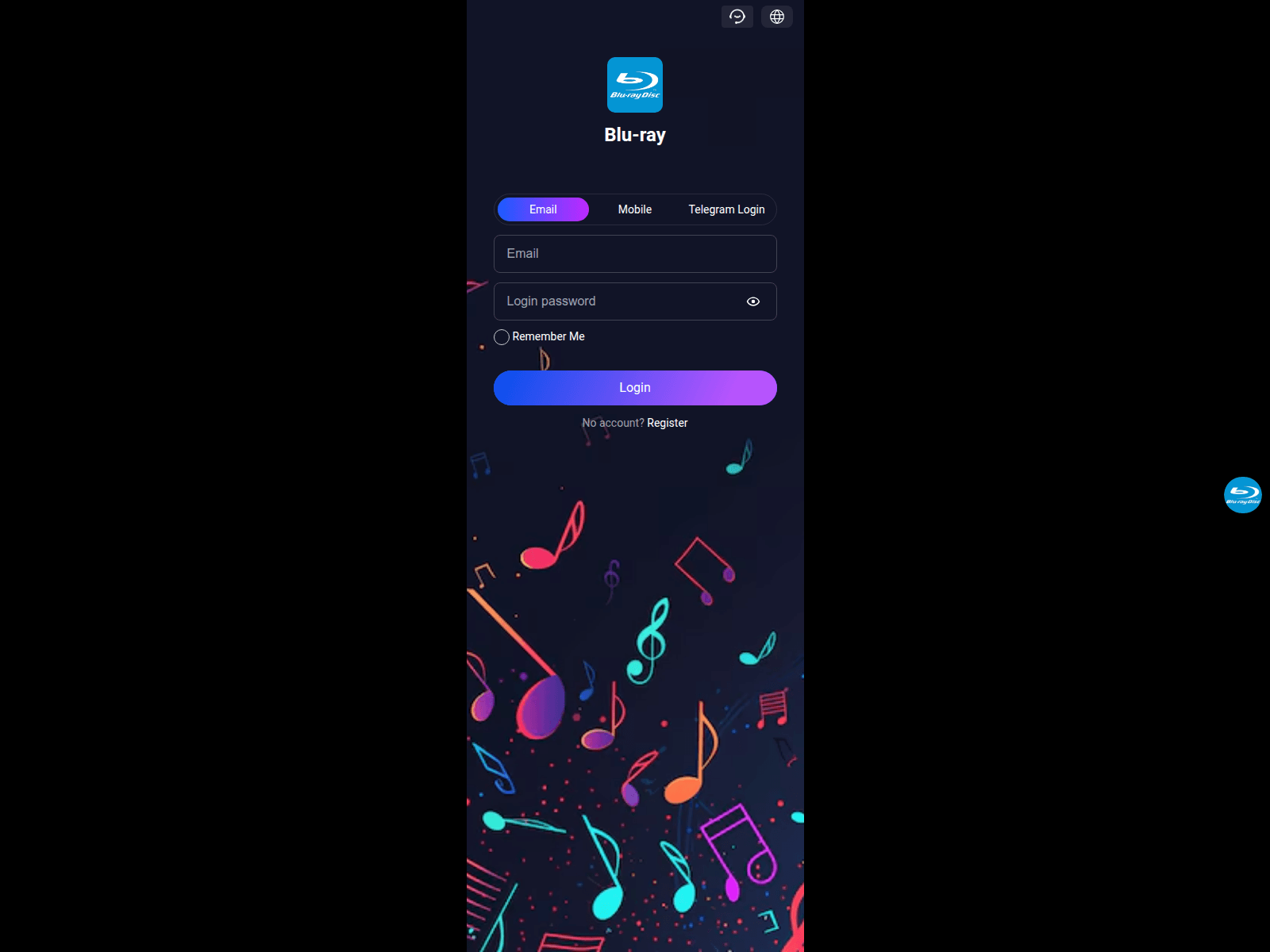
Advisory: Watch Out for Investment Scams on Suspicious Websites and Unrelated Brands
lumexafa.top
dnsyidzq.top
The Singapore Police Force has observed a trend of investment scams operating through suspicious websites. These fraudulent sites often lure victims with promises of high returns and may even misuse the names of well-known, unrelated brands to appear legitimate. For example, some scams have recently misused the name of GOM Player, a media player, in their investment schemes. Scammers use obscure website addresses such as lumexafa.top and dnsyidzq.top to host these fraudulent platforms.
How to recognise these scams:
- Be cautious of investment opportunities that promise exceptionally high returns with little to no risk, especially if promoted through unsolicited messages or unfamiliar websites.
- Scammers often use suspicious website addresses that do not match official company domains or try to gain trust by associating themselves with unrelated brands for investment schemes.
If you suspect you've been affected, remember to ACT:
- Add security features: Immediately contact your bank to report any unauthorised transactions and secure your bank accounts. Change your passwords for all online accounts, especially those sharing similar credentials, and enable Two-Factor Authentication (2FA) wherever possible.
- Check for scam signs: Verify any suspicious transactions with your bank and monitor your accounts for further unusual activity.
- Tell authorities, family and friends: Report the incident to the Police immediately. Inform your family and friends about these scams to protect them.
Unsure if something is a scam? Check by calling the 24/7 ScamShield Helpline at 1799.

Phishing Scams Impersonating Booking.com Observed
myhotel-1899.co
The Singapore Police Force has observed recent phishing scam attempts impersonating popular accommodation booking platforms like Booking.com. Scammers are using fake websites to trick victims into revealing their personal information.
Here’s how to recognise such scams:
- Always check the website address carefully. Legitimate Booking.com websites will typically use "booking.com" or related official domains, not variations like "myhotel-1899.co".
- Be cautious of unexpected messages or emails asking you to click on links or provide personal details, especially if they create a sense of urgency.
If you suspect you have fallen victim to this scam:
- Immediately change your password for your Booking.com account and any other accounts where you use the same password.
- Monitor your bank and credit card statements for any unauthorised transactions.
- Report the incident to Booking.com directly through their official customer support channels.
- Lodge a police report.
Unsure if something is a scam? Check by calling the 24/7 ScamShield Helpline at 1799.
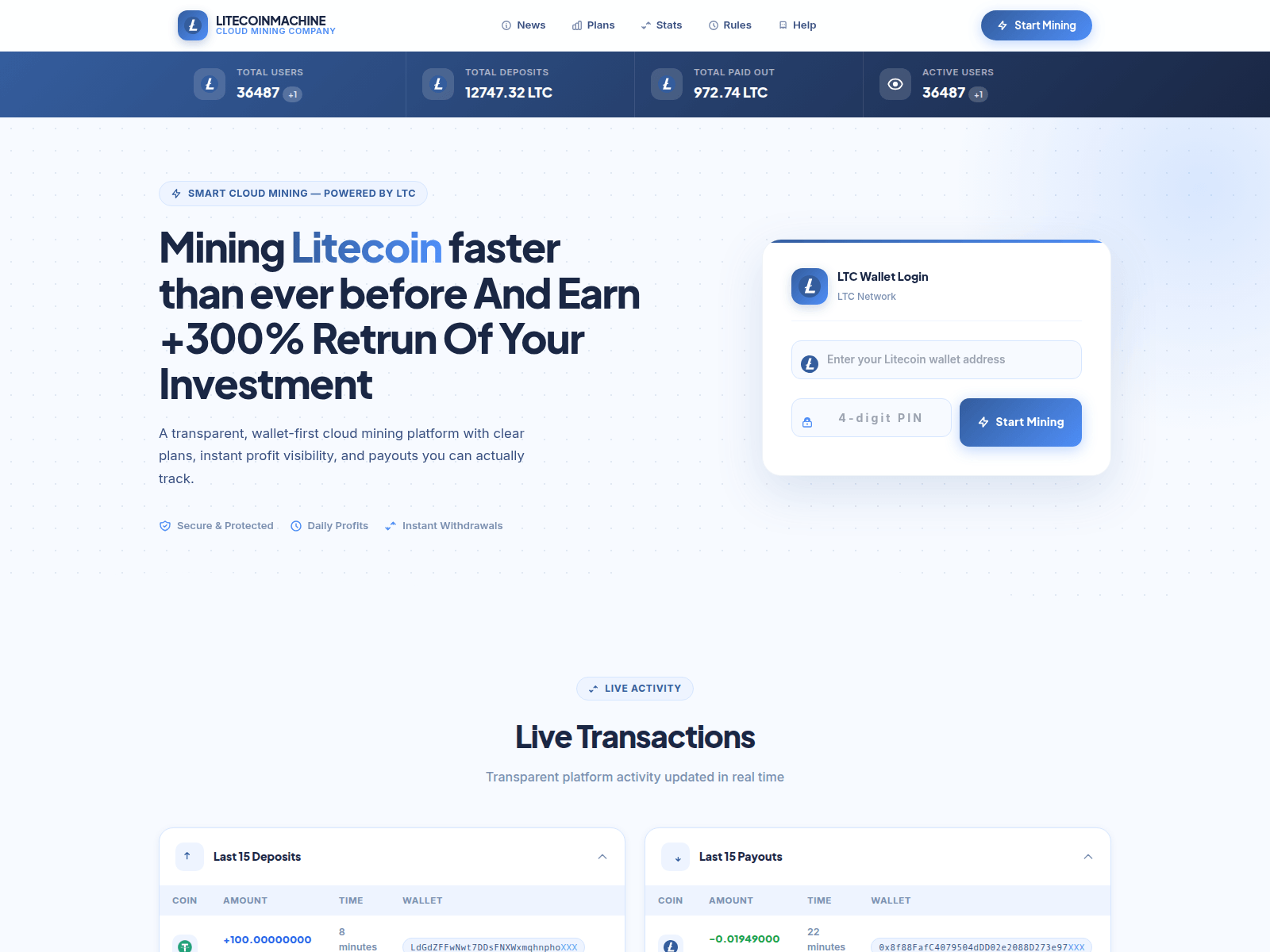
Advisory: Beware of Fake Litecoin Investment Websites
litecoin-machine.co
The Singapore Police Force has observed a trend of investment scams involving fake websites impersonating cryptocurrency platforms, specifically using the "Litecoin" brand. These scams often trick individuals into believing they are investing in legitimate cryptocurrency, only to lose their money.
How to recognise this scam:
- Scammers create deceptive websites that closely mimic legitimate cryptocurrency investment platforms or services, often featuring well-known brand names like Litecoin. Always check the URL carefully for any discrepancies and verify the legitimacy of the platform through official sources.
- They promise unusually high returns on investment in a short period with little to no risk. If an investment opportunity sounds too good to be true, it likely is.
What to do if you encounter or are affected by such a scam:
- If you encounter such a website, do not engage.
- If you suspect you have fallen victim to this scam, or have provided your personal or financial details, immediately cease all communication with the scammers.
- Do not make any further payments. Tell the Police about the incident and inform your bank immediately.
- As a precautionary measure, add security by changing your online banking passwords and enabling two-factor authentication for all your accounts.
Unsure if something is a scam? Check by calling the 24/7 ScamShield Helpline at 1799.

Advisory: Beware of Fake 'Immediate Edge' Investment Scams
dylesaesivi.autos
The Singapore Police Force has observed a trend of investment scams impersonating legitimate-sounding platforms, such as "Immediate Edge". Scammers create fake websites and advertisements to trick the public into believing they are investing in high-return schemes.
How to recognise these scams:
- Be cautious of investment opportunities that promise extremely high returns with minimal risk, often advertised through unsolicited messages, social media posts, or unfamiliar websites.
- Always inspect the website address carefully. Scammers use unusual or misspelled domain names (e.g.,
dylesaesivi.autos) to mimic official platforms. Legitimate financial institutions use well-known and verifiable domain names.
If you encounter such suspicious "Immediate Edge" investment offers or suspect you have been affected, you can ACT:
- Check for scam signs: Verify any investment opportunity directly with the official company or a financial advisor. Do not rely on links or contact details provided in suspicious messages or websites.
- Tell authorities: If you have provided personal details or made payments, inform your bank immediately to stop any transactions. Report the scam to the police at www.police.gov.sg/iwitness or call 999.
- Add security features: Enhance your online security by enabling two-factor authentication for your investment accounts and online banking. Regularly review your transaction history for any suspicious activities.
Remember, legitimate investments always carry some level of risk and do not guarantee excessively high returns in short periods.
Unsure if something is a scam? Check by calling the 24/7 ScamShield Helpline at 1799.
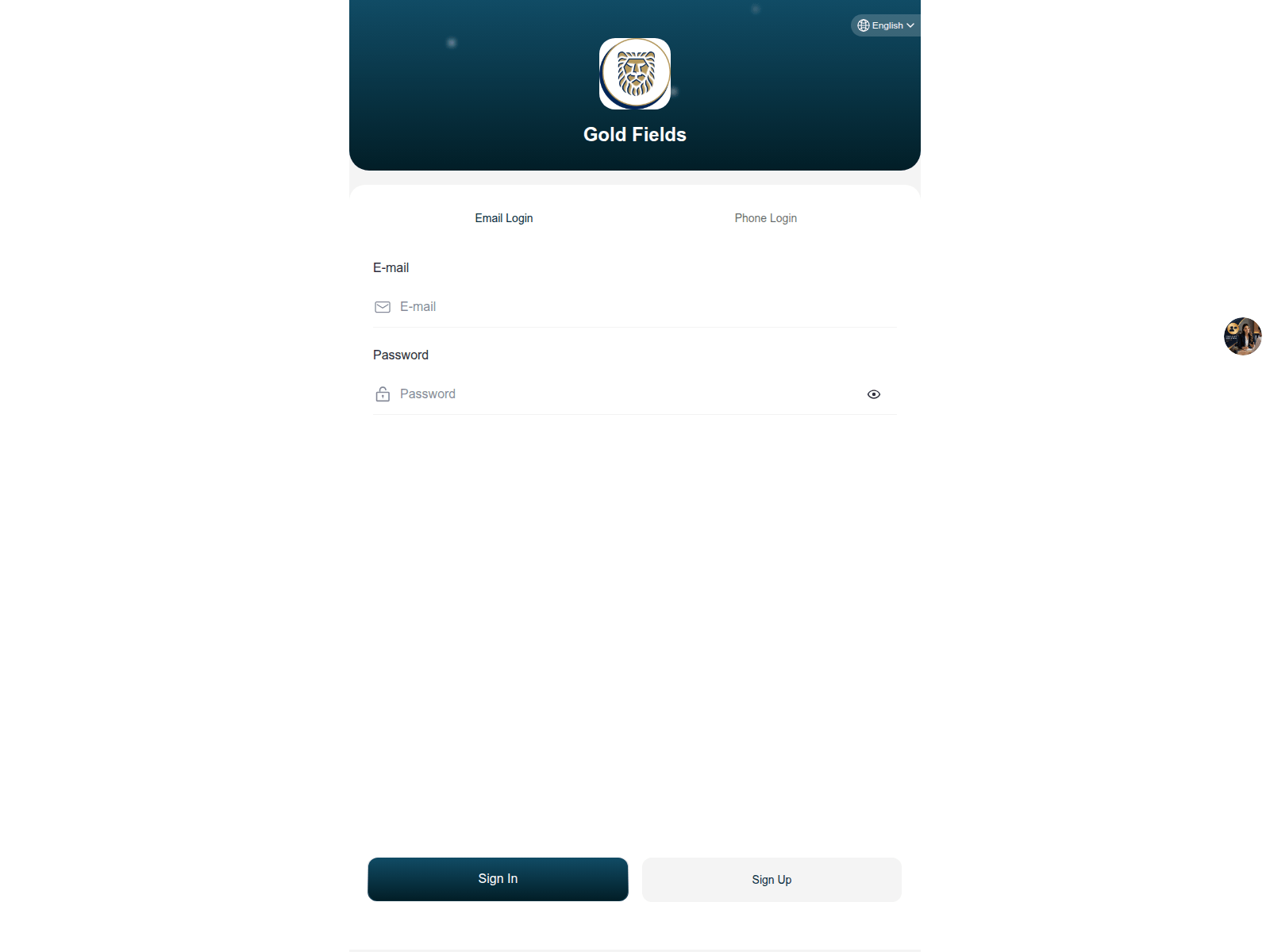
Advisory: Beware of Fake Investment Scams Impersonating BHP
2025gold.net
The Singapore Police Force has observed a trend of fake investment scams impersonating reputable brands like BHP, often promoted through suspicious websites such as 2025gold.net. These scams aim to trick you into believing you are investing in a legitimate opportunity.
How to Recognise These Scams:
- Check the Website Address: Always verify that investment opportunities are promoted on the official websites of the companies they claim to represent. Scammers often use slightly altered or unusual domain names (e.g.,
2025gold.netinstead of official BHP sites). - Unrealistic Promises: Be wary of investment offers that promise unusually high returns with little to no risk, or pressure you to invest quickly. Legitimate investments usually carry some level of risk and realistic returns.
What to Do If You Encounter or Are Affected by Such a Scam:
- Stop All Communication: Immediately cease all contact with the scammer and do not provide any personal or financial information.
- Verify and Report: Always
Checkfor scam signs and verify investment opportunities directly with the official company (e.g., through BHP's official website) or a trusted financial institution. If you have shared your details or made any payments, immediately contact your bank to halt transactions andTellthe Police about the incident.
Unsure if something is a scam? Check by calling the 24/7 ScamShield Helpline at 1799.
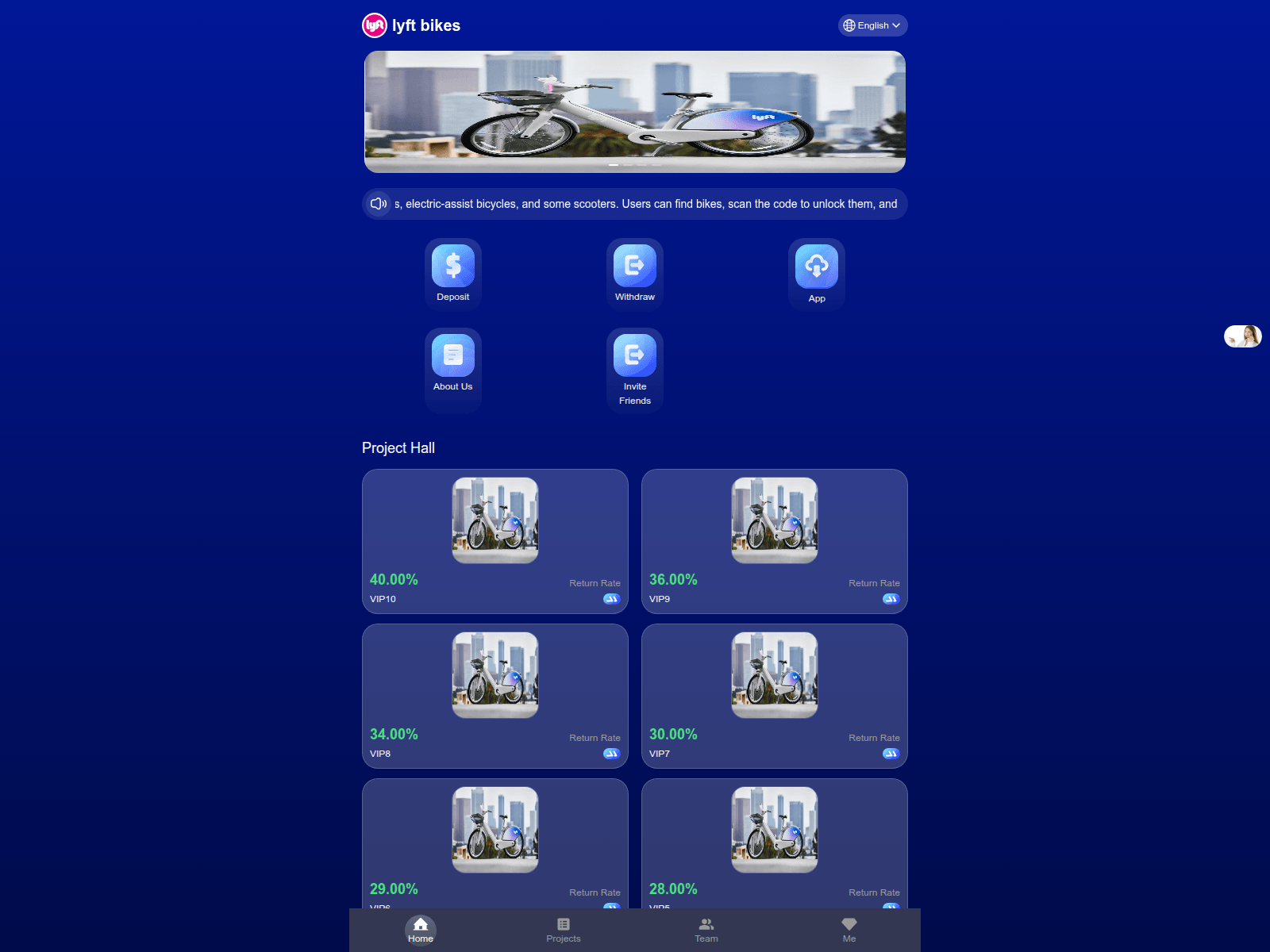
Advisory: Beware of Investment Scams Impersonating Lyft Bikes
lyft098236.work
The Singapore Police Force has observed a trend of investment scams impersonating legitimate brands, including "Lyft Bikes". Scammers create fake websites to lure victims into fraudulent investment schemes.
How to recognise this scam:
- Suspicious Website Addresses: Scammers use fake websites, such as
lyft098236.work, that closely mimic official brand sites. Always scrutinise the website's address; legitimate company websites typically use simple, well-known domains (e.g.,lyft.com). - Promises of Unrealistic Returns: Be highly suspicious of investment opportunities that promise guaranteed high returns with little to no risk, especially if they are unsolicited or require you to invest quickly.
What to do if you were affected:
If you suspect you have fallen victim to such a scam, have provided personal details, or made any payments, please take these steps immediately:
- Contact your bank or financial institution to halt any transactions and report the incident to them.
- Change passwords for all your online accounts if you suspect they might be compromised.
- Report the scam to the Police.
I can ACT against scams:
- Add security features: Enable Two-Factor Authentication (2FA) for all your online accounts, and use strong, unique passwords.
- Check for scam signs: Always verify the authenticity of websites, investment platforms, and unsolicited offers. Look out for suspicious URLs, grammatical errors, and promises that seem too good to be true. Cross-check information with official company websites or the Monetary Authority of Singapore (MAS) Investor Alert List.
- Tell authorities, family and friends: Share information about scams with your loved ones to protect them. If you encounter a scam, report it to the authorities immediately.
Unsure if something is a scam? Check by calling the 24/7 ScamShield Helpline at 1799.
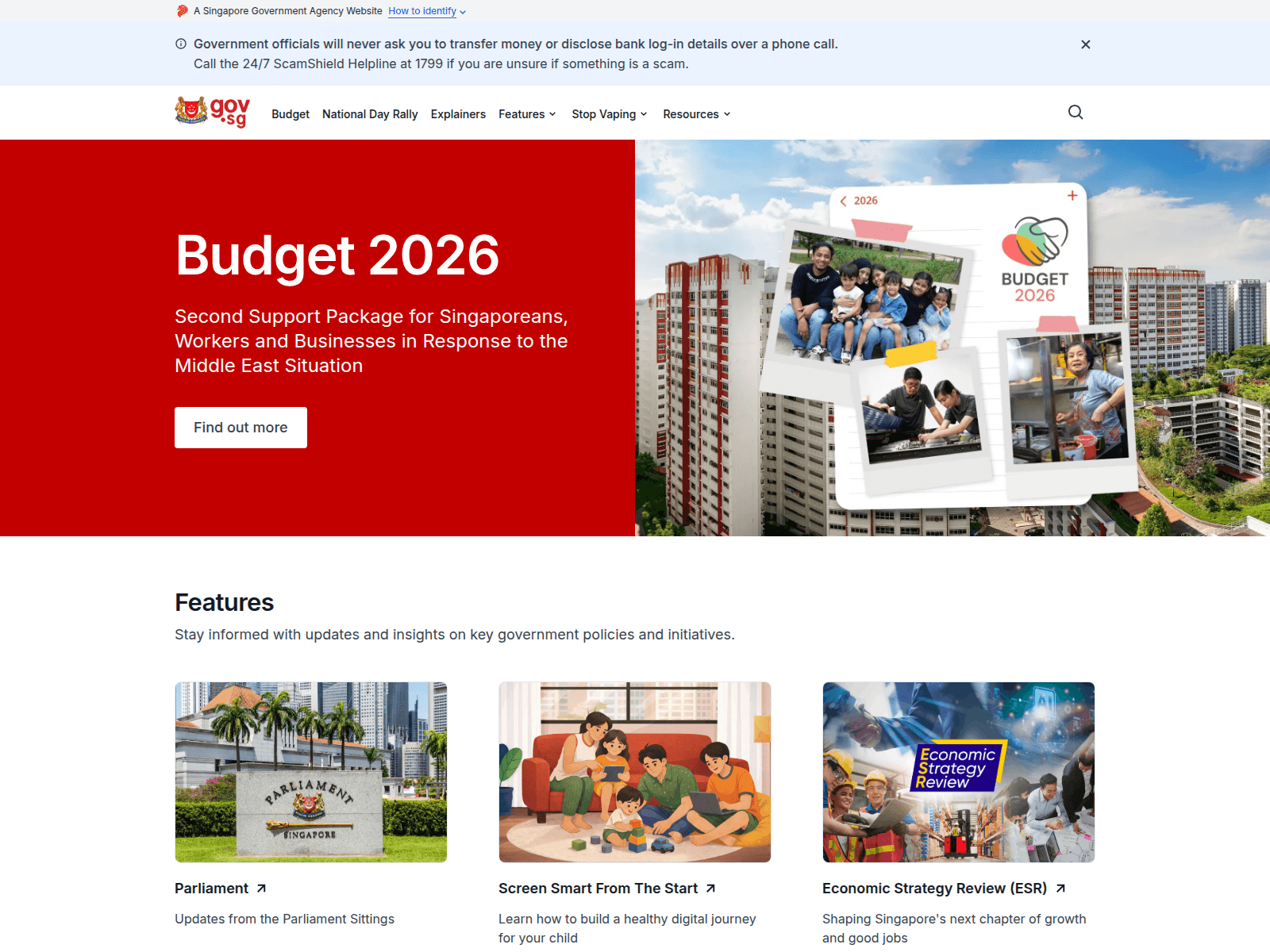
Advisory: Protect Yourself from Gov.sg Impersonation Scams
cly114514.workers.dev
The Singapore Police Force has observed a trend of scam websites impersonating Gov.sg. Scammers create fake sites to trick individuals into revealing personal or financial information.
Here’s how you can recognise these scams:
- Check the website address carefully. Official Singapore government websites typically end with ".gov.sg". Scam sites often use suspicious or unusual domain names (e.g., "cly114514.workers.dev").
- Be wary of unexpected messages or links. Always question unsolicited messages that ask you to click on links or provide personal details, even if they appear to be from Gov.sg.
If you suspect you have fallen victim to such a scam:
- Stop all communication immediately. Do not provide any more information or make any payments.
- Report the incident. If you have provided banking details, contact your bank immediately to stop any transactions. Report the scam to the Police via the Police Hotline at 1800-255-0000 or submit a report online at www.police.gov.sg/iwitness.
- Inform your family and friends. Share this advisory to help them stay vigilant against similar scams.
Unsure if something is a scam? Check by calling the 24/7 ScamShield Helpline at 1799.

Scam Advisory: Beware of Phishing Websites Impersonating Events
ite-pm-event.netlify.app
The Singapore Police Force has observed phishing websites, such as those using URLs like ite-pm-event.netlify.app, attempting to impersonate event-related platforms. These sites are designed to trick you into revealing your personal information.
Here’s how to recognise these scam sites:
- Unusual Website Addresses: Always check the website's URL. Scam sites often use suspicious domain names or free hosting platforms (e.g.,
.netlify.app) that do not match the official organisation. - Unexpected Event Invitations/Requests: Be wary of unexpected messages, emails, or social media posts inviting you to events, surveys, or asking for personal details, especially if they come from unfamiliar sources.
If you have provided your personal details or login credentials on such a site:
- Immediately change your passwords for any accounts that share the same login details.
- Monitor your accounts closely for any unauthorised activity.
- Report the incident to the Police.
Unsure if something is a scam? Check by calling the 24/7 ScamShield Helpline at 1799.

Advisory: Scam Websites Impersonating The Straits Times for Fake Investments
strikeathletics.pro
The Singapore Police Force has observed an increase in scam websites impersonating The Straits Times to promote fake investment opportunities. These sites are designed to trick you into believing they are legitimate news articles endorsing investment schemes.
How to recognise this scam:
- Suspicious Website Addresses: Scam websites use unusual or unfamiliar URLs (e.g., strikeathletics.pro) that do not belong to The Straits Times, even if they display the newspaper's logo or branding prominently.
- Unrealistic Investment Promises: They promote investment schemes that promise high returns in a short period, often claiming to be endorsed or reported on by The Straits Times to gain your trust.
What to do if affected:
If you encounter such a website or advertisement, do not click on any links, provide personal details, or transfer any money. If you suspect you have already provided your banking details or transferred money, contact your bank immediately to stop transactions and report the incident to the Police.
Remember to 'ACT' against scams:
- Add security features like two-factor authentication.
- Check for scam signs and verify information with official sources.
- Tell authorities, family and friends about scams.
Unsure if something is a scam? Check by calling the 24/7 ScamShield Helpline at 1799.
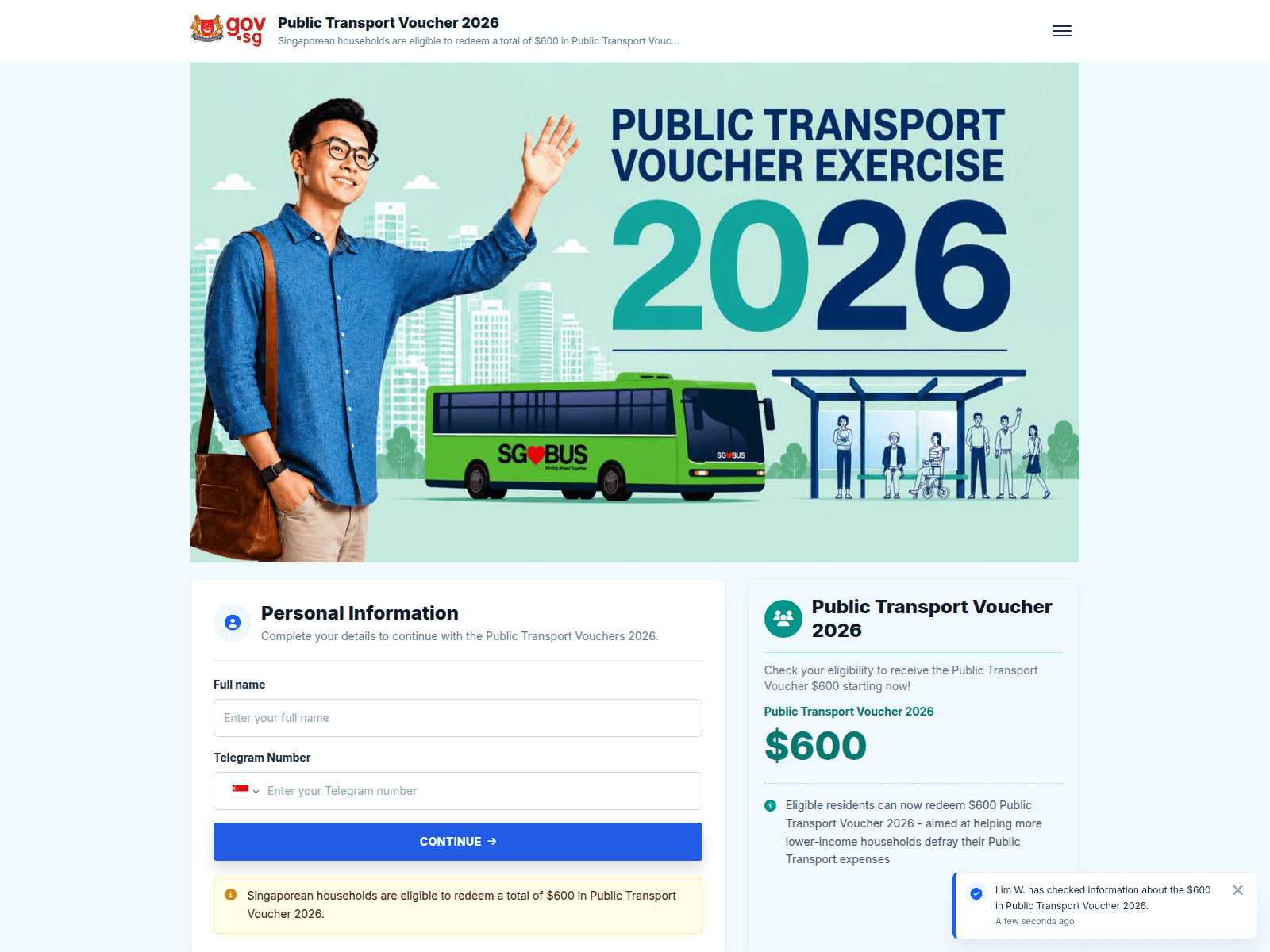
Advisory: Beware of Scams Impersonating Public Transport Voucher (PTVE)
gtva.link
The Singapore Police Force (SPF) has observed an increase in scams impersonating the Public Transport Voucher Exercise (PTVE). Scammers are sending messages with fake links, attempting to trick the public into divulging personal information or clicking on malicious websites.
How to recognise this scam:
- You receive unexpected messages or SMSes regarding Public Transport Vouchers that contain suspicious links (e.g.,
gtva.link). Official messages will direct you to government websites or apps, not shortened or unfamiliar links. - The messages may ask for personal details like banking information or one-time passwords (OTPs) to "redeem" or "verify" your voucher. Official PTVE processes do not require you to provide such sensitive information via SMS links.
What to do if you encounter or are affected by this scam:
- Do not click on suspicious links. If you receive an unexpected message about Public Transport Vouchers, verify its authenticity with official sources like the Ministry of Transport (MOT) or the Land Transport Authority (LTA) websites directly.
- Do not provide any personal or banking details, including OTPs, through unknown links or requests.
- If you have already clicked on a link or provided your details, immediately change your online banking passwords and report the incident to your bank. Report the scam message or call to the Police. Inform your family and friends about this scam.
Unsure if something is a scam? Check by calling the 24/7 ScamShield Helpline at 1799.
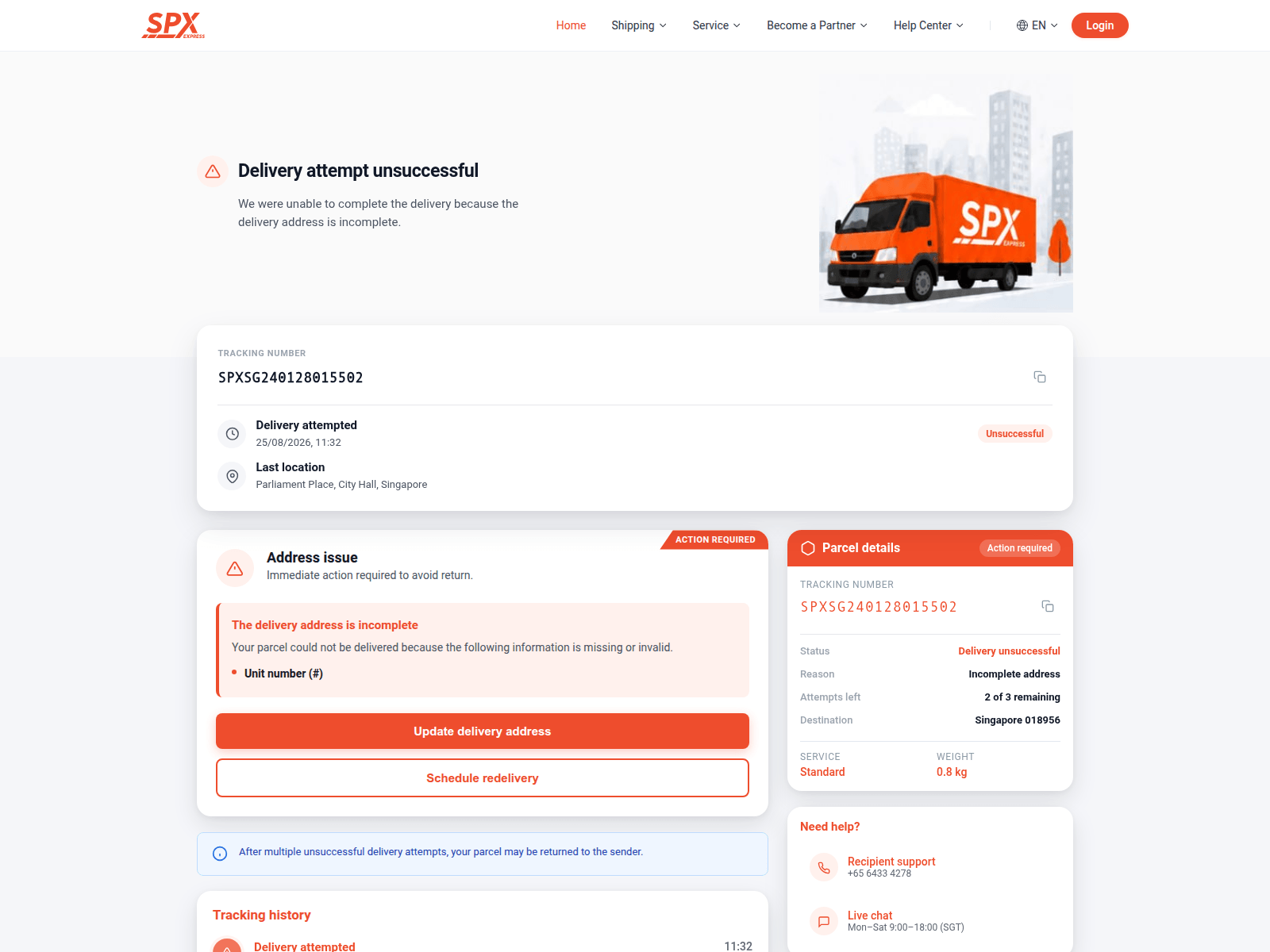
Beware of Phishing Scams Impersonating SPX
villen.cyou
The Singapore Police Force would like to alert the public to a rise in phishing scams impersonating "SPX". We have observed multiple reports of scam sites, such as villen.cyou, being used to trick individuals into revealing their personal information.
Here's how to recognise these scams and protect yourself:
- Check for scam signs: Be wary of unexpected messages or emails claiming to be from "SPX". These messages often contain links that direct you to fake websites, like
villen.cyou, which look legitimate but are designed to steal your personal information. Always scrutinise the sender's email address and the website URL for any irregularities. - Verify with official sources: If you receive a message from SPX, always visit their official website or app directly to verify any claims, instead of clicking on links provided in the message.
If you suspect you have fallen victim to such a scam:
- Do not provide any personal or banking details on suspicious websites.
- If you have already entered details, immediately change your passwords for affected accounts and contact your bank to report any unauthorised transactions.
- Inform the Police and alert your family and friends about the scam.
Remember, you can ACT against scams:
- Add security features like two-factor authentication (2FA) for your accounts and use strong, unique passwords.
- Check for scam signs and verify information with official sources.
- Tell authorities, family, and friends about scams.
Unsure if something is a scam? Check by calling the 24/7 ScamShield Helpline at 1799.
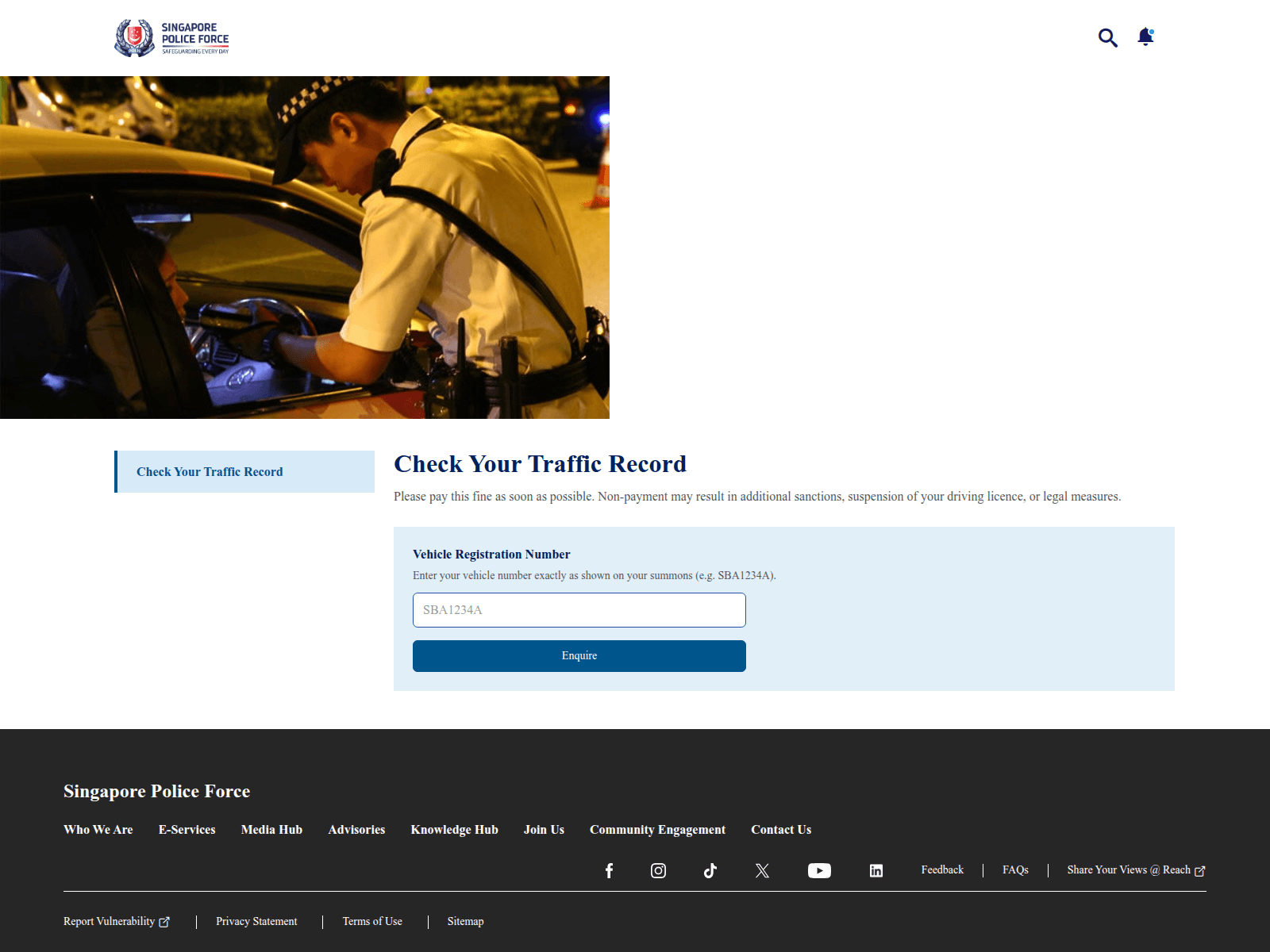
Advisory: Beware of Fake SPF Websites Impersonating Singapore Police Force
policegov.eu.cc
The Singapore Police Force (SPF) has observed an increase in scam websites impersonating our official channels. These phishing sites attempt to trick members of the public into revealing their personal and banking details. They are designed to look like legitimate SPF platforms.
How to Recognise This Scam:
- Suspicious Web Addresses: Be highly suspicious of websites claiming to be the Singapore Police Force that use unusual or non-official web addresses, such as
policegov.eu.cc. Official Singapore Police Force websites always end with.gov.sg. - Requests for Personal Data: These scam sites typically prompt you to provide sensitive information like your personal particulars, login credentials, or banking details, often under the pretext of an investigation or urgent action. The SPF will never ask for such information on unofficial platforms or through unsecured channels.
What to Do If Affected: If you encounter such a suspicious website, or if you have provided your details on one, remember to ACT against scams:
- Add security features: Immediately change passwords for any accounts that may have been compromised. Enhance your online security by enabling Two-Factor Authentication (2FA) wherever possible.
- Check for scam signs: Always verify the legitimacy of websites and online communications. Cross-reference URLs with official sources. Official Singapore government websites always end with
.gov.sg. - Tell authorities, family and friends: Report the incident to the Police immediately. Block the fraudulent website or sender and inform your friends and family about this scam to protect them.
Unsure if something is a scam? Check by calling the 24/7 ScamShield Helpline at 1799.
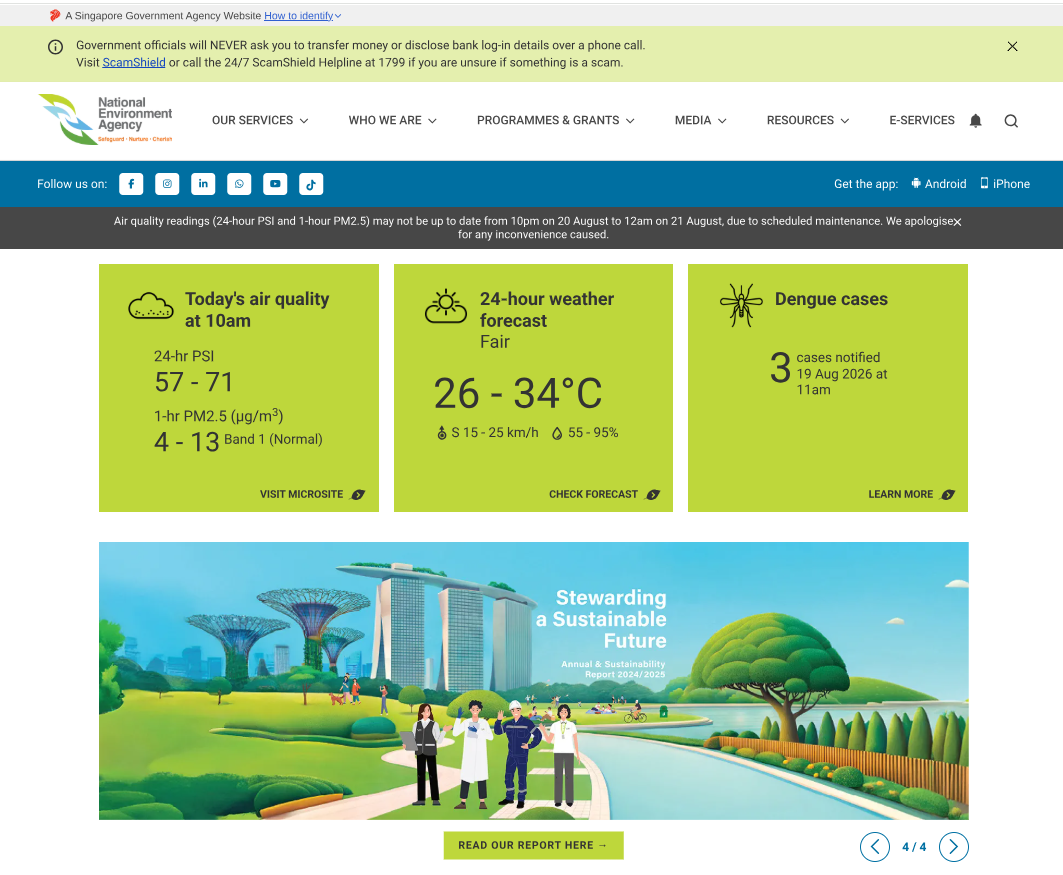
Advisory: Beware of Scams Impersonating National Environment Agency (NEA)
nodequa.net
The Singapore Police Force has observed a rising trend of impersonation scams, with scammers posing as the National Environment Agency (NEA). These scammers aim to trick you into revealing personal information or making payments.
Here's how to recognise these scams:
- Scammers use fake websites or links (e.g.,
nodequa.net) that look like official NEA pages but have slight differences in the web address. Always check the full URL carefully. - You might receive unexpected messages via SMS, WhatsApp, or email, asking for personal details, payments, or immediate action related to fines or inspections.
If you encounter such a scam or have been affected, here's how you can ACT against it:
- Add security features: Strengthen your online security by using strong, unique passwords and enabling Two-Factor Authentication (2FA) for your accounts.
- Check for scam signs: Always verify any unexpected messages or requests by checking official NEA channels directly, such as their official website or published contact numbers. Do not click on suspicious links.
- Tell authorities, family and friends: If you suspect you've shared personal information or made a payment, report it to your bank and the police immediately. Share this information with your family and friends to protect them too.
Unsure if something is a scam? Check by calling the 24/7 ScamShield Helpline at 1799.
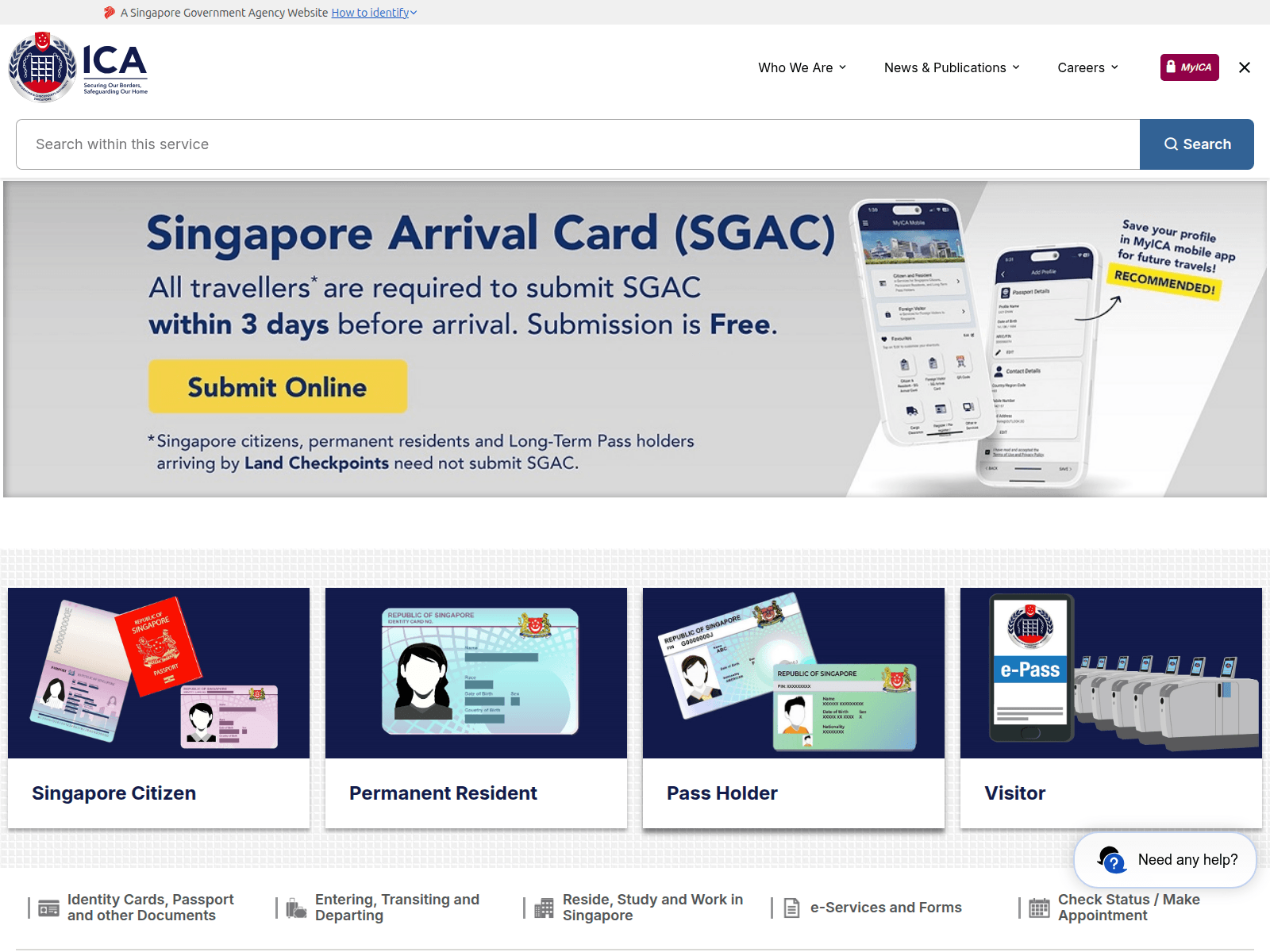
Advisory: Beware of Scams Impersonating ICA
bonusvakti14.com
The Singapore Police Force would like to alert the public to a rise in scam websites and messages impersonating the Immigration & Checkpoints Authority (ICA). These scams attempt to trick you into revealing personal information or making payments.
To protect yourself,
- Add security features:
- Enhance your online security by enabling two-factor authentication (2FA) for your accounts and using strong, unique passwords.
- Check for scam signs:
- Be suspicious of unsolicited messages, emails, or websites claiming to be from ICA, especially those with unusual URLs (e.g., non-
ica.gov.sgaddresses). - Official ICA communications will never ask for your Singpass credentials, bank account details, or one-time passwords (OTPs) through unofficial channels.
- Be suspicious of unsolicited messages, emails, or websites claiming to be from ICA, especially those with unusual URLs (e.g., non-
- Tell authorities, family and friends:
- If you encounter such a scam, inform others to raise awareness.
- If you have clicked on a suspicious link, provided personal details, or made a payment, report it to the police immediately and inform your bank to prevent unauthorised transactions.
Unsure if something is a scam? Check by calling the 24/7 ScamShield Helpline at 1799.
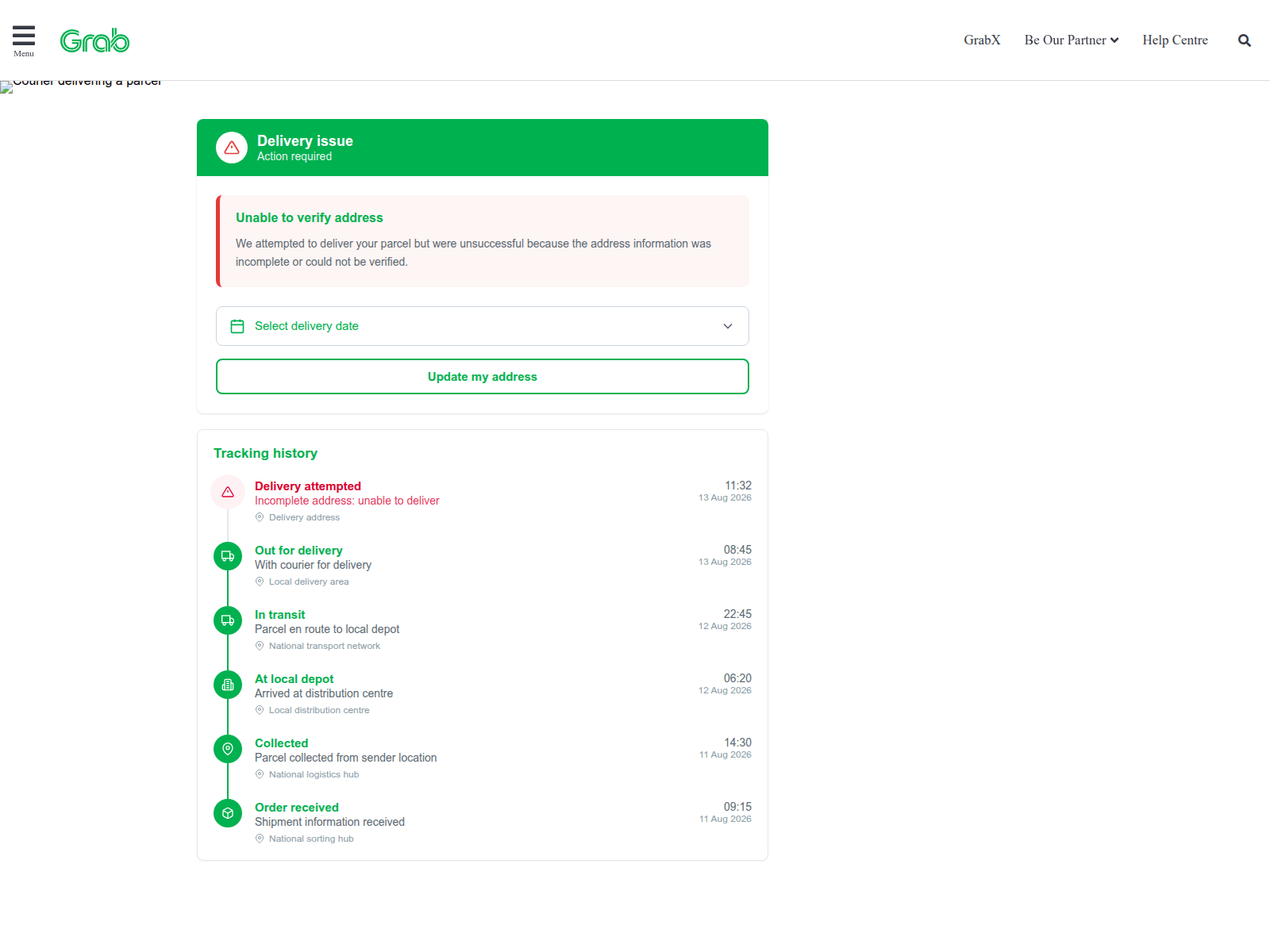
Advisory on Phishing Scams Impersonating Grab
grabk.vip
The Singapore Police Force has observed a recent trend of phishing scams impersonating Grab. Scammers use fake websites to trick individuals into revealing their personal and login details.
Here's how to recognise such scams:
- Unusual Website Addresses: Always check the website address carefully. Scammers use slightly altered or uncommon domain names (e.g.,
grabk.vip) that are not the official Grab website (grab.com). - Unsolicited Links & Requests: Be cautious of unexpected messages, emails, or links that claim to be from Grab and ask you to log in or provide personal information, especially for promotions that seem too good to be true.
If you suspect you have fallen victim to this scam:
- Immediately change your password for your Grab account on the official Grab app or website. If you used the same password for other accounts, change them too.
- Contact Grab's official customer service channels to report the incident and seek assistance.
- Keep an eye on your Grab activity and linked payment methods for any unauthorised transactions.
Remember, you can ACT against scams:
- Add security features like Two-Factor Authentication (2FA) to your Grab account.
- Check for scam signs, such as unusual URLs, and always verify information with official sources.
- Tell authorities, family, and friends about scams.
Unsure if something is a scam? Check by calling the 24/7 ScamShield Helpline at 1799.

Advisory: Beware of Fake Lalamove Phishing Sites and Messages
lalamove.eu.cc
The Singapore Police Force advises the public to be vigilant against an increase in phishing scams impersonating logistics and delivery services like Lalamove. Scammers create fake websites and send unsolicited messages (SMS or email) designed to trick individuals into revealing their personal or banking details.
Here’s how to recognise these scams:
- Suspicious Web Addresses: Scammers use web links that look similar to Lalamove's official website but contain subtle differences (e.g.,
lalamove.eu.ccinstead oflalamove.com.sg). Always check the full URL carefully before clicking. - Urgent and Unsolicited Requests: You may receive unexpected messages asking you to click a link to "verify" an account, "update" delivery information, or "make urgent payments" to avoid delays or penalties. These often create a sense of urgency.
What to do if you encounter or are affected by such scams, remember to ACT:
- Adding security features: Do not click on suspicious links. If you have clicked on a link and provided your personal or banking details, immediately change your password for your Lalamove account and any other online accounts where you use the same password. Enable Two-Factor Authentication (2FA) on all your accounts for added protection.
- Checking for scam signs: Always verify the legitimacy of any message or website directly with Lalamove through their official app or website, not through links provided in unsolicited messages. If you suspect you've been scammed, regularly monitor your bank accounts and credit card statements for any unauthorised transactions.
- Telling authorities, family and friends: Report any suspicious messages or websites to the Police. Inform Lalamove through their official customer service channels if you believe your account has been compromised. Share this information with your family and friends to help them stay vigilant against such scams.
Unsure if something is a scam? Check by calling the 24/7 ScamShield Helpline at 1799.
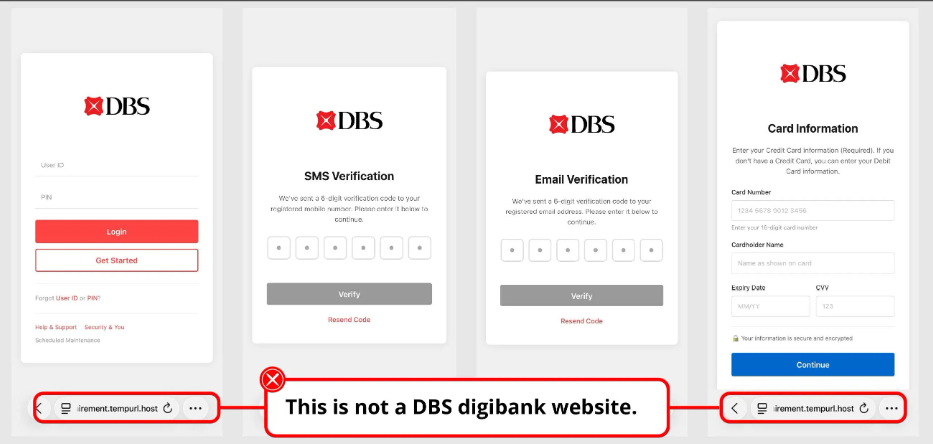
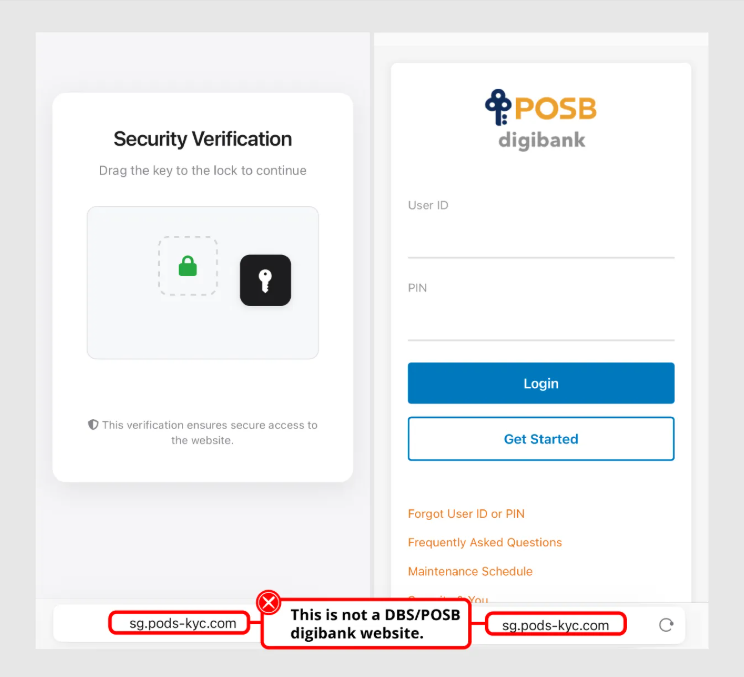
Advisory: Beware of Phishing Scams Impersonating DBS Bank
ice-coffee-star.unicornplatform.page
The Singapore Police Force observes a trend of banking-related phishing scams, with scammers creating fake websites that impersonate DBS Bank. These scam sites aim to trick you into revealing your confidential banking details.
Here's how to recognise such scams:
- Unusual Website Addresses: Always check the website address (URL). Scammers often use web addresses that look slightly off or contain unfamiliar words, unlike the official DBS website.
- Requests for Confidential Information: Be wary of any website or message asking you to provide your internet banking User ID, PIN, or One-Time Passwords (OTPs) through a link. DBS Bank will never ask for these details via unofficial links or pop-ups.
If you suspect you have fallen victim to such a scam:
- Immediately contact DBS Bank using the official number to report the incident and secure your accounts.
- Report the matter to the police.
By staying vigilant and knowing what to look out for, you can ACT against scams. Remember to "Check" for scam signs and "Tell" authorities and your loved ones about these tactics.
Unsure if something is a scam? Check by calling the 24/7 ScamShield Helpline at 1799.
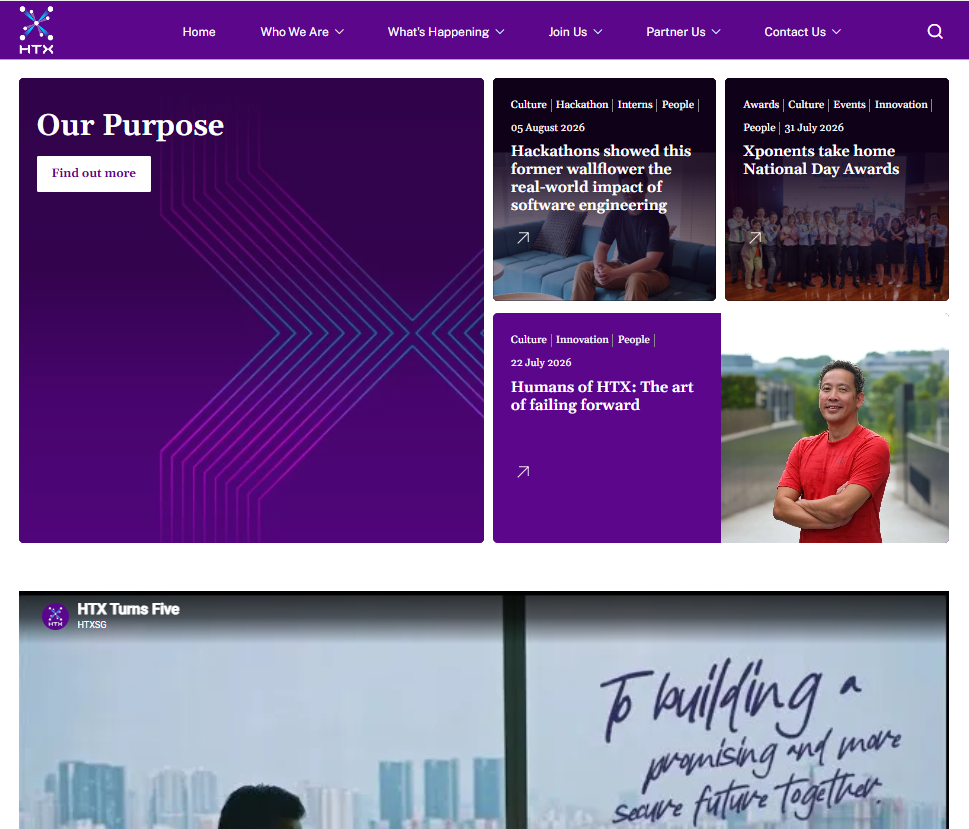
Stay Vigilant Against Phishing Scams Impersonating HTX
qer012.online
The Singapore Police Force would like to alert the public to a rise in phishing scams impersonating the Home Team Science & Technology Agency (HTX). These scams often involve fake websites designed to trick you into revealing personal or financial information.
Here's how to recognise these scams:
- Always check the website address. Scammers use suspicious URLs (e.g.,
qer012.online) that look similar but are not the official HTX website. Official HTX websites will havehtx.gov.sgin their address. - Be wary of unsolicited messages or links that ask for your personal details (like login IDs, passwords, or bank account information). Official agencies like HTX will never ask for such sensitive information through unverified links.
Here's how you can ACT against scams:
- Check for scam signs: Always verify information with official sources. If you receive a message or encounter a website claiming to be from HTX, verify its authenticity through the official HTX website (www.htx.gov.sg) or Gov.sg. Do not click on suspicious links.
- Add security features: Enhance your online security by enabling Two-Factor Authentication (2FA) for all your online accounts, where available. This adds an extra layer of protection.
- Tell authorities, family and friends: If you've provided your personal or banking details on a suspicious site, change your passwords immediately and inform your bank to monitor your accounts for any unauthorised transactions. Report the incident to the police. Share this advisory with your loved ones to protect them from similar scams.
Unsure if something is a scam? Check by calling the 24/7 ScamShield Helpline at 1799.
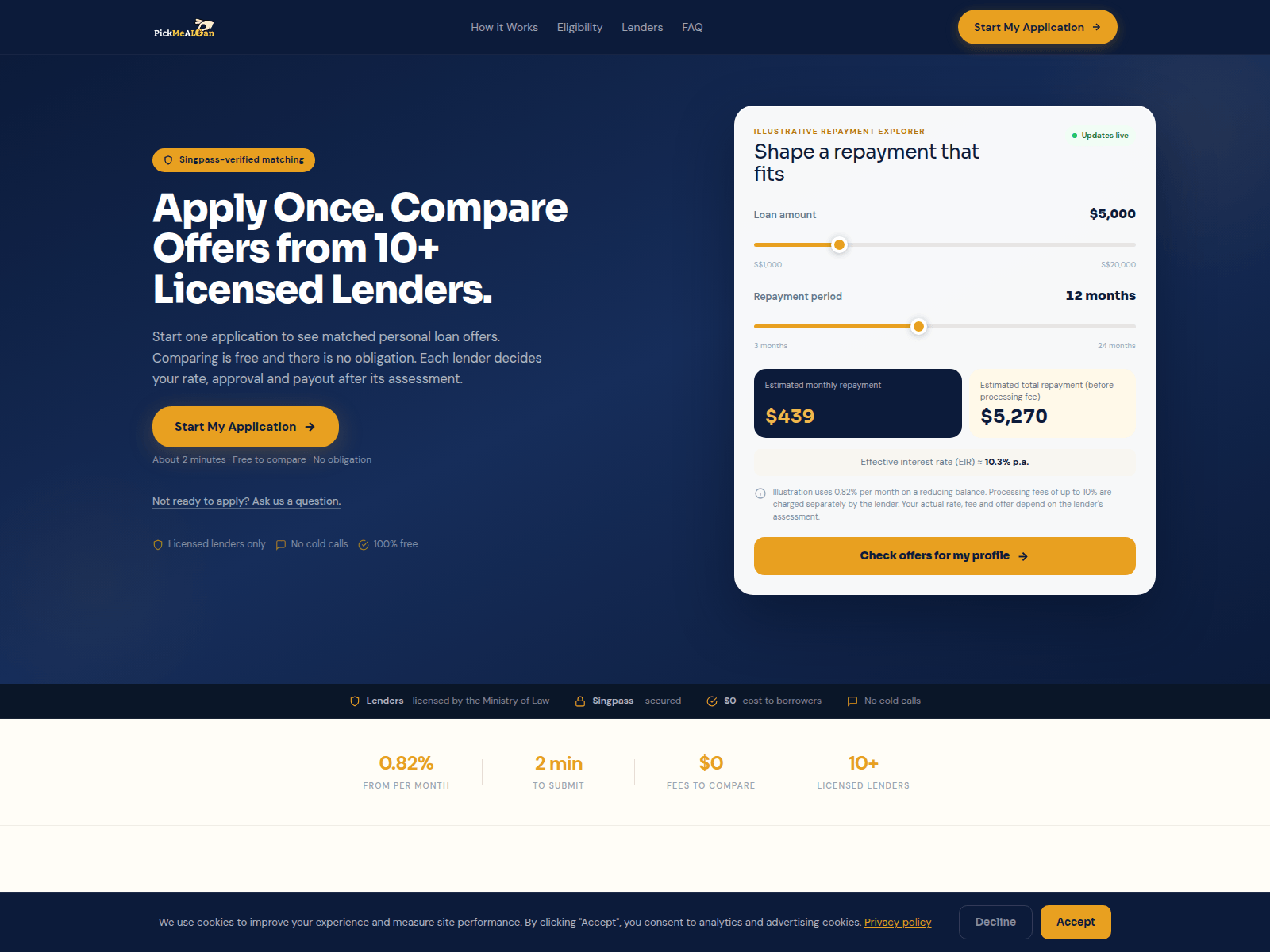
Advisory: Watch Out for Loan Scams Impersonating "Pickmealoan"
pickmealoan.com
The Singapore Police Force has observed an increase in reports involving loan scams impersonating "Pickmealoan". Scammers are creating fake websites and using unsolicited messages to trick individuals into applying for loans, often requesting upfront fees or personal information.
How to recognise this scam:
- You receive unsolicited messages, calls, or advertisements offering attractive loan deals from unfamiliar entities or unknown sources, often claiming to be "Pickmealoan".
- You are directed to suspicious websites such as
pickmealoan.comto apply for a loan, where you might be asked for personal details or an upfront processing fee.
If you encounter or are affected by this scam, here's how you can ACT:
- Add security features: Block the sender and report the scam message or website immediately. Consider setting up two-factor authentication (2FA) for your online accounts.
- Check for scam signs: Always verify the legitimacy of any loan offer. Do not click on suspicious links or respond to unsolicited loan offers, especially those that direct you to unfamiliar websites like
pickmealoan.com. Always verify with official sources, such as checking if the moneylender is licensed by the Ministry of Law's Registry of Moneylenders. - Tell authorities, family and friends: If you have provided your personal details or transferred money, report it to the police immediately. Inform your bank and share this advisory with your loved ones to protect them from similar scams.
Unsure if something is a scam? Check by calling the 24/7 ScamShield Helpline at 1799.
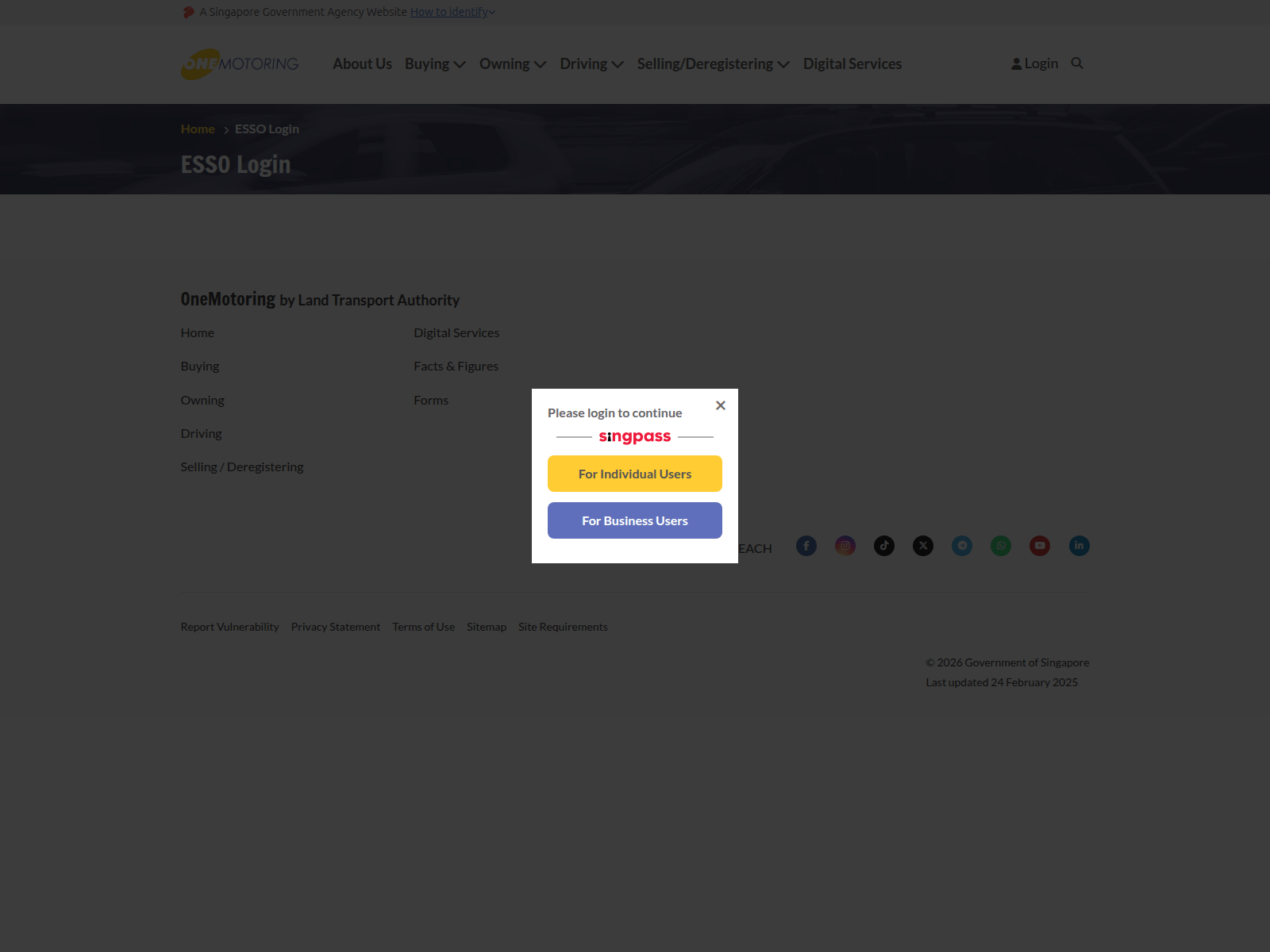
Advisory: Beware of Fake Gov.sg Websites Impersonating Official Government Platforms
kfy001.online
The Singapore Police Force would like to alert members of the public to a recent increase in scam sites impersonating official Gov.sg platforms.
Spotting the Scam
- Check the URL carefully: Official Singapore Government websites will always end with "gov.sg". Be suspicious of links that use different domain endings or misspellings, such as "kfy001.online", even if they appear to be Gov.sg related.
- Beware of unexpected messages: Exercise caution with unsolicited messages (SMS, email, or social media) claiming to be from Gov.sg, especially if they ask you to click on links, download files, or provide personal and banking details. Official government agencies will not request sensitive information via unverified links.
What to do if you are affected
If you suspect you have clicked on a suspicious link or provided your personal or banking details on a fake Gov.sg website:
- Immediately change your online banking passwords and any other passwords that might be compromised.
- Report the incident to your bank and monitor your accounts for any unauthorised transactions.
- Report the scam to the Police.
Unsure if something is a scam? Check by calling the 24/7 ScamShield Helpline at 1799.
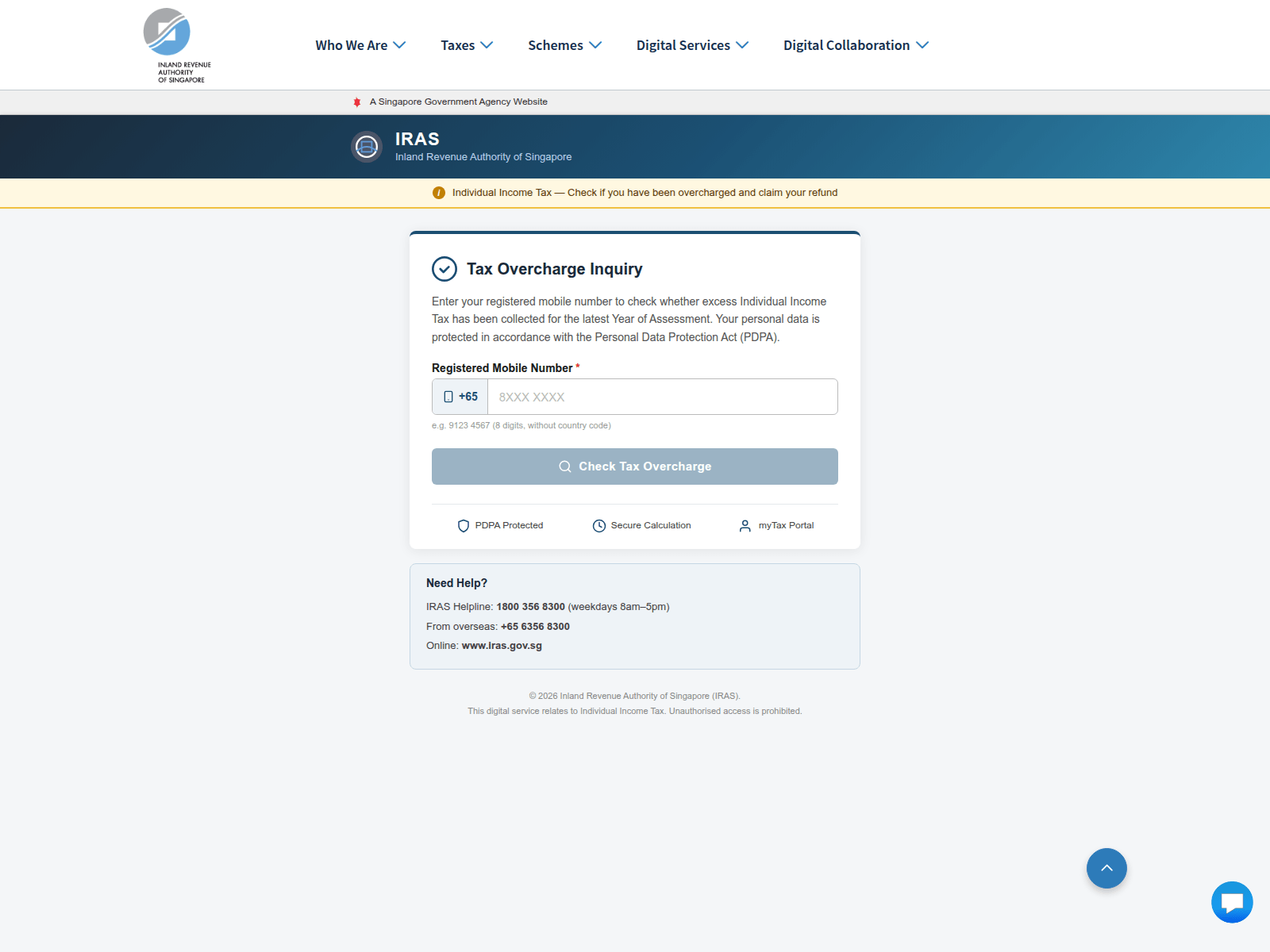
Advisory: Be Wary of Phishing Scams Impersonating IRAS
irasz.com
The Singapore Police Force has observed a trend of phishing scams where scammers impersonate the Inland Revenue Authority of Singapore (IRAS). These scams often involve fake websites designed to look like official IRAS portals, tricking victims into revealing personal and banking details.
How to recognise these scams:
- Check the URL carefully. Scammers use website addresses that are very similar to the official IRAS website (iras.gov.sg), but with slight spelling variations or extra characters (e.g.,
irasz.com). Always ensure you are on the legitimate IRAS website before entering any information. - Be suspicious of unsolicited messages (SMS, email) claiming to be from IRAS that ask you to click on a link to update personal information, claim a refund, or resolve an outstanding payment. IRAS will typically not request sensitive information or direct you to non-official links via unsolicited messages.
If you have provided your personal or banking details on a suspicious website:
- Contact your bank immediately to secure your accounts and monitor for any unauthorised transactions.
- Change passwords for any other online accounts that use the same credentials.
- Report the incident to the police.
Remember,
- Add security features: Enable Two-Factor Authentication (2FA) and set transaction limits.
- Check for scam signs: Always verify website URLs and the authenticity of messages with official sources.
- Tell authorities: Report any suspicious websites or messages to the police.
Unsure if something is a scam? Check by calling the 24/7 ScamShield Helpline at 1799.
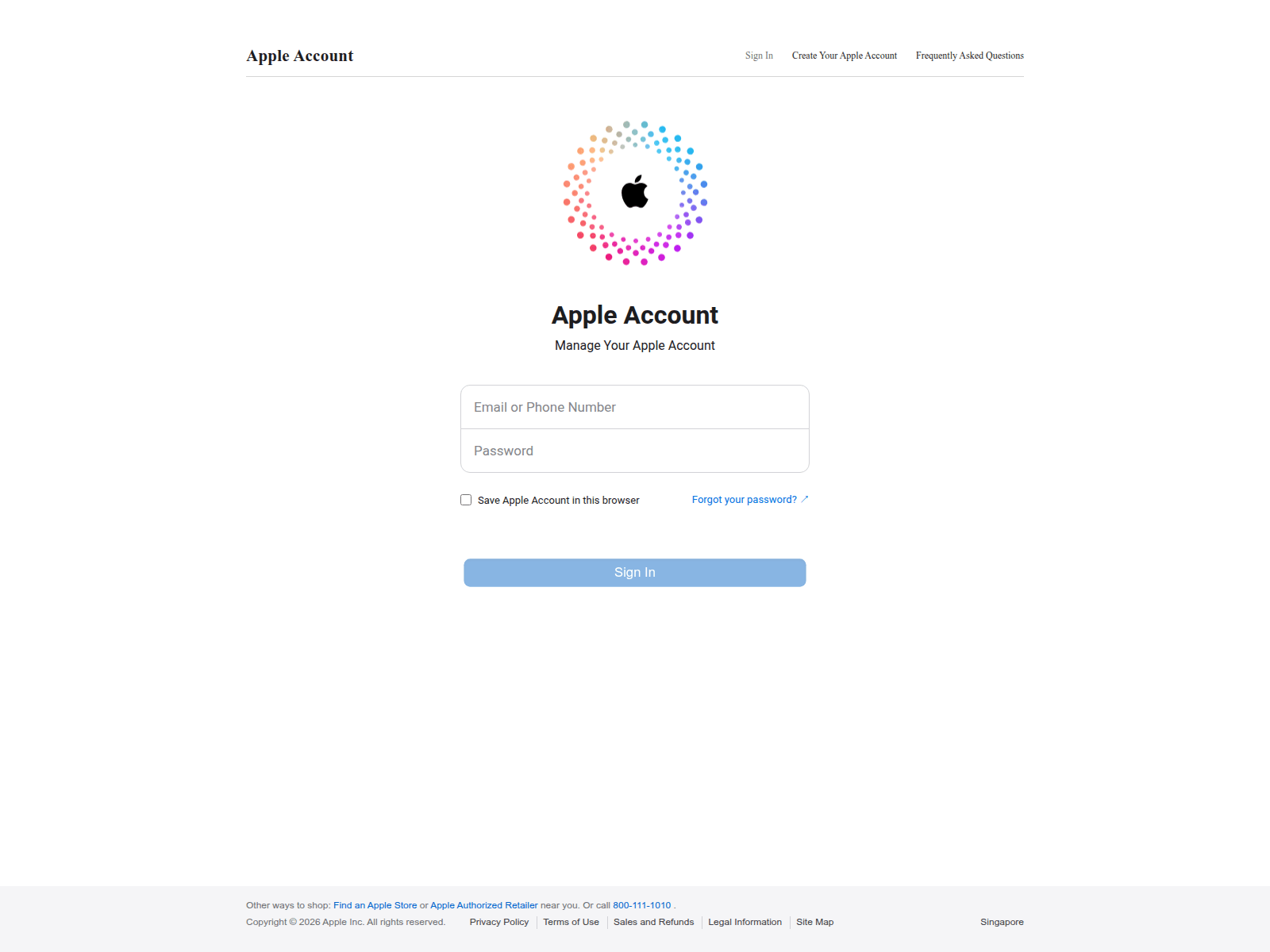
Advisory: Be Alert to Phishing Scams Impersonating Apple iCloud
icloud.qpon
The Singapore Police Force observes phishing attempts impersonating Apple iCloud services. These scams aim to trick you into revealing your Apple ID and password.
Here's how to recognise such scams:
- Look out for messages (SMS, email) or websites that ask for your Apple ID or iCloud password but come from unusual or unfamiliar website addresses. For example, a scam site might use a domain like "icloud.qpon" instead of official Apple websites.
- Be cautious of urgent requests or threats stating your Apple account is locked, suspended, or requires immediate verification, especially if they direct you to click on a link.
What to do if you encounter such scams:
- Adding security features: Always enable Two-Factor Authentication (2FA) for your Apple ID to protect your account, even if your password is stolen.
- Checking for scam signs: Verify the authenticity of any request by visiting Apple's official website directly (e.g., apple.com) or checking through the official Settings app on your Apple device, instead of clicking on links in suspicious messages.
- Telling authorities, family and friends: If you have clicked on a suspicious link and entered your details, immediately change your Apple ID password. Report the incident to Apple and inform your family and friends about the scam.
Unsure if something is a scam? Check by calling the 24/7 ScamShield Helpline at 1799.
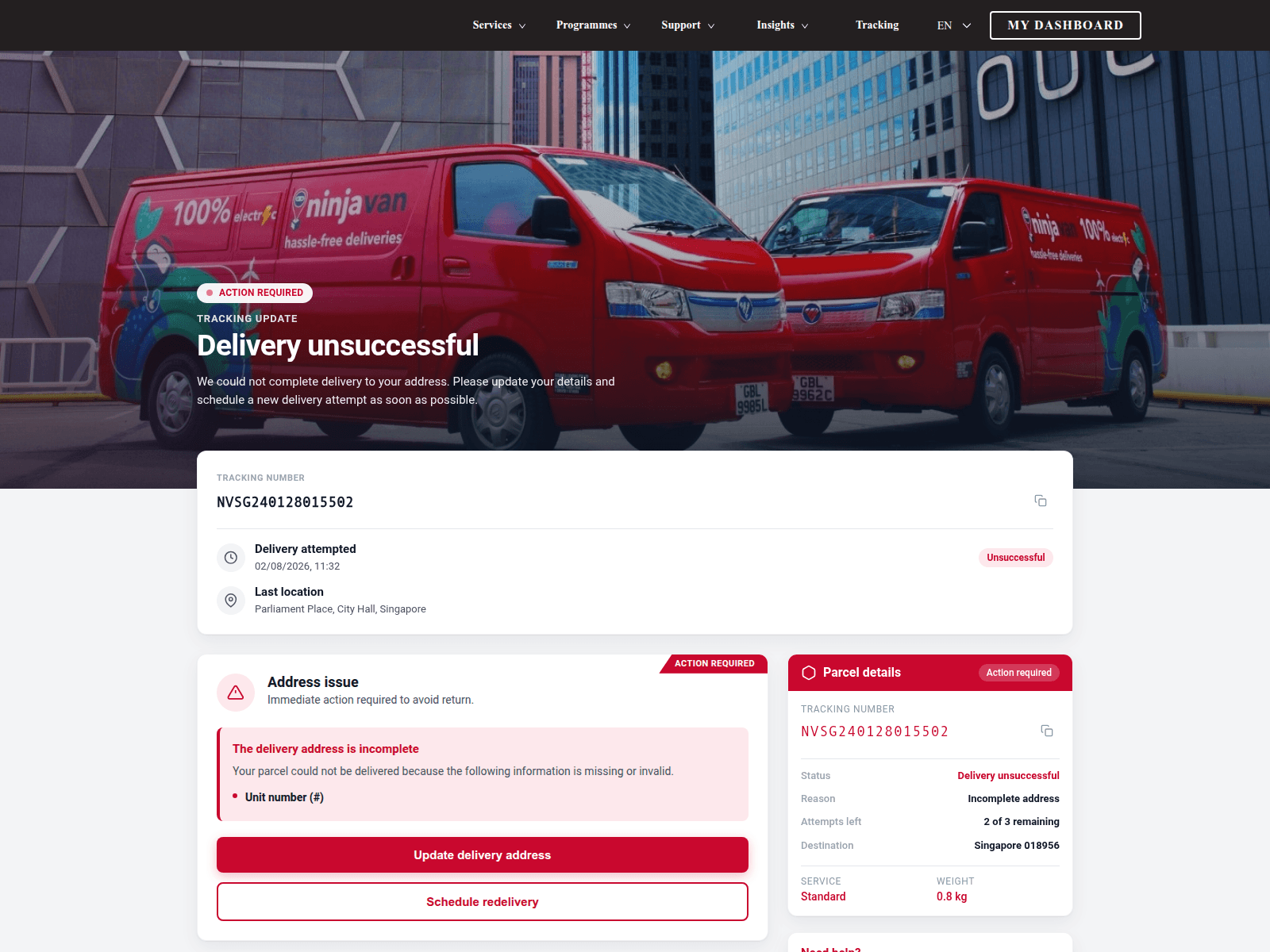
Advisory: Beware of Phishing Scams Impersonating Ninjavan
zqpro.cfd
The Singapore Police Force has observed a trend of phishing scams impersonating delivery services like Ninjavan. These scams often use fake websites to trick members of the public into revealing personal information, potentially leading to financial loss or compromise of personal data.
Here’s how to recognise these scams:
- Unusual Website Addresses: Always check the website address carefully. Official Ninjavan websites will use their legitimate domain (e.g.,
ninjavan.sg), not unusual or misspelled ones likezqpro.cfd. - Unexpected Requests: Be wary of unexpected messages (SMS, email) claiming to be from delivery companies, especially if they ask for personal details, payment, or to click on a link to track a package or reschedule delivery.
If you have clicked on a suspicious link or provided your details:
- Do not proceed further. Close the suspicious website immediately.
- If you shared bank details or made payments: Contact your bank immediately to freeze your accounts or cards.
- If you shared login credentials: Change your passwords for all affected accounts, especially if you use the same password for multiple services.
- Report the incident to the Police.
Remember: Add security features. Check for scam signs and verify with official sources. Tell authorities, family and friends about scams.
Unsure if something is a scam? Check by calling the 24/7 ScamShield Helpline at 1799.
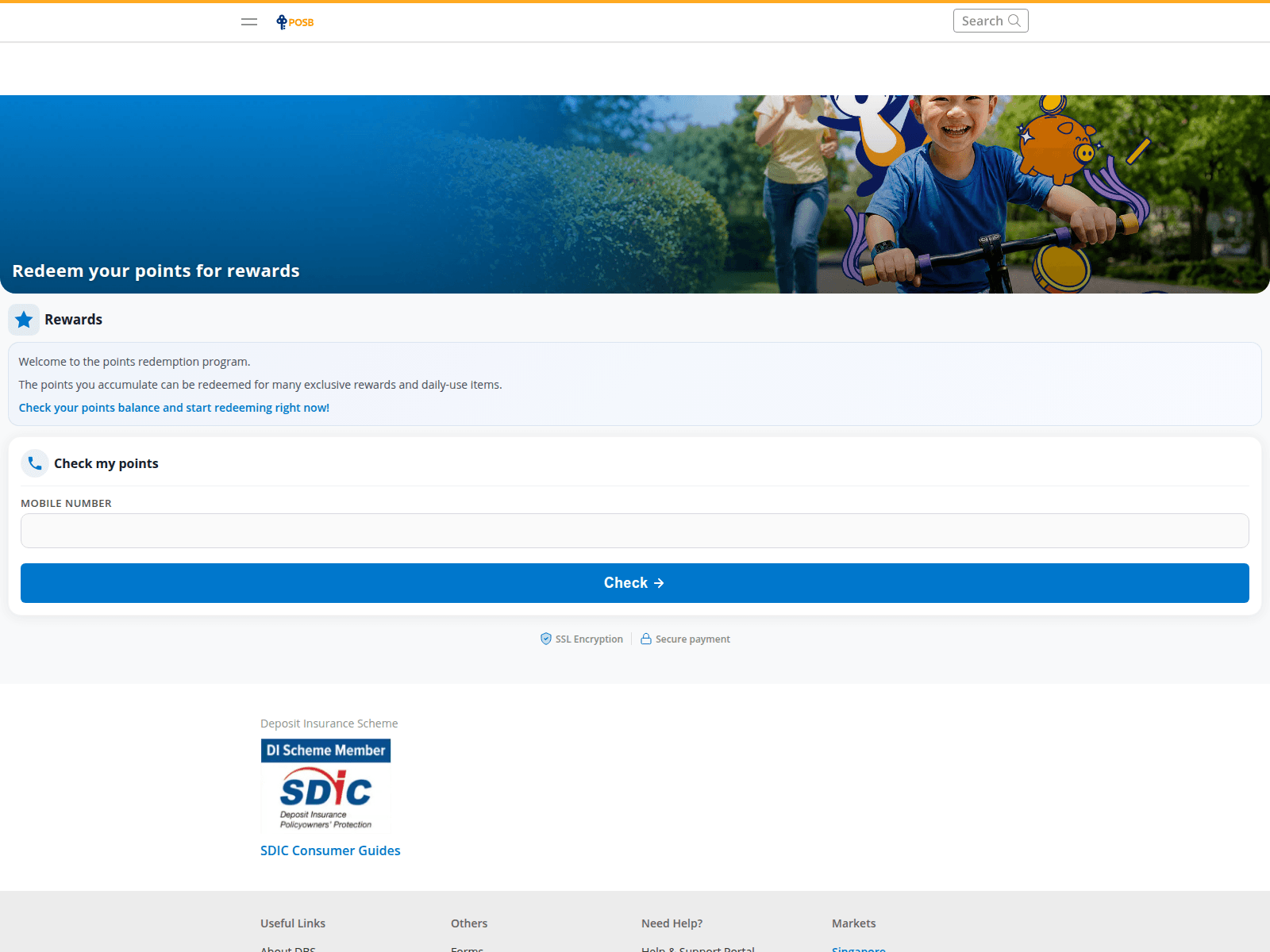
Advisory: Beware of DBS PayLah Phishing Scams Using Fake Websites
posb.live
The Singapore Police Force has observed a trend of phishing scams targeting users of DBS PayLah. Scammers are using fake websites, often with unusual URLs such as posb.live, to trick individuals into revealing their banking credentials.
How to recognise this scam:
- Unusual Website Addresses: Always scrutinise the website address. Official DBS/POSB websites will use
dbs.com.sgorposb.com.sg. Scammers create similar-looking but fake addresses (e.g.,posb.live) to deceive you. - Unexpected Requests for Login: Be cautious of links received via SMS, email, or messaging apps that suddenly ask you to log in or update sensitive banking details, especially if you did not initiate the action.
If you suspect you have fallen victim to this scam:
- Immediately contact your bank (DBS/POSB) to report the incident and secure your accounts.
- Report the scam to the police.
Remember, you can ACT against scams:
- Add security features: Enable Two-Factor Authentication (2FA) and set transaction limits for your banking accounts.
- Check for scam signs: Always verify the authenticity of websites and messages with official sources. Do not click on suspicious links.
- Tell authorities, family and friends: Report scam attempts to your bank and the police. Share this information to protect your loved ones.
Unsure if something is a scam? Check by calling the 24/7 ScamShield Helpline at 1799.
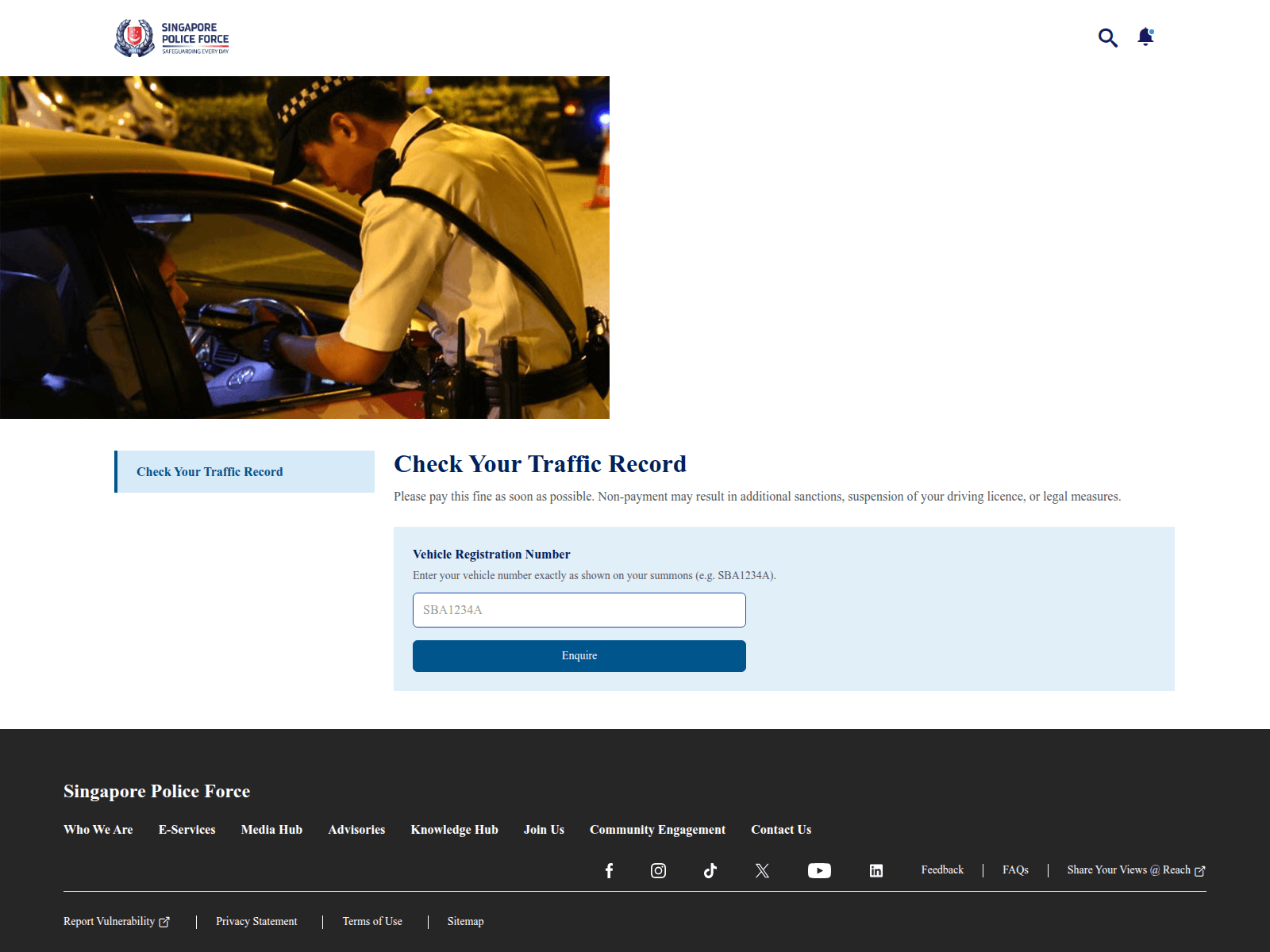
Advisory: Beware of Fake Singapore Police Force (SPF) Websites Impersonating Official Channels
sg-policectictr.com
The Singapore Police Force (SPF) has observed a recent trend of impersonation scams involving fake websites designed to look like official SPF platforms. Scammers use these fraudulent sites to trick the public into divulging sensitive information or performing actions that could lead to financial loss.
How to recognise this scam:
- Always check the website's URL carefully. Official SPF websites will always use domains ending with
police.gov.sg. Any other domain (e.g.,sg-policectictr.com) is likely a scam. - Be wary of unsolicited messages, emails, or pop-ups asking you to click on links and provide personal details, especially if they demand urgent action or threaten arrest.
If you receive a suspicious link or message claiming to be from SPF:
- Do not click on the link. Delete the message immediately.
- Do not provide any personal information, banking details, or One-Time Passwords (OTPs). Official SPF officers will never ask for such information over the phone or through unsecured channels.
- Verify with official sources. If unsure, contact SPF directly through the official SPF hotline at 1800-255-0000 or visit
www.police.gov.sg. Do not use contact details provided in suspicious messages. - Report the scam. If you have disclosed your banking details, immediately notify your bank to suspend your accounts. Report the incident to the Police.
- Tell your family and friends about these scams to protect them.
Unsure if something is a scam? Check by calling the 24/7 ScamShield Helpline at 1799.

Advisory on Phishing Scams Impersonating MooMoo
pq1idrmf27wu91l4wv.live
The Singapore Police Force warns the public about a rise in phishing scams, targeting users of financial trading platforms, specifically MooMoo. Scammers are creating fake websites mimicking the legitimate platform to trick users into revealing their login credentials and personal information.
How to recognise this scam:
- Be cautious of unsolicited messages or unofficial links claiming to be from MooMoo, especially those asking for your login details or personal information.
- Always check the website URL carefully. Official MooMoo websites will use their legitimate domain names, not suspicious-looking ones with random characters or unfamiliar extensions (e.g.,
.live,.xyz).
What to do if you encounter this scam:
- Add security features: Enhance your account security by enabling Two-Factor Authentication (2FA) on your MooMoo account for an added layer of protection.
- Check for scam signs: Always verify the legitimacy of any links or messages purporting to be from MooMoo. Look for unusual phrasing, grammatical errors, or requests for sensitive information that MooMoo would not typically ask for. Cross-reference any suspicious communication with official MooMoo announcements or their official website directly.
- Tell authorities, family and friends: If you encounter such a scam, inform MooMoo's official customer support. If you have clicked on a suspicious link, provided your details, or suspect unauthorised transactions, immediately change your password on the official MooMoo website. Report the incident to the Police at www.police.gov.sg/iwitness or call 999 if you require urgent assistance. Share this information with your family and friends to protect them too.
Unsure if something is a scam? Check by calling the 24/7 ScamShield Helpline at 1799.

Advisory on Investment Scams Using Suspicious Websites
xcnc.top
The Singapore Police Force has noted a rise in investment scams, often using suspicious websites like xcnc.top and promising high returns. These scams aim to trick you into investing in fake opportunities.
Here's how you can spot them:
- Unrealistic Returns: Be cautious of investment schemes that promise guaranteed high profits with little or no risk. Legitimate investments always carry some level of risk.
- Unverified Platforms: Scammers direct you to unfamiliar websites or apps (e.g.,
xcnc.top) for investment. Always verify the platform's legitimacy with official sources.
If you believe you have fallen victim to such a scam:
- Immediately stop all communication and do not transfer more money.
- Inform your bank and report the incident to the Police.
Unsure if something is a scam? Check by calling the 24/7 ScamShield Helpline at 1799.


Advisory: Guard Against Online Investment Scams
2125578.com
The Singapore Police Force observes a trend of investment scams involving fraudulent online platforms, sometimes masquerading as legitimate investment opportunities, such as those related to "BNBPULSE". These scams typically promise attractive returns with little to no risk.
Here's how you can 'Check' for scam signs:
- Be cautious of unsolicited investment opportunities or platforms (like "BNBPULSE") that promise unusually high or guaranteed returns in a short period. Legitimate investments always carry some risk.
- Always verify the legitimacy of investment platforms and schemes. Check if they are regulated by the Monetary Authority of Singapore (MAS).
If you suspect you have fallen victim to an investment scam:
- Immediately contact your bank to report any unauthorised transactions and try to halt them.
- 'Tell' the authorities by lodging a police report.
- Change passwords for any online accounts that might have been compromised.
Unsure if something is a scam? Check by calling the 24/7 ScamShield Helpline at 1799.
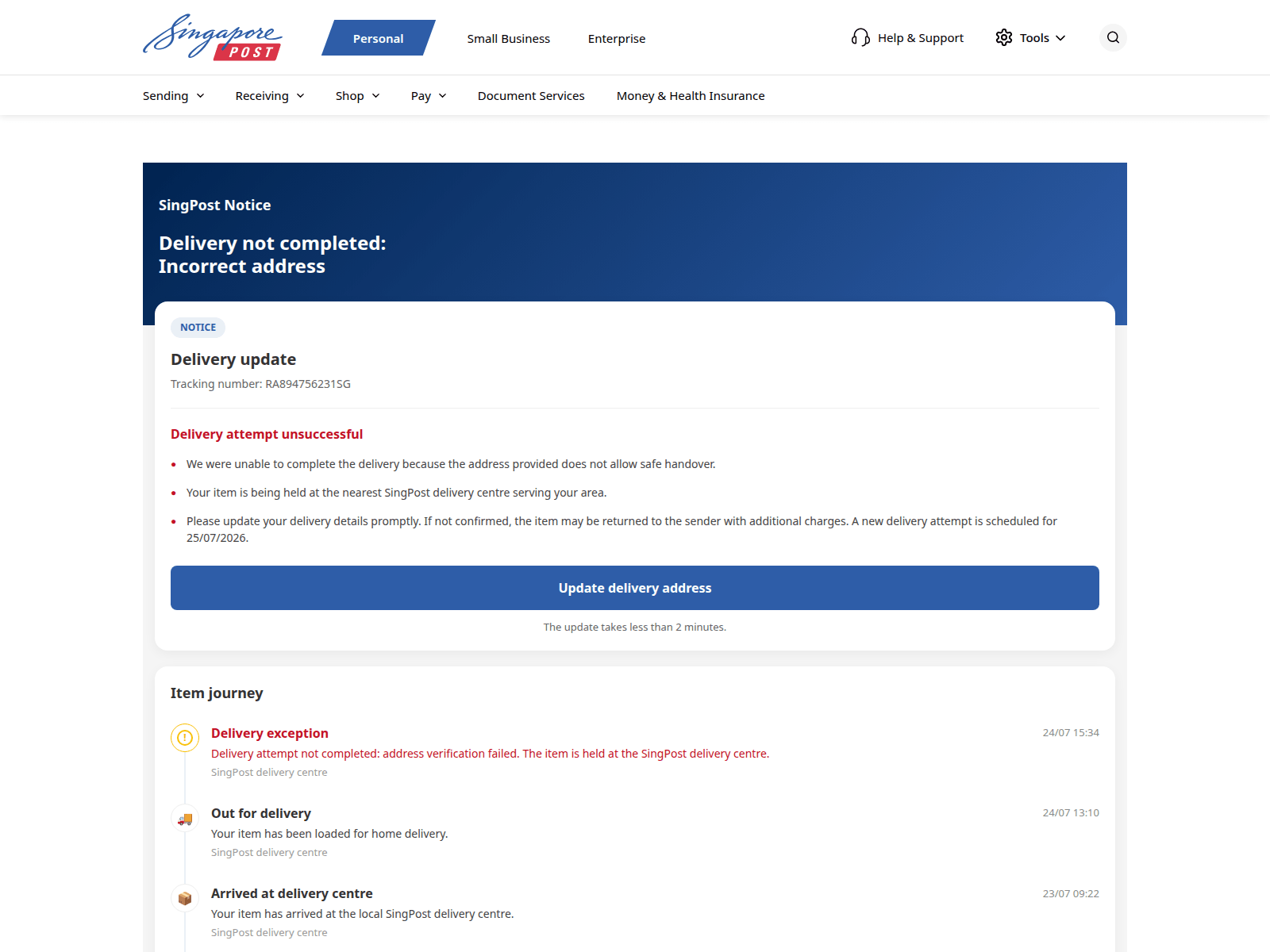
Advisory: Protect Yourself from Fake SingPost Websites
894144.cc
The Singapore Police Force has observed an increase in reports involving fake SingPost websites, such as 894144.cc. Scammers are using these fraudulent sites to trick members of the public into revealing personal or banking details.
How to recognise this scam:
- Scammers create fake SingPost websites that look authentic and often ask for personal details or a small payment for parcel delivery or redelivery. These sites may appear after clicking a link in an SMS or email.
- Always check the website address carefully. Official SingPost websites will only use domains like
singpost.comormypost.singpost.com. Be wary of unexpected messages claiming to be from SingPost, especially those asking for payment or personal information.
What to do if you were affected:
If you have provided your personal or banking details on a suspicious website:
- Immediately change passwords for any online accounts that share those details.
- Contact your bank or card issuer to report any unauthorised transactions or compromised card information.
- Report the scam to the Police.
Protect yourself and those around you:
- Add security features (e.g., Two-Factor Authentication) to your online accounts.
- Check for scam signs and verify with official sources (e.g., the official SingPost website or their customer service hotline).
- Tell authorities, family and friends about scams you encounter.
Unsure if something is a scam? Check by calling the 24/7 ScamShield Helpline at 1799.
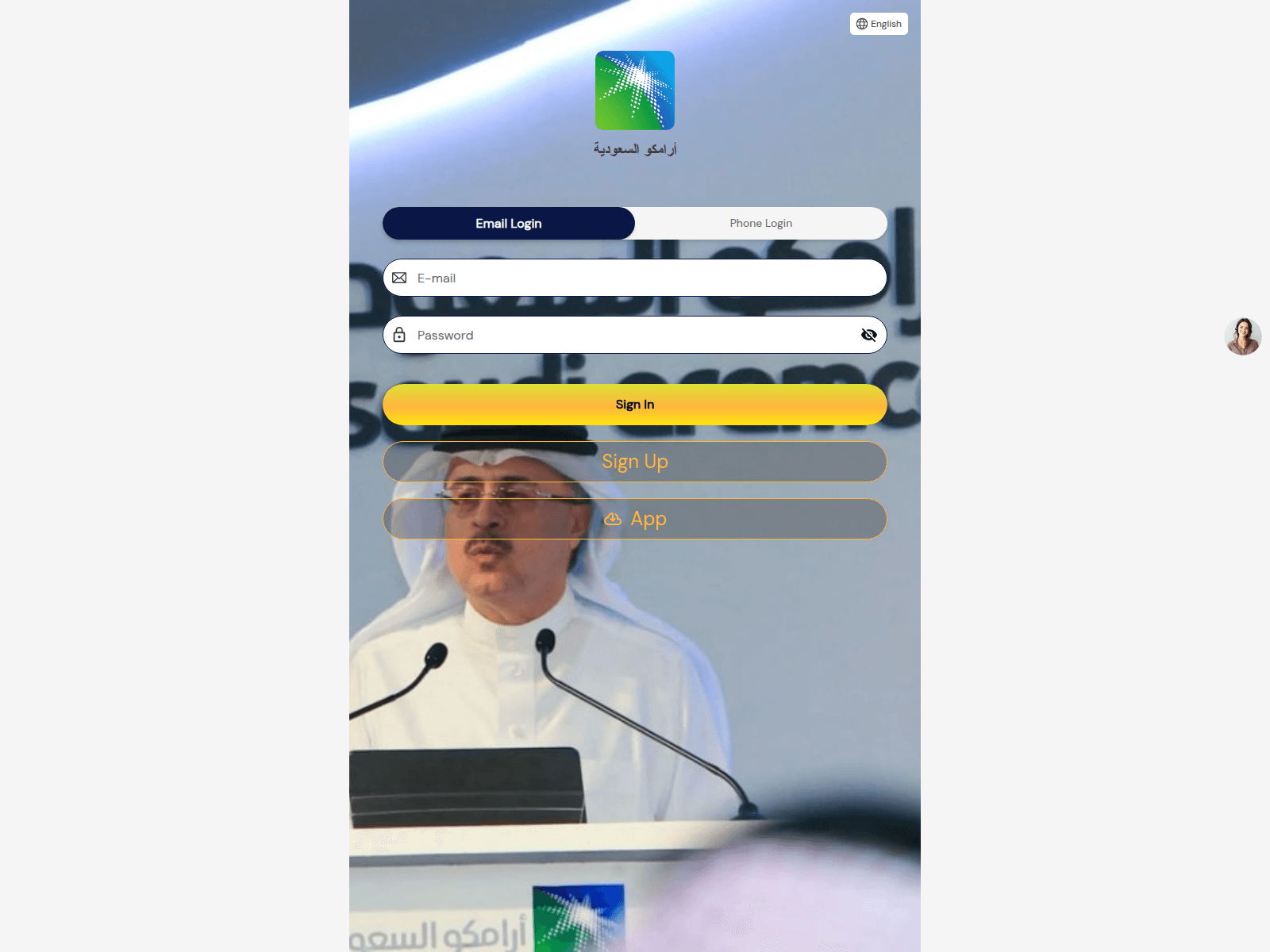
Advisory: Protect Yourself from Impersonation Investment Scams
currency-oil.com
The Singapore Police Force warns the public about a rise in investment scams where fraudsters create fake websites and platforms to impersonate legitimate companies. These scams aim to trick individuals into investing in non-existent schemes. For instance, we have observed fake investment sites like currency-oil.com attempting to impersonate Saudi Aramco, offering what appear to be attractive investment opportunities.
Here's how to recognise such scams:
- Scammers design convincing but fake websites and platforms that mimic reputable companies. Always check the website's URL carefully; official company websites will have legitimate domain names, not suspicious ones like
currency-oil.com. - Be highly suspicious of unsolicited investment offers, especially those guaranteeing exceptionally high returns with little to no risk. Legitimate investments always carry a degree of risk.
If you believe you have fallen victim to such a scam:
- Stop all communication with the scammers immediately. Do not make any further payments or provide more personal details.
- Report the incident to the police.
- Inform your bank promptly to freeze any potentially compromised accounts and prevent further losses.
- Tell your family and friends about the scam so they can also be aware and protect themselves.
Unsure if something is a scam? Check by calling the 24/7 ScamShield Helpline at 1799.

Advisory: Be Wary of Unsolicited Online Loan Offers
pickmealoan.com
The Singapore Police Force (SPF) has observed a trend of scam websites, such as "pickmealoan.com", offering seemingly attractive loan deals. These sites are designed to trick individuals into believing they can get quick and easy loans.
How to Recognise These Loan Scams:
- You receive unsolicited offers for quick or easy loans, especially from unknown sources or through suspicious-looking websites like the one reported.
- You are asked to pay an upfront "administrative fee", "processing fee", or "security deposit" before the loan can be disbursed. Legitimate financial institutions do not typically demand such fees before loan disbursement.
What to do if you encounter or are affected by such scams:
If you encounter such an offer, remember to Check for scam signs and verify with official sources.
If you have fallen victim to a loan scam, it's crucial to ACT quickly:
- Stop all communication with the scammer immediately.
- Tell authorities: Report the incident to the Police via the online form at www.police.gov.sg/iwitness or call 999.
- Tell your bank: If you have made any payments or shared banking details, contact your bank immediately to halt transactions and secure your accounts.
- Tell friends and family: Share your experience to help them identify and avoid similar scams.
Unsure if something is a scam? Check by calling the 24/7 ScamShield Helpline at 1799.
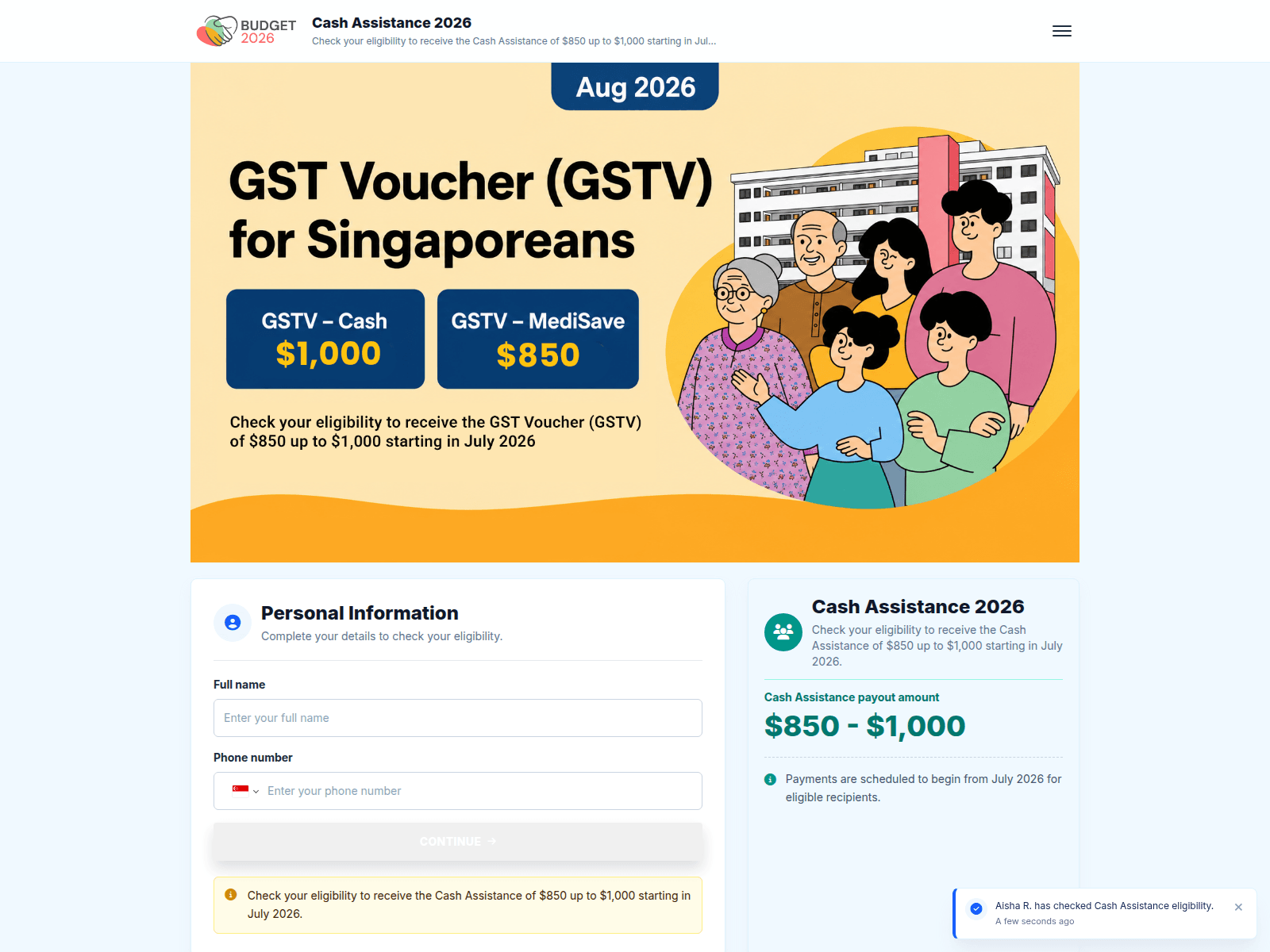
Advisory: Be Wary of Impersonation Scams Targeting CDC Vouchers
fatsdfe56tiziadf.koyeb.app
The Singapore Police Force has observed a trend of impersonation scams targeting CDC Vouchers. Scammers send unsolicited messages or create fake websites to trick the public into providing personal and banking details under the guise of CDC Voucher redemption. We have received 71 reports related to such scam sites.
Here’s how to recognise such scams:
- Scammers send unsolicited SMS, emails, or messages via social media that include suspicious links related to CDC Vouchers.
- These links lead to fake websites designed to phish for your personal information, banking details, or One-Time Passwords (OTPs). Official CDC Voucher redemption does not require you to provide such sensitive information through third-party links.
If you suspect you have encountered this scam or fallen victim:
- A - Add security features: Enable Two-Factor Authentication (2FA) for your online accounts and use strong, unique passwords. If you have provided login details on a scam site, change your passwords immediately.
- C - Check for scam signs: Always verify the authenticity of any message or website regarding CDC Vouchers through official government channels or the official CDC Vouchers website. Do not click on suspicious links.
- T - Tell authorities, family and friends: If you have disclosed banking details or suspect your bank account has been compromised, contact your bank immediately to block your accounts. Report the scam to the police. Share this information with your loved ones to protect them from falling victim.
Unsure if something is a scam? Check by calling the 24/7 ScamShield Helpline at 1799.
Advisory on Investment Scams Impersonating CNA
aspencup.one
The Singapore Police Force has observed a trend of investment scams impersonating Channel NewsAsia (CNA). These scams typically lure victims with fraudulent investment opportunities, often promising high returns.
How to recognise these scams:
- Scammers create fake websites that look like CNA, promoting highly lucrative investment schemes.
- The website addresses are often suspicious (e.g.,
aspencup.oneinstead ofcna.asia) and do not belong to CNA.
If you have fallen victim to such a scam:
- Report the incident to your bank immediately to freeze any suspicious transactions.
- Change your online banking credentials and any other compromised passwords.
- Report the scam to the police.
Remember,
- Add security features like Two-Factor Authentication (2FA) and enable transaction limits.
- Check for scam signs and verify information with official sources. CNA's official website is
cna.asia. - Tell authorities, family, and friends about scams.
Unsure if something is a scam? Check by calling the 24/7 ScamShield Helpline at 1799.
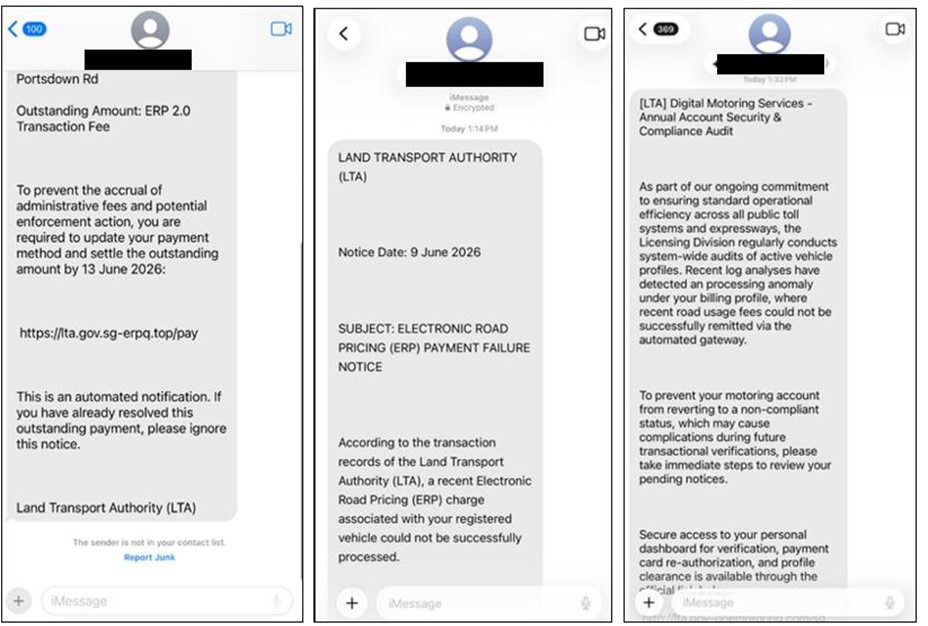
Advisory: Beware of Phishing Scams Impersonating Land Transport Authority (LTA)
citepay.top
The Singapore Police Force (SPF) has observed a trend of phishing scams using fake websites to impersonate the Land Transport Authority (LTA). These scams involve fraudulent websites with unofficial URLs, such as citepay.top, designed to trick you into revealing personal or financial information.
How to Recognise This Scam:
- You receive messages (SMS, email, or chat apps) asking you to click on links related to LTA matters (e.g., fines, vehicle updates) from unusual URLs like
citepay.top. LTA's official website iswww.lta.gov.sg. - The website you are directed to, despite appearing official, has a suspicious URL and prompts you to provide personal details or make payments outside of LTA's official platforms.
What to Do if Affected:
- Do not click on suspicious links. Always verify the authenticity of messages and websites by going directly to LTA's official website (www.lta.gov.sg) or through official government channels.
- If you have clicked and provided details, immediately contact your bank to report any unauthorised transactions and change your online banking and other relevant passwords. Report the incident to the police.
We remind the public to ACT against scams:
- Add security features like two-factor authentication (2FA) to your online accounts and enable transaction limits.
- Check for scam signs. Always verify the authenticity of messages and websites with official sources like LTA's official website (www.lta.gov.sg) or the official ScamShield app. Remember, official LTA transactions should only be done on their verified platforms.
- Tell authorities, family, and friends about scams to protect yourself and your loved ones.
Unsure if something is a scam? Check by calling the 24/7 ScamShield Helpline at 1799.
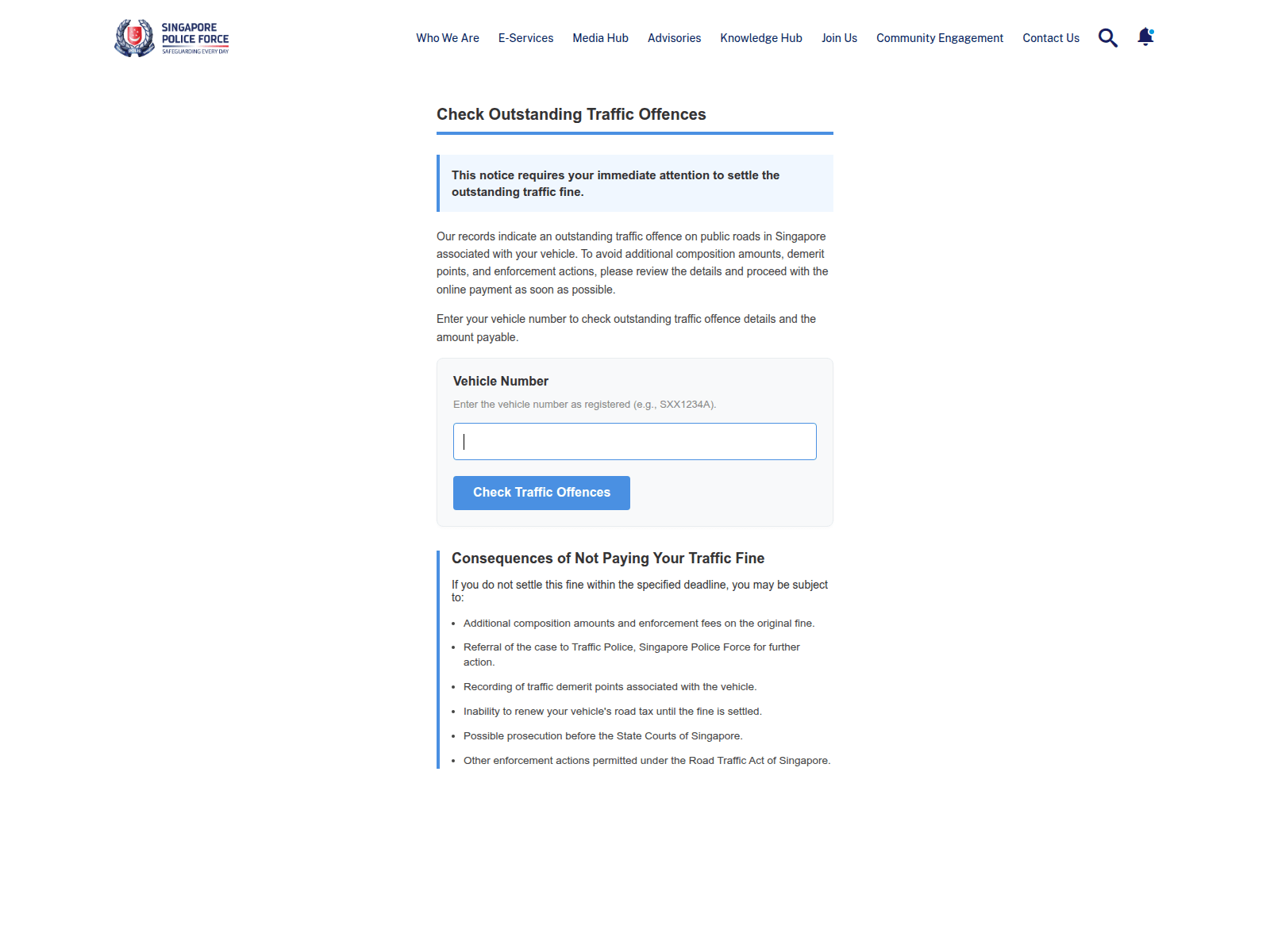
Advisory: Beware of Websites Impersonating Singapore Police Force (SPF)
police-gov-pk.cc
The Singapore Police Force (SPF) has noted a trend of scam websites, like "police-gov-pk.cc", that impersonate the SPF. These sites aim to trick you into believing they are official law enforcement platforms to steal your information.
How to recognise this scam:
- Check the website address (URL): Official SPF websites always end with
.gov.sg. Be wary of any website claiming to be SPF that uses a different domain, such as.ccor.com. - Unexpected messages: Be cautious of unsolicited SMS, emails, or messages asking you to click links or provide personal details, supposedly from SPF, especially if they demand urgent action.
What to do if you encounter such a scam or were affected:
- Add security features: If you have already provided personal details on a scam site, change your passwords for relevant accounts immediately. Monitor your bank accounts closely for any unauthorised transactions.
- Check for scam signs: Do not click on suspicious links. Verify any message claiming to be from SPF by checking official SPF sources or calling the official SPF hotline at 1800-255-0000. Do not use contact details provided in the suspicious message.
- Tell authorities, family and friends: Report any suspicious websites, emails, or messages to the Police at www.police.gov.sg/iwitness or call the Police hotline at 1800-255-0000. Inform your loved ones about this scam.
Unsure if something is a scam? Check by calling the 24/7 ScamShield Helpline at 1799.
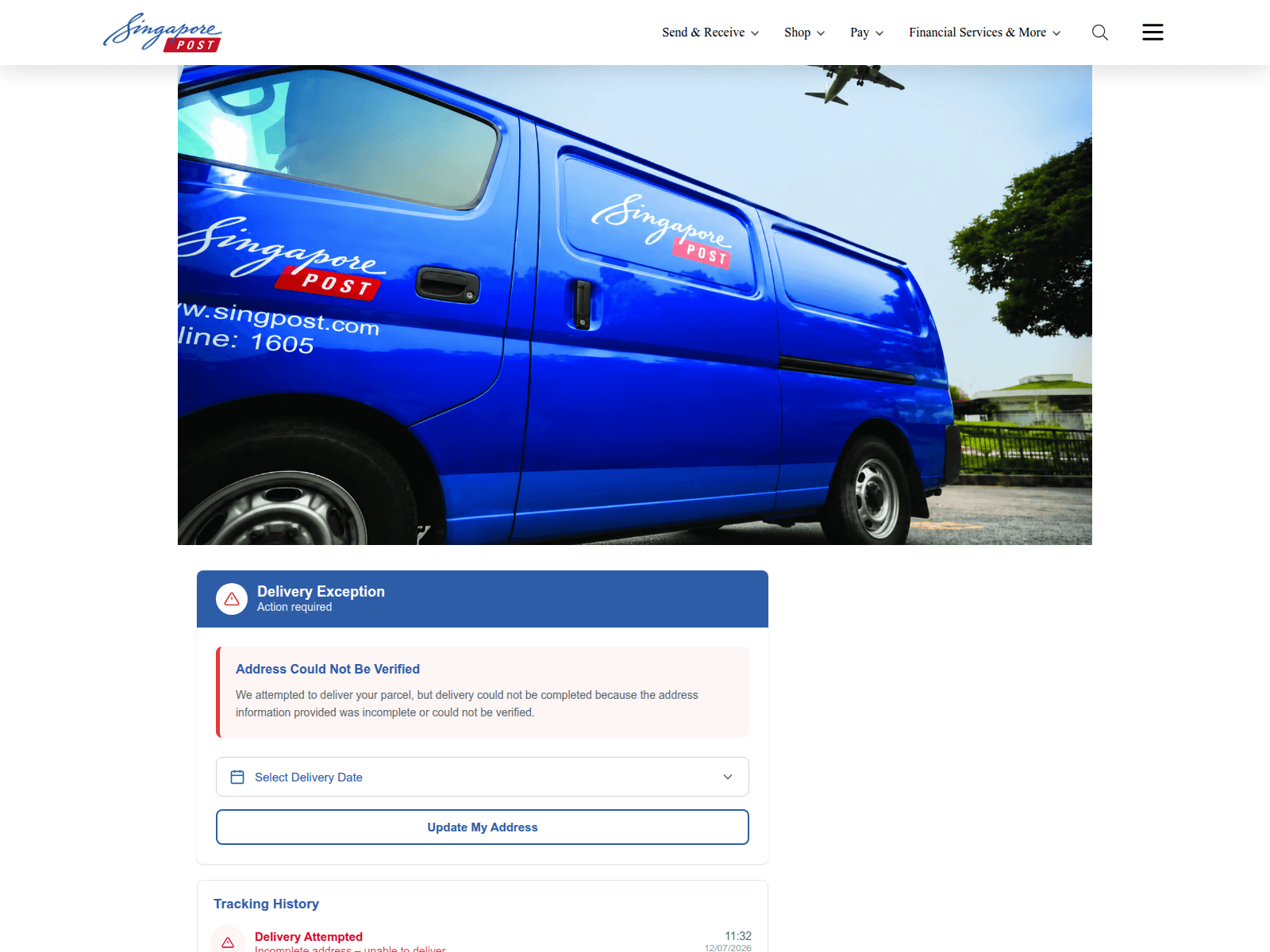
Advisory on Fake SingPost Websites and Phishing Scams
sgposeigt.sbs
The Singapore Police Force has observed a trend of phishing scams involving fake SingPost websites. Scammers create fraudulent sites designed to look like the official SingPost page to trick you into revealing personal or payment information.
Here’s how to recognise these scams:
- Check the Website Address: Always verify the URL in your browser. Official SingPost websites typically end with "singpost.com" or "singpost.com.sg". Scam sites often use slightly altered names or unusual domain endings (e.g., .sbs).
- Be Wary of Unexpected Messages: Look out for SMSes or emails claiming issues with parcel delivery, unpaid postage, or asking you to click on a link to resolve a problem, especially if you were not expecting a parcel.
If you suspect you have encountered such a scam or provided your details:
- ACT against scams:
- Add security features: Immediately change passwords for any accounts that might be compromised. Enable Two-Factor Authentication (2FA) for added protection.
- Check for scam signs: Do not click on suspicious links or respond to messages. Verify any delivery status directly through the official SingPost app or website (singpost.com) by manually entering your tracking number.
- Tell authorities, family and friends: Report the scam to the police. Inform your bank if you have shared any banking details. Alert your family and friends to help them stay safe.
Unsure if something is a scam? Check by calling the 24/7 ScamShield Helpline at 1799.
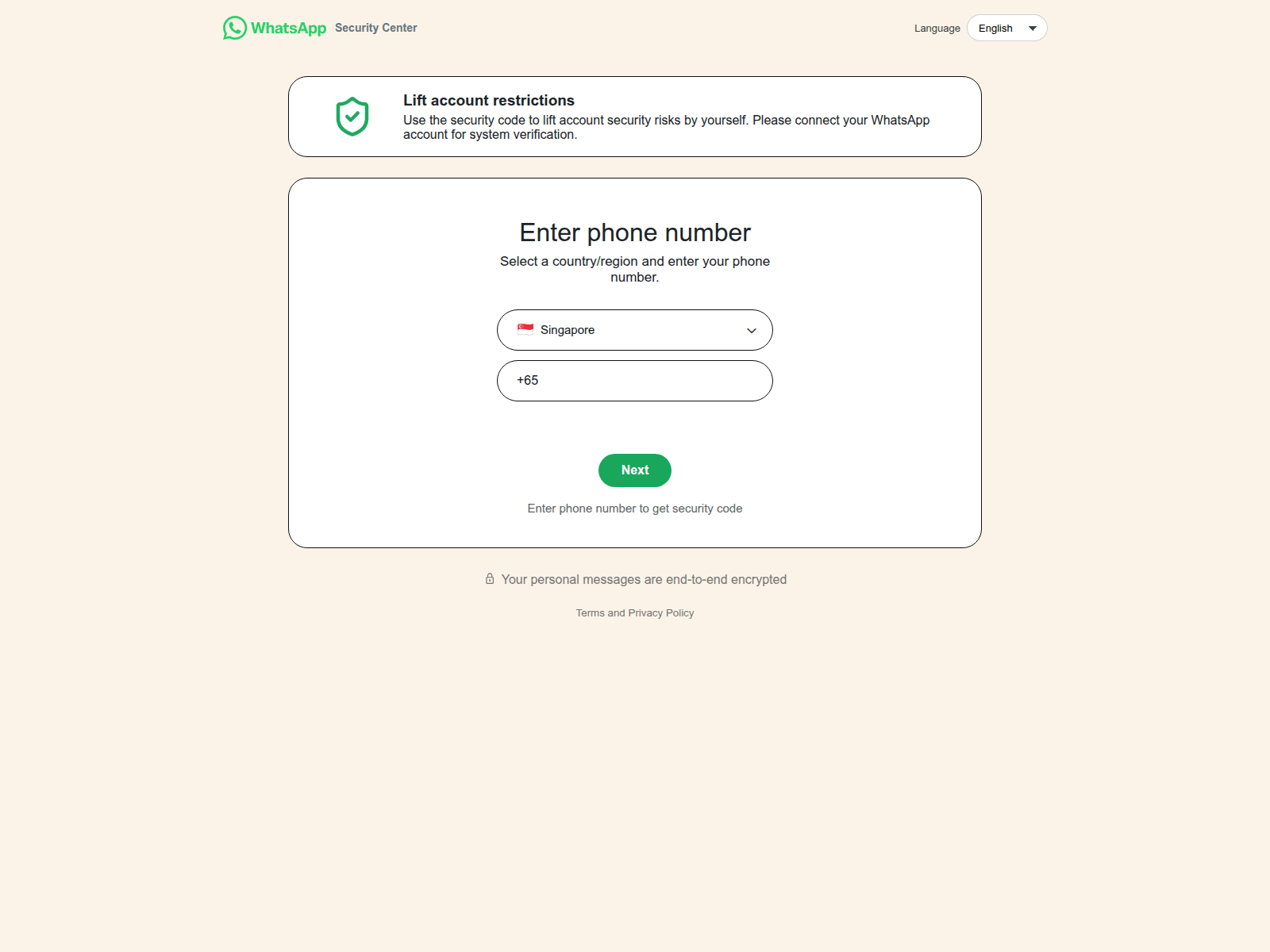
Advisory on WhatsApp Impersonation Scams
ws-whmalopp.lat
The Singapore Police Force has observed a recent trend of impersonation scams primarily conducted through WhatsApp. Scammers are exploiting the trust associated with familiar messaging platforms to trick individuals.
How to Recognise Such Scams:
- Be wary of any unexpected links received via WhatsApp, even from known contacts. Scammers use fake URLs (e.g.,
ws-whmalopp.lat) which do not belong to official WhatsApp sites, to trick you into revealing personal information or downloading malware. - Scammers often impersonate friends or family members, sending urgent requests for money, personal details, or asking you to click on suspicious links. Always verify such requests by calling the person directly on a known number or using a different, trusted communication channel.
What to Do If Affected:
If you believe you have fallen victim to such a scam:
- ACT by "Adding" Security Features: Immediately change your account passwords for WhatsApp and any other online accounts if you clicked on a suspicious link or provided your details. Enable Two-Step Verification for your WhatsApp account to enhance security.
- ACT by "Checking" for Scam Signs: If you have shared bank details or made a transaction, contact your bank immediately to halt any further transactions.
- ACT by "Telling" Authorities, Family and Friends: Report the incident to the Police and inform your family and friends about the scam to prevent them from falling victim.
Unsure if something is a scam? Check by calling the 24/7 ScamShield Helpline at 1799.