Back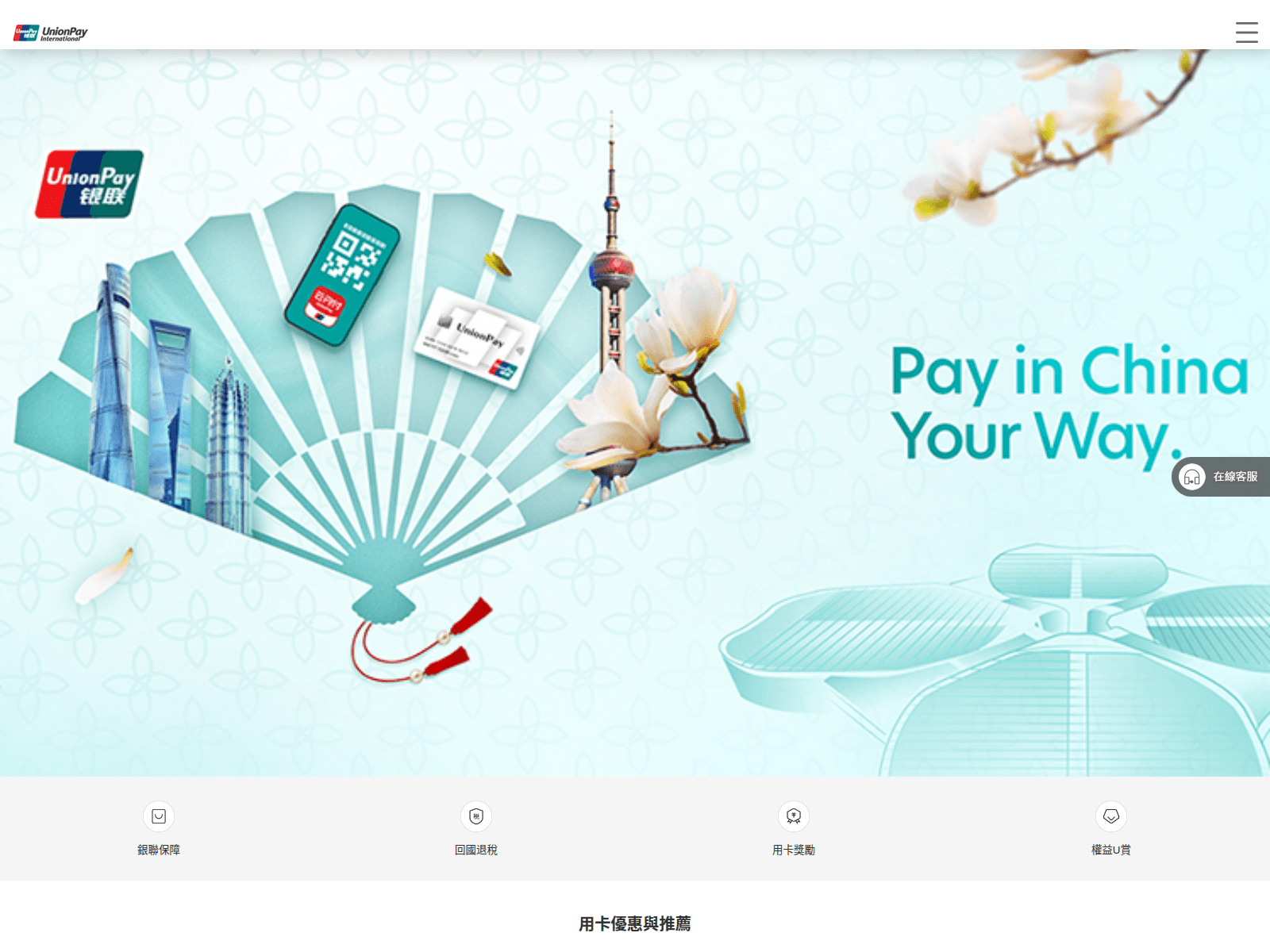
Tap to zoom
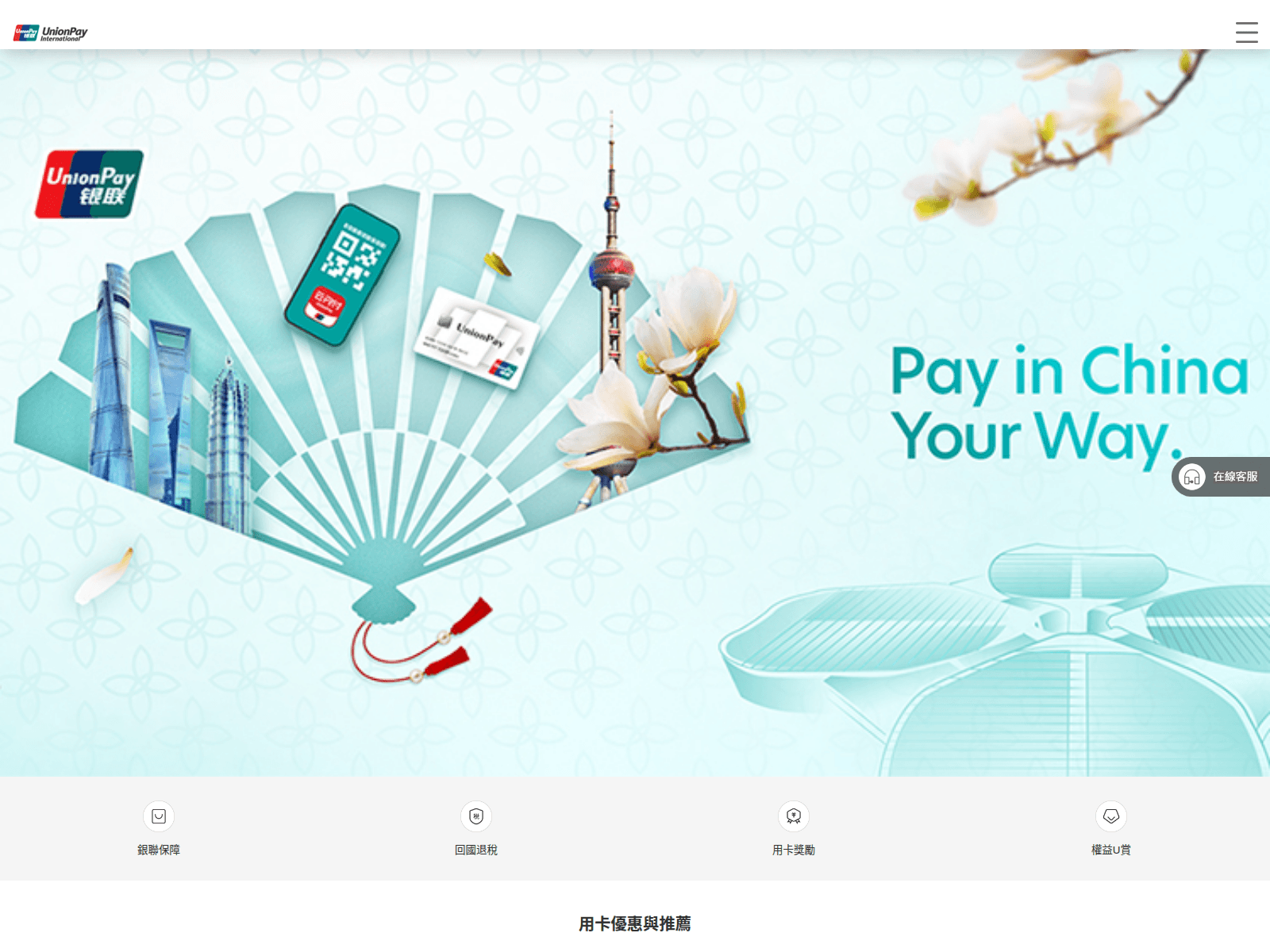
Advisory: Beware of Scam Websites Impersonating UnionPay
lumivo.cfd
calqiro.cfd
The Singapore Police Force has observed recent reports of scam websites impersonating UnionPay. These sites aim to trick users into revealing their personal and banking information.
Here’s how you can recognise such scams and protect yourself:
- Check for scam signs: Always scrutinise the website address. Legitimate UnionPay websites will have official domains, not suspicious ones like
lumivo.cfdorcalqiro.cfd. Look for inconsistencies or unusual layouts. - Verify unexpected requests: Be wary of unsolicited messages (e.g., SMS, emails) that direct you to a website asking for your UnionPay details. UnionPay will typically not ask for sensitive information through unverified links.
What to do if you suspect you've been affected:
- Tell authorities and your bank: Immediately contact your bank or UnionPay to report any unauthorised transactions and secure your accounts.
- Add security: Change any compromised passwords for your online accounts, including your banking or UnionPay accounts, as well as email and other platforms if you use the same password.
- Report to the Police: Submit a report via www.police.gov.sg/iwitness or call 999.
Unsure if something is a scam? Check by calling the 24/7 ScamShield Helpline at 1799.