Back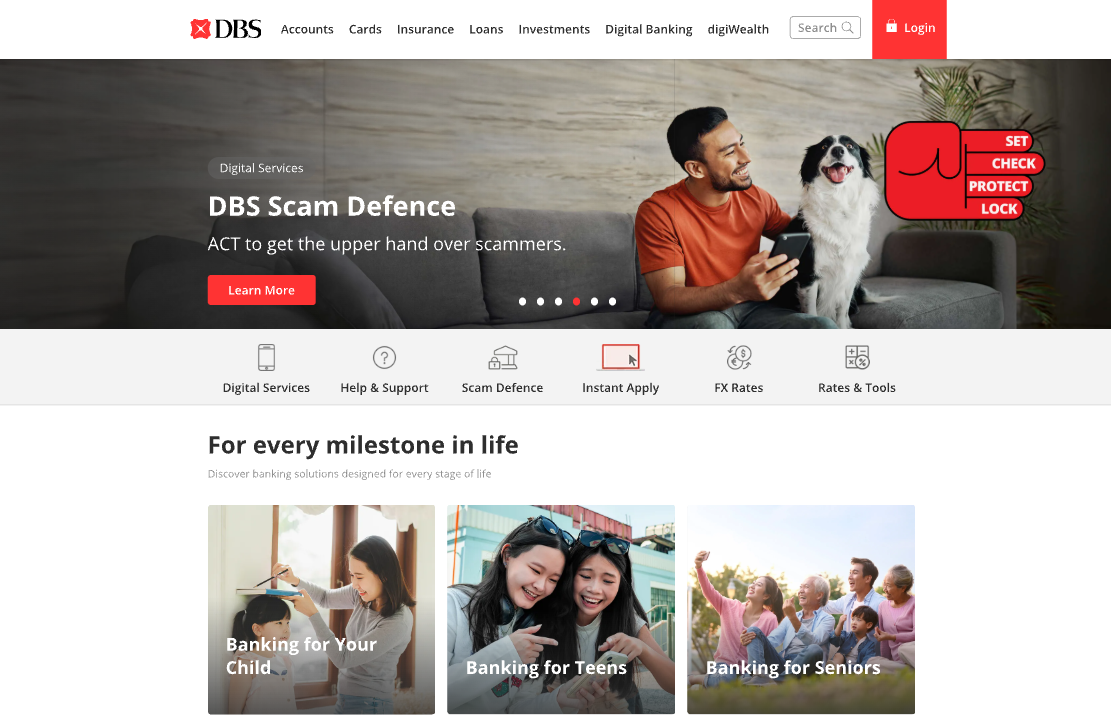
Tap to zoom
Advisory: Beware of Fake DBS Banking Websites
dbsi-banking.com
The Singapore Police Force has observed an increase in phishing websites impersonating banks, including DBS. These fake websites aim to trick you into revealing your banking credentials and personal information.
How to recognise this scam:
- Always scrutinise the website address. Official DBS websites use
dbs.comorposb.com. Be wary of URLs that are slightly different, likedbsi-banking.comor other variations. - Be suspicious of unexpected messages, emails, or pop-ups asking you to click a link to log into your internet banking account. It's best to always type the official bank URL directly into your browser.
What to do if you think you've been affected:
- If you have entered your banking details onto a suspicious website, immediately contact DBS/POSB through their official fraud hotline or customer service number.
- Change your internet banking password for all your accounts.
- Monitor your bank accounts closely for any unauthorised transactions.
Unsure if something is a scam? Check by calling the 24/7 ScamShield Helpline at 1799.