Back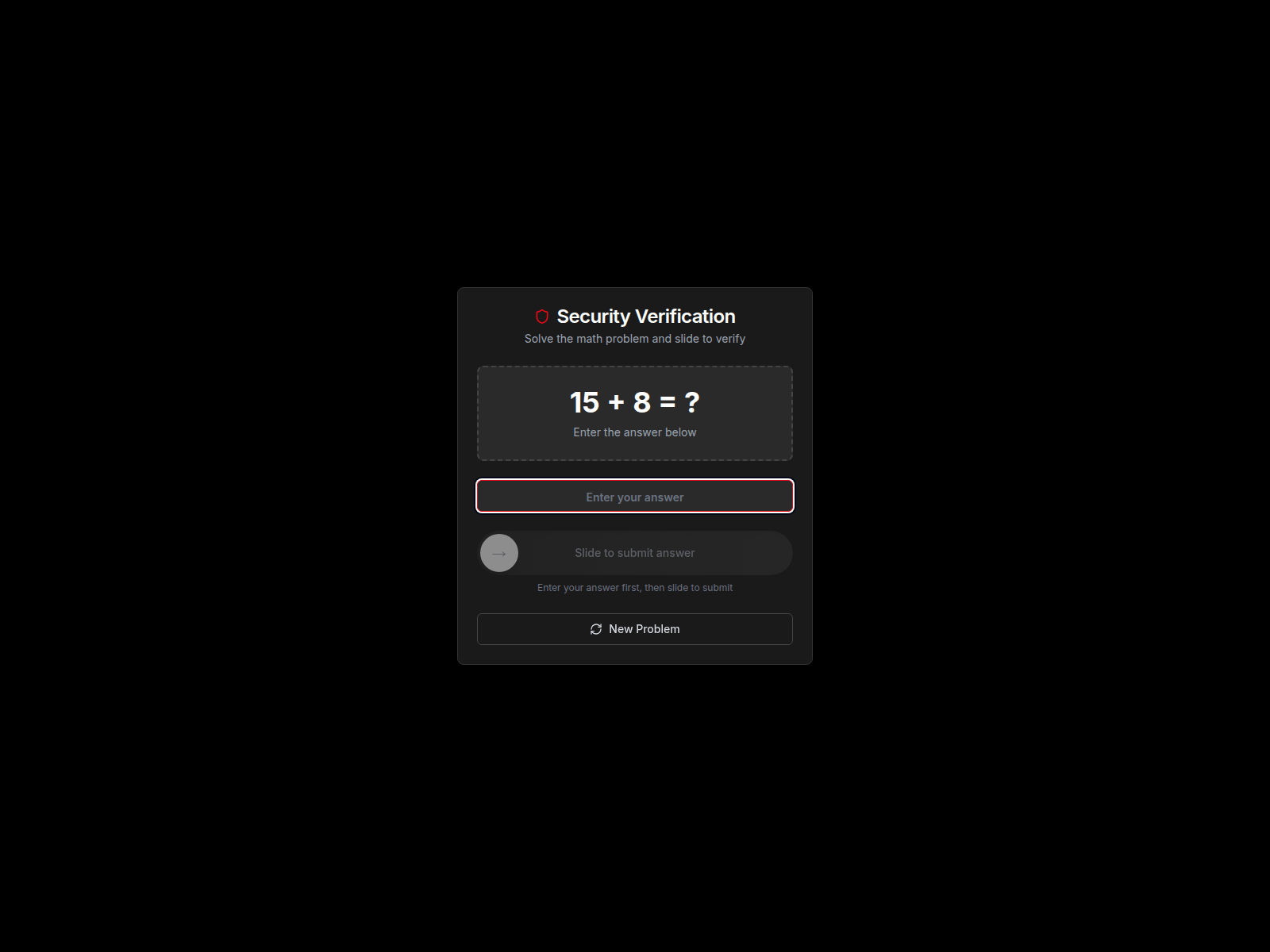
Tap to zoom
Spotting Fake Netflix Websites: A Phishing Scam Advisory
streamhelpcenter.com
The Singapore Police Force (SPF) would like to alert the public to phishing scams impersonating Netflix. Scammers create fake websites designed to look like the official Netflix login page to trick you into revealing your account details.
How to recognise these scams:
- Check the website address carefully. Always ensure the website address is
netflix.com. Scammers use similar-looking addresses likestreamhelpcenter.comto deceive you. - Be suspicious of unexpected messages. Phishing attempts often start with an email or SMS asking you to click a link to "verify your account," "update payment details," or "reactivate your subscription." Always go directly to the official Netflix website to log in, rather than clicking links from such messages.
What to do if you have entered your details on a scam website:
- Change your Netflix password immediately on the official Netflix website (
netflix.com). - If you have used the same password on other online accounts, change those passwords as well.
- Monitor your Netflix account for any unauthorised activity.
- Report the incident to Netflix directly through their official channels.
- Inform your bank if you entered any payment information on the fake site and monitor your bank statements for suspicious transactions.
- Tell your family and friends about this scam to prevent them from falling victim.
Unsure if something is a scam? Check by calling the 24/7 ScamShield Helpline at 1799.