Back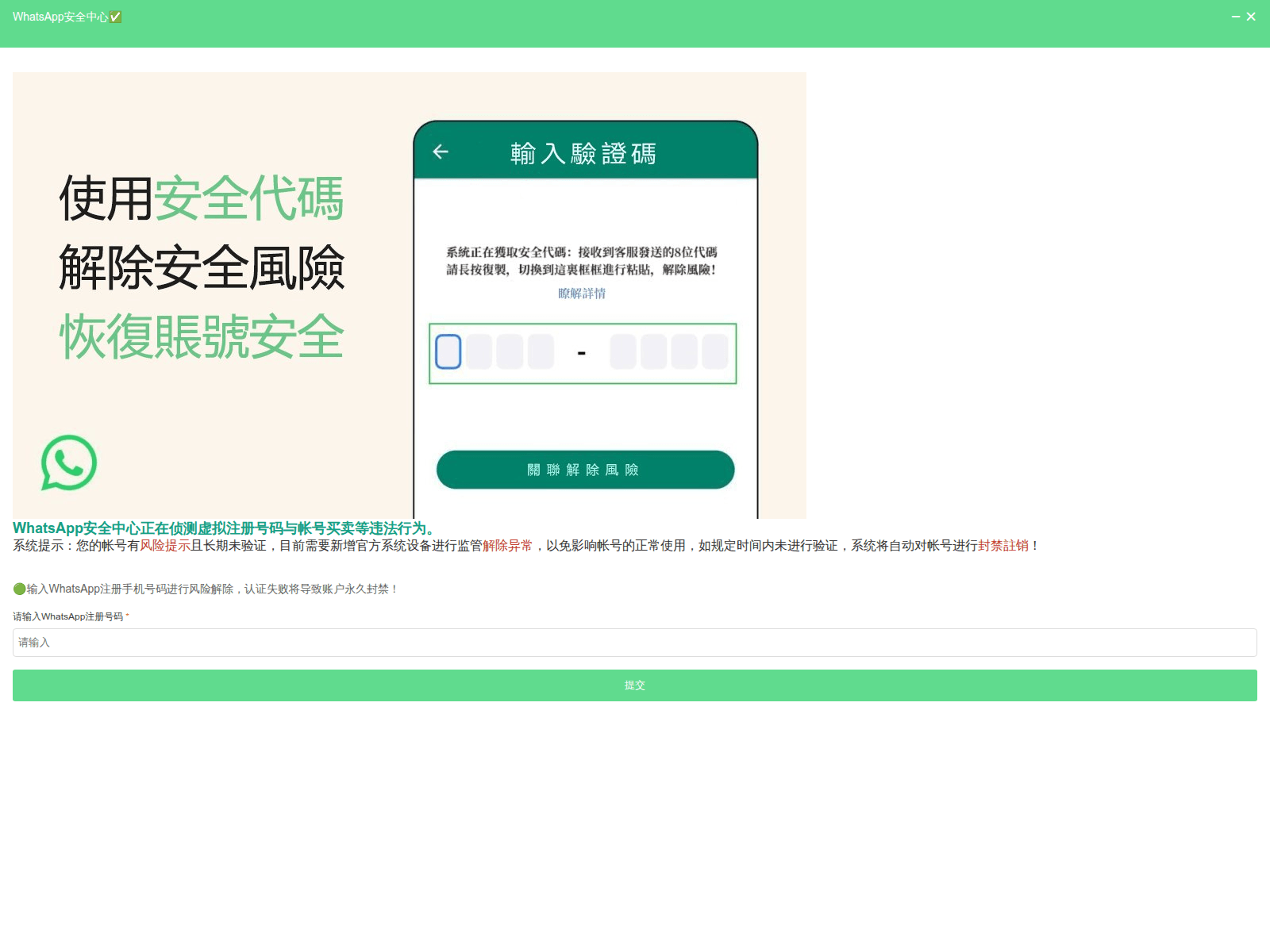
Tap to zoom
Public Advisory: Beware of Scams Impersonating WhatsApp
whatchsupp.cc
whatosupp.cc
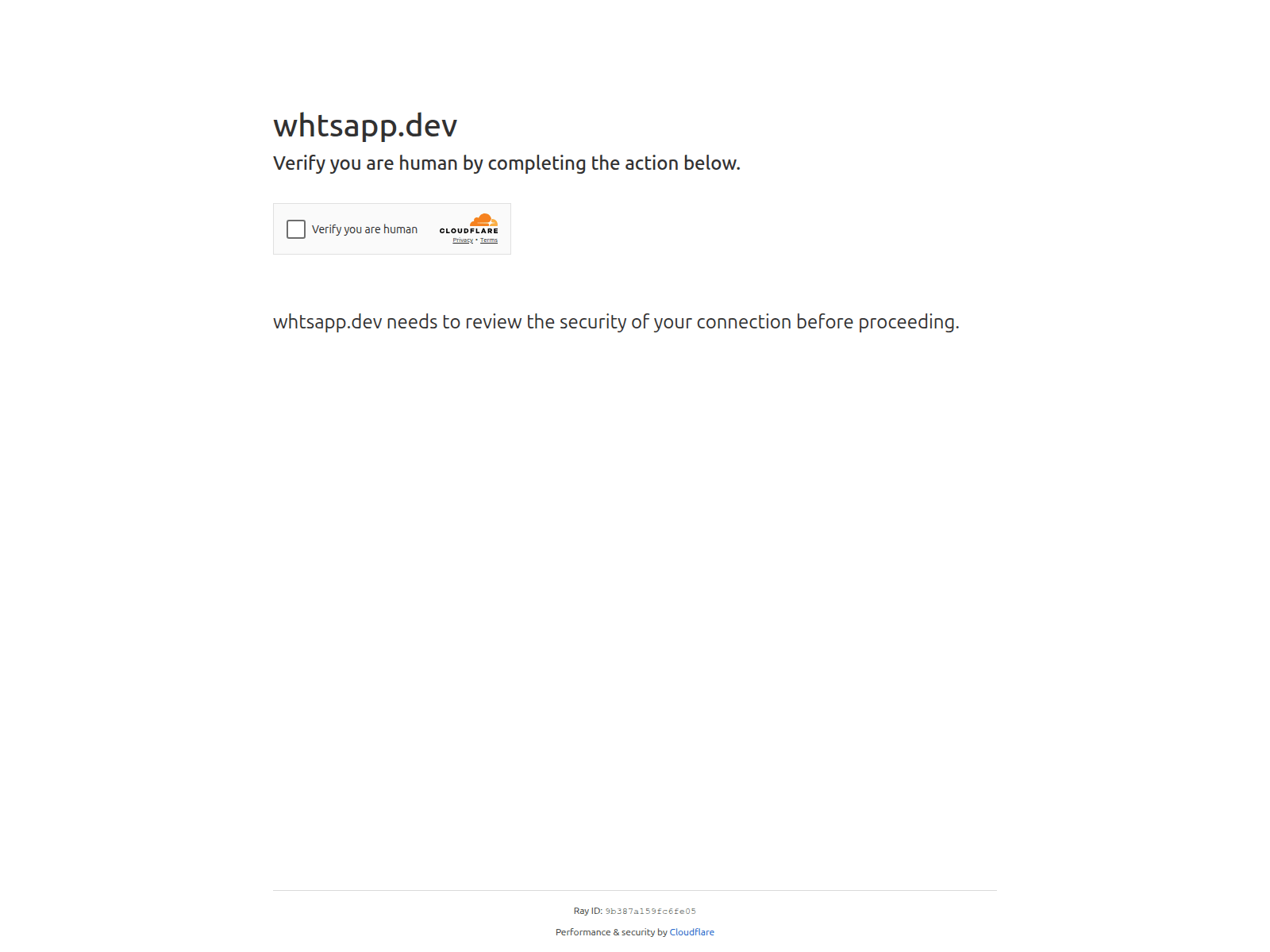
whtsapp.dev
whtasapop.com
whurtsn.cn
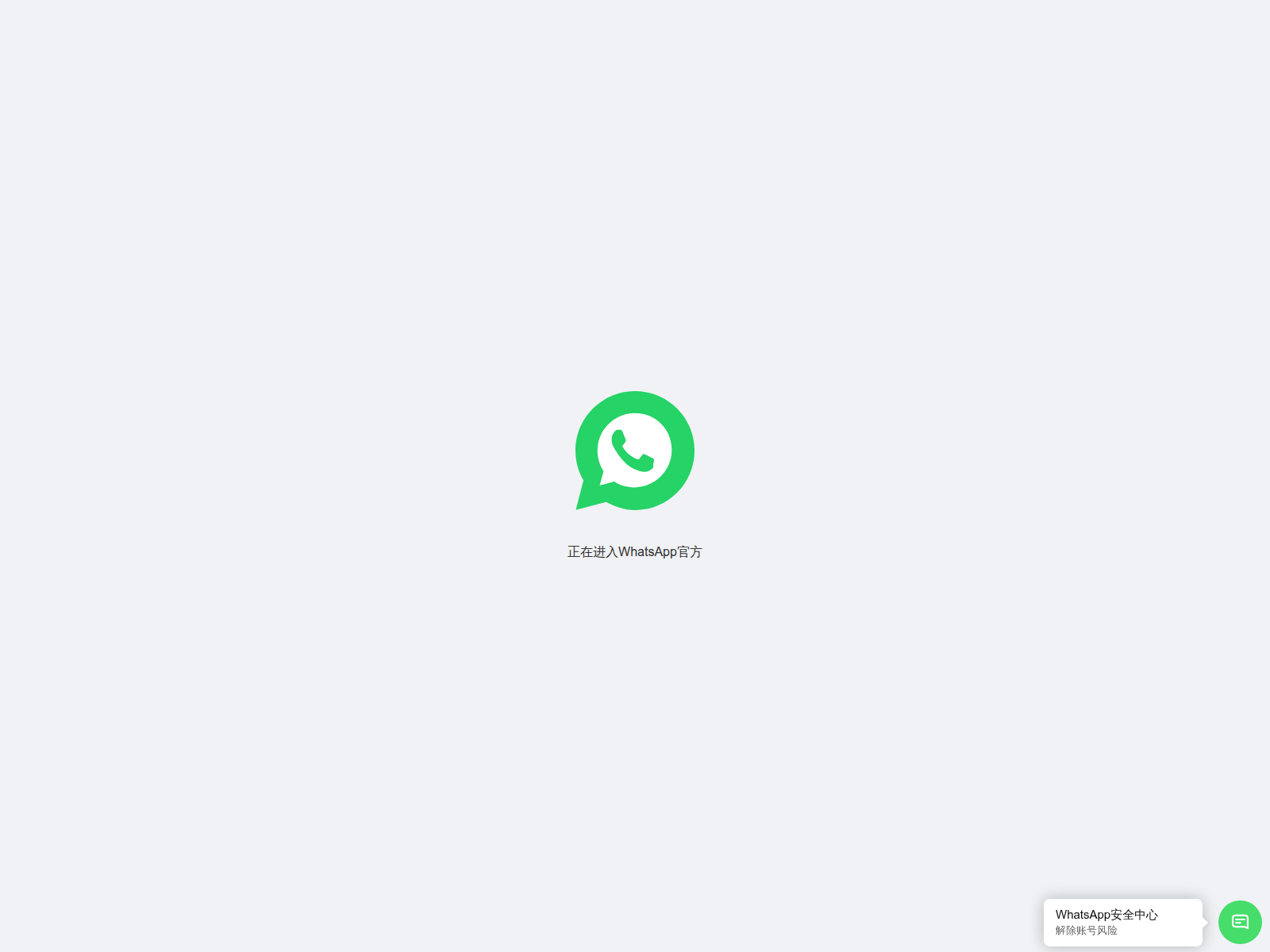
The Singapore Police Force (SPF) has observed a recent trend of scam websites impersonating WhatsApp. These scam sites often use URLs with slight misspellings of "WhatsApp" (e.g., whatchsupp.cc, whatosupp.cc, whtsapp.dev) to trick victims.
Scammers leverage these fake sites for various purposes, including phishing for personal details or promoting fake job offers.
Here's how you can recognise these scams:
- Spot Misspelled URLs: Always inspect the website address carefully. Scammers use subtle misspellings (e.g.,
whatchsupp.cc,whtsapp.dev) in links to mimic official WhatsApp pages for phishing or fake job offers. - Beware of Unexpected Messages: Be suspicious of unsolicited messages, especially those offering attractive job opportunities or requesting personal information, even if they appear to be from WhatsApp.
If you encounter such a scam or have been affected, you can ACT against it:
- Add security features: Enhance your security by enabling Two-Step Verification on your official WhatsApp account to add an extra layer of protection.
- Check for scam signs: Always verify the authenticity of messages and links before clicking. If a message seems suspicious, navigate directly to the official WhatsApp website or app instead of using the provided link.
- Tell authorities, family and friends: Report scam messages to WhatsApp directly within the app and inform your family and friends about these scams. If you have provided personal information or banking details, or if your account has been compromised, report it to the police immediately.
Unsure if something is a scam? Check by calling the 24/7 ScamShield Helpline at 1799.