Back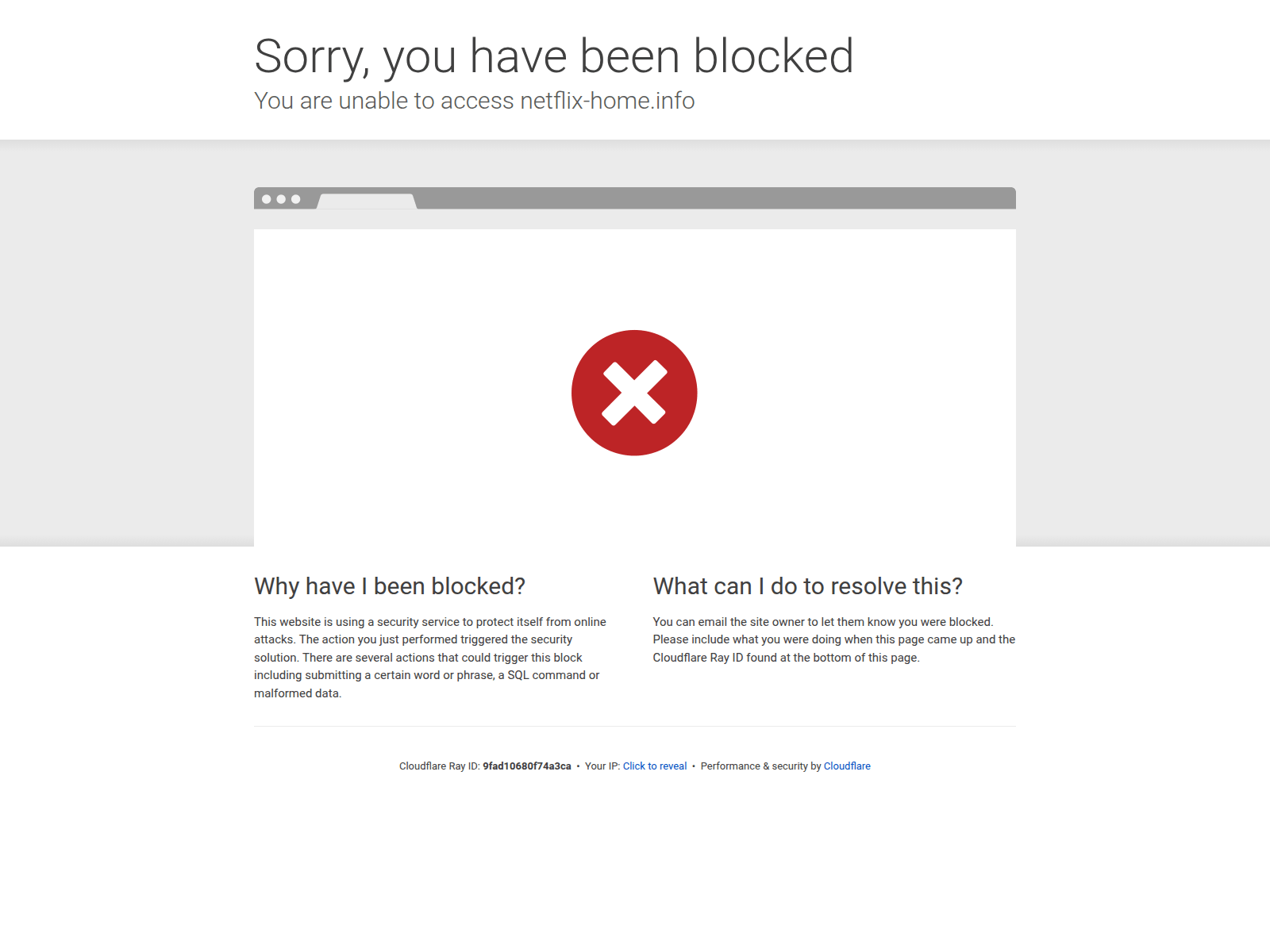
Tap to zoom
Advisory: Beware of Phishing Scams Impersonating Netflix
netflix-home.info
The Singapore Police Force advises the public to be vigilant against phishing scams impersonating popular streaming services like Netflix. These scams attempt to trick you into revealing your login credentials or personal information.
Here’s how to recognise such scams:
- Check the website address carefully. Scammers use similar-looking URLs (e.g.,
netflix-home.info) that are not the official Netflix website (netflix.com). Always ensure you are on the legitimate site before entering any details. - Be suspicious of unexpected messages. Phishing attempts often come via email or SMS, urging you to update payment information, reactivate your account, or click on suspicious links. Always go directly to the official app or website to manage your account.
If you have provided your details on a suspicious website:
- Change your password immediately on your official Netflix account and any other accounts where you use the same password.
- Monitor your bank and credit card statements for any unauthorised transactions.
- Report the incident to your bank if you suspect any financial information has been compromised.
- Inform the police if you have fallen victim and suffered financial loss.
Unsure if something is a scam? Check by calling the 24/7 ScamShield Helpline at 1799.