Back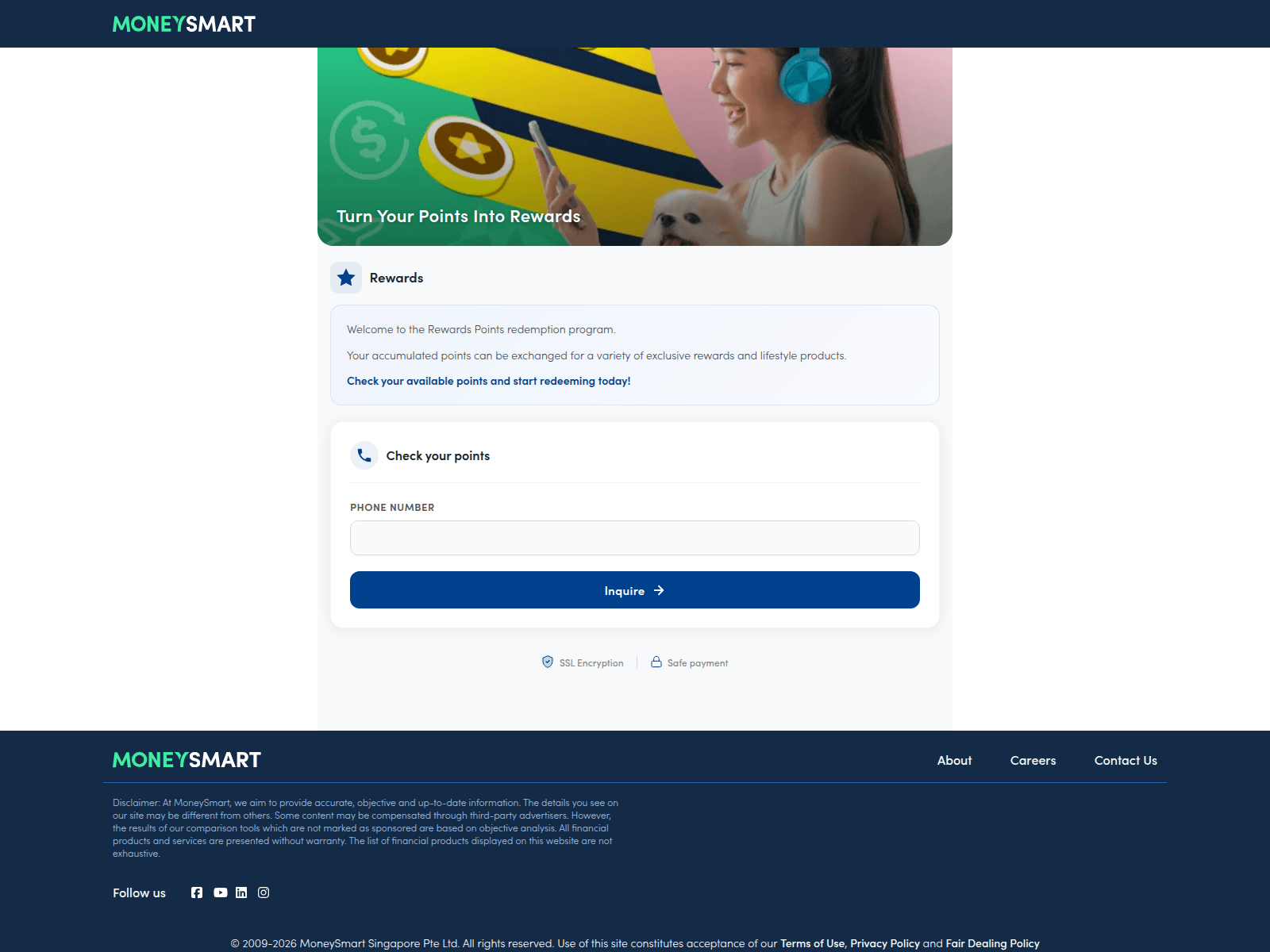
Tap to zoom
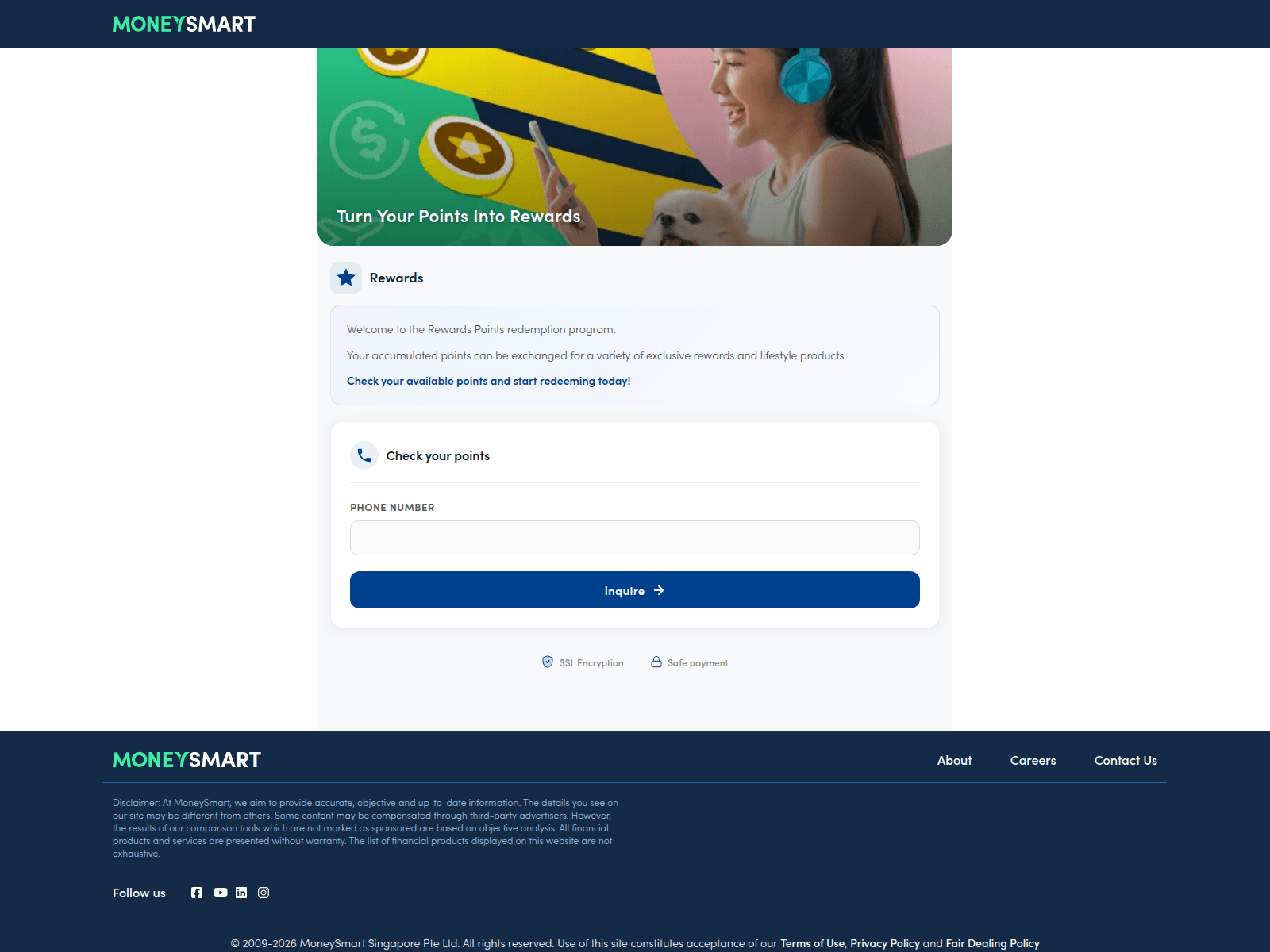
Advisory: Protect Yourself from Phishing Scams Impersonating MoneySmart
money-sm.art
moneysmart.money
moneysmart.click
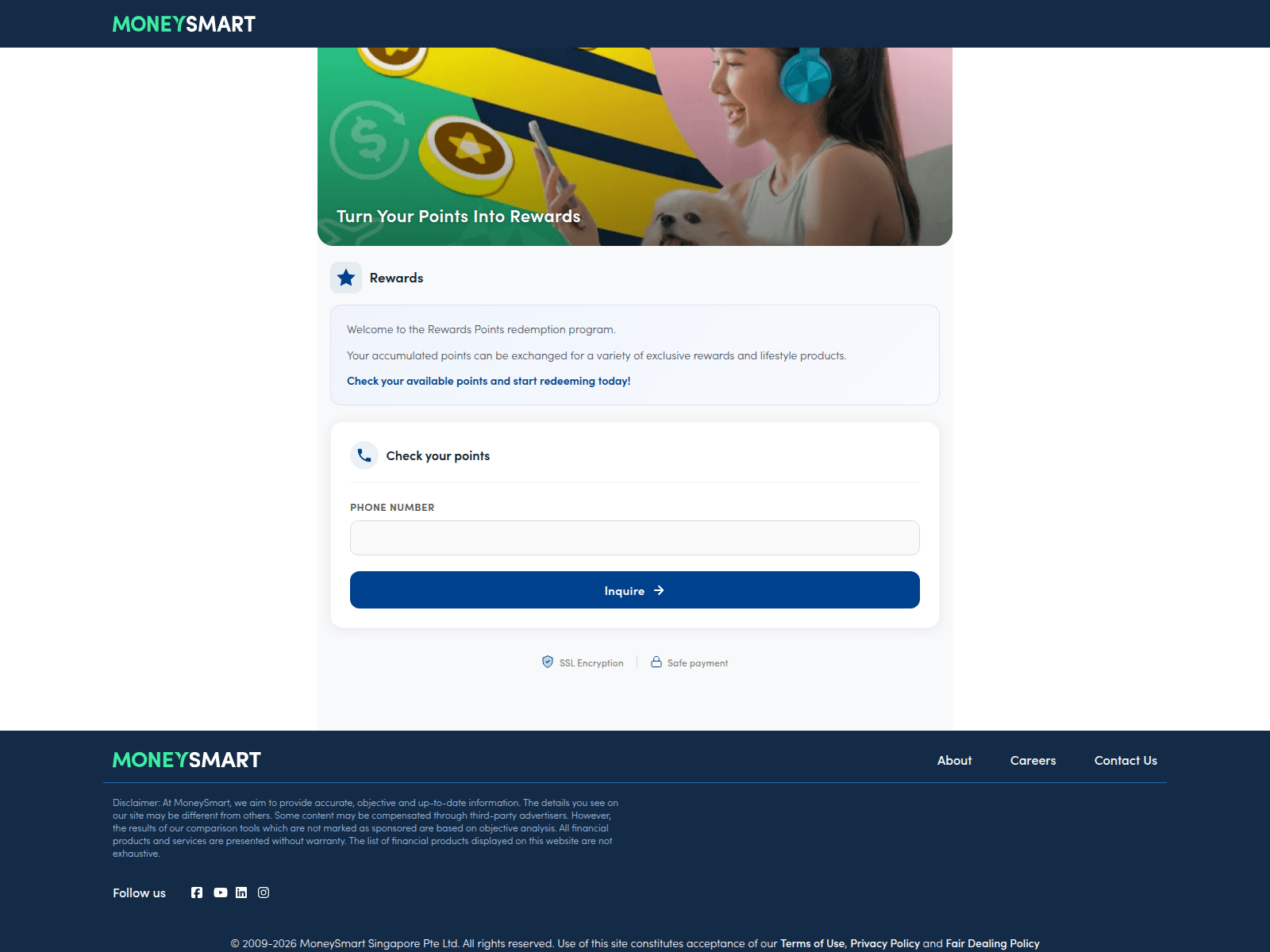
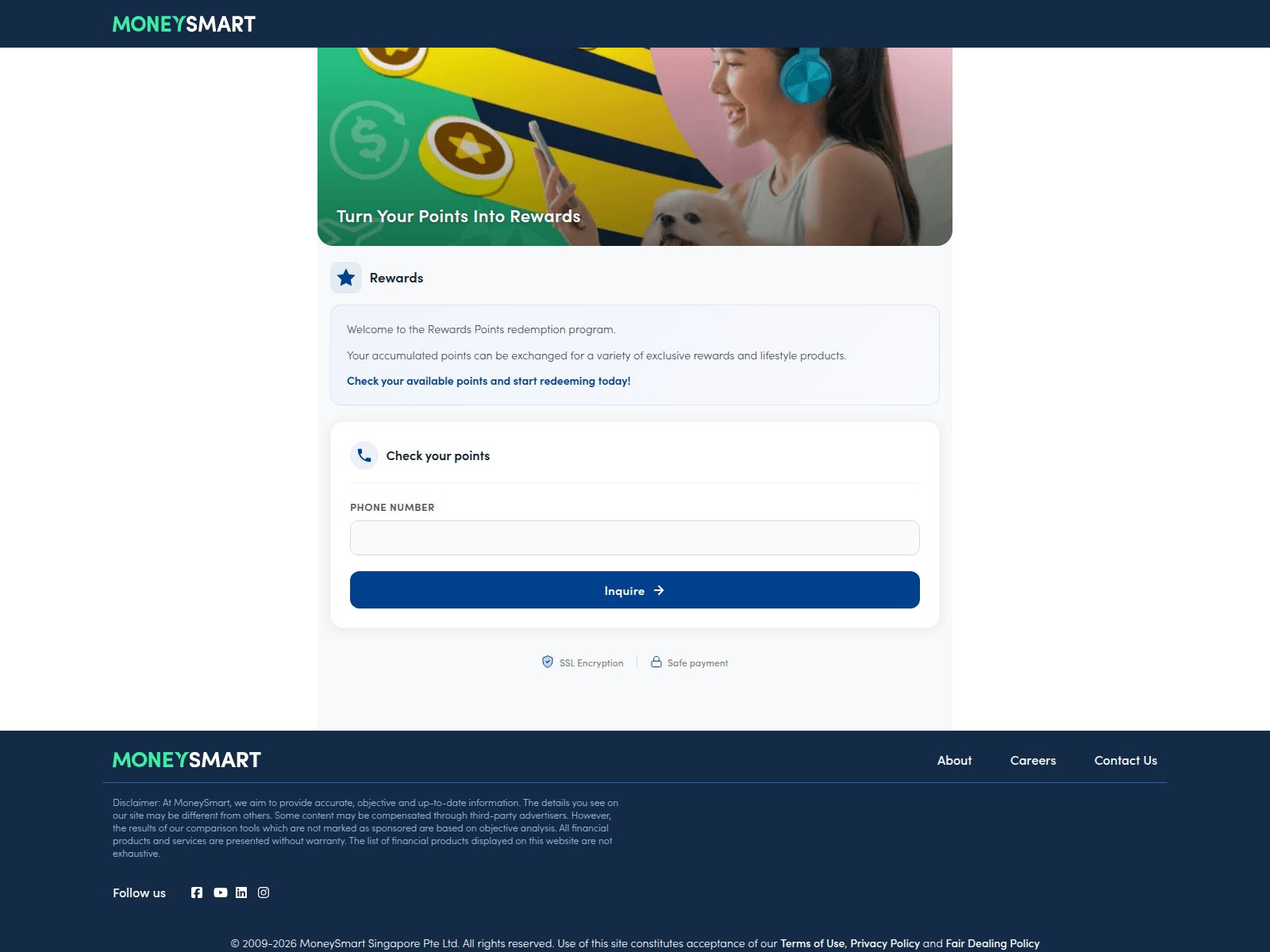
The Singapore Police Force has observed an increase in phishing scams attempting to impersonate MoneySmart. Scammers create fake websites to trick you into revealing your personal and financial details.
Here's how to recognise these scams:
- Check the URL carefully: Scammers use website addresses that look similar to MoneySmart but have unusual endings like
.money,.click, or.art(e.g.,moneysmart.money,money-sm.art). Always verify that the website address is the officialmoneysmart.sgbefore interacting. - Be wary of unexpected requests: Genuine organisations will not usually ask for your personal details or banking credentials through unsolicited messages or pop-ups.
What to do if you encounter such a scam or have been affected: If you suspect you have provided your personal or financial details on a fake MoneySmart website, contact your bank immediately to report any unauthorised transactions and secure your accounts. Change the passwords for all your online accounts that might have been compromised. Report the incident to the police.
Unsure if something is a scam? Check by calling the 24/7 ScamShield Helpline at 1799.