Back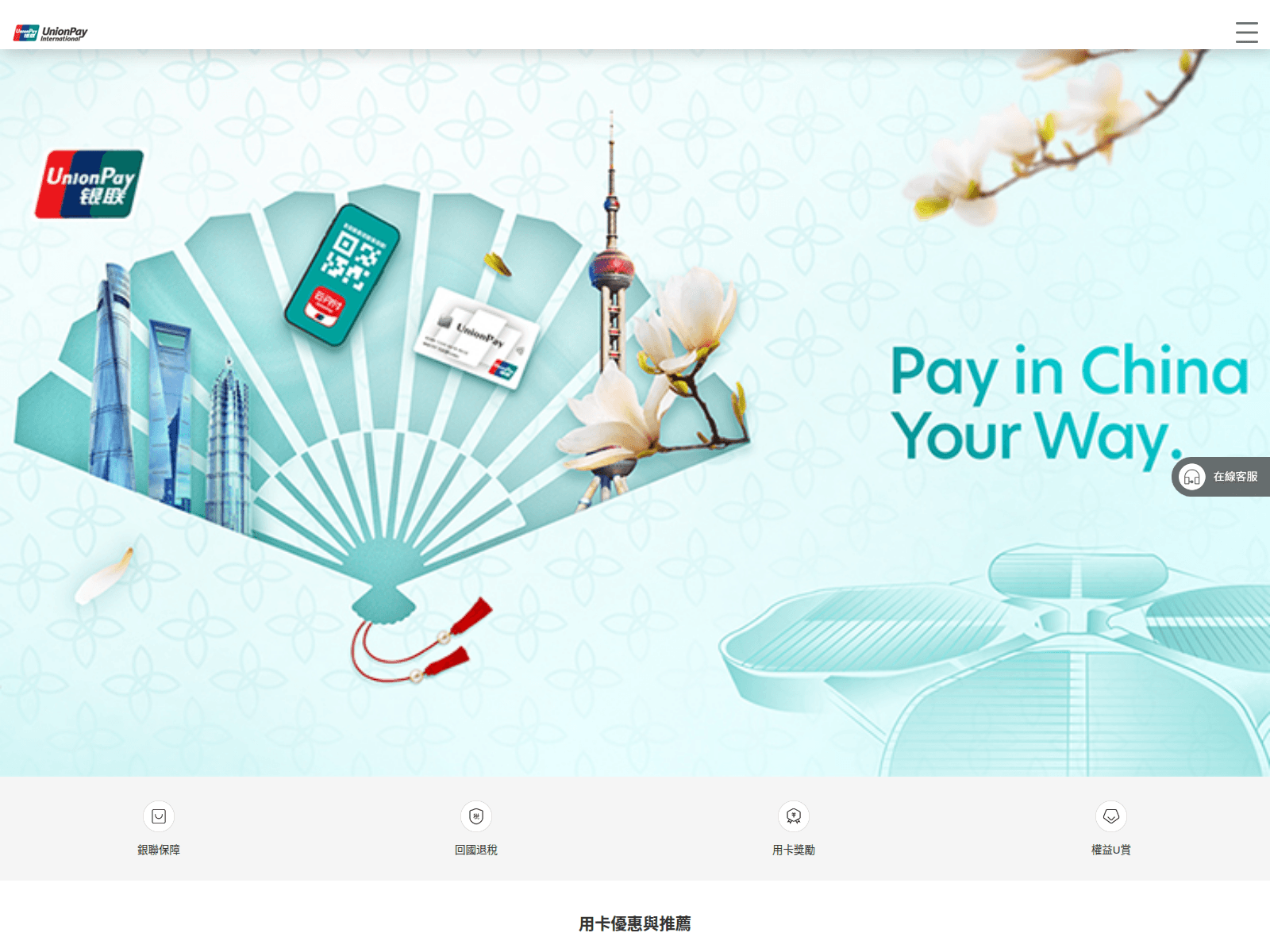
Tap to zoom
Advisory: Beware of Fake UnionPay "Security Check" Scam Websites
plieruy.cfd
The Singapore Police Force (SPF) has observed an increase in scam websites impersonating UnionPay. These sites often trick users with fake "security check" prompts to steal their login credentials and personal information.
How to recognise this scam:
- Scammers create fake websites with suspicious website addresses (URLs) that are not the official UnionPay website (e.g.,
plieruy.cfdinstead ofunionpayintl.com). - These fake sites may display urgent "security check" prompts asking for your login details or personal information when you click on a link from an unexpected message or email.
What to do if you encounter or fall victim to this scam:
Adding security features:
- Always enable Two-Factor Authentication (2FA) for your UnionPay account and other online accounts to add an extra layer of security.
Checking for scam signs:
- Verify the authenticity of any website by carefully checking the URL for misspellings or unusual characters. Always go directly to UnionPay's official website or app instead of clicking on links from unknown sources.
Telling authorities, family and friends:
- If you suspect you have fallen victim and entered your details on a fake site, immediately change your UnionPay account password and any other accounts where you may have used the same password.
- Inform UnionPay's official customer service directly to report the incident and check for any unauthorised transactions.
- Report the incident to the Police.
Unsure if something is a scam? Check by calling the 24/7 ScamShield Helpline at 1799.